FFTs and Automatic Measurements
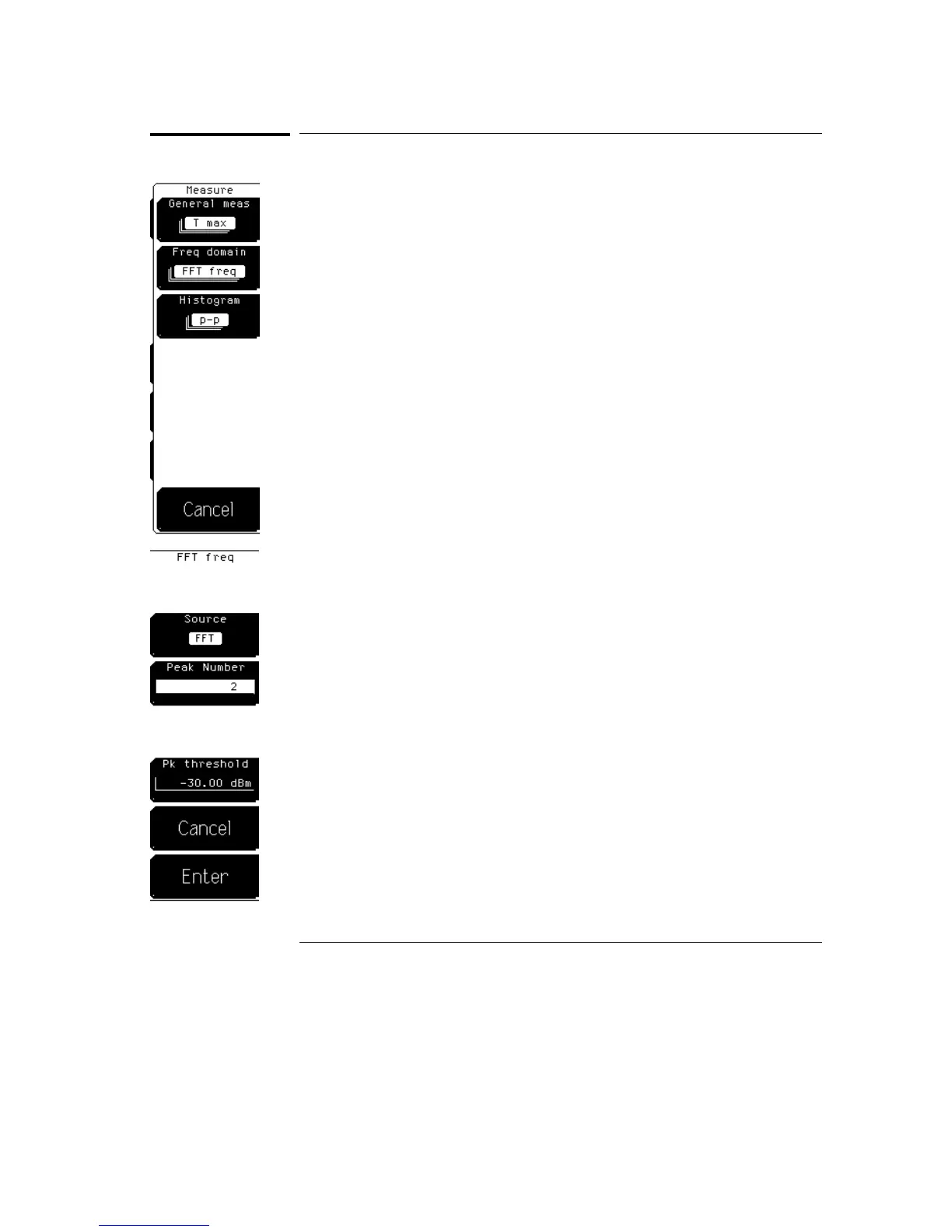
You can access the automatic FFT measurements by pressing the More meas
(more measurements) key on the keypad. The available FFT measurements
are frequency, magnitude, delta frequency, and delta magnitude. You can
track the minimum and maximum or mean and standard deviation values of
the measurements with the statistics softkey in the Define meas (define
measure) menu.
After an FFT measurement is selected, a second level menu allows you to
customize the measurement. The delta measurement menus allow you to
select two peak numbers for the measurement.
Source
Source selects the source for the measurement. The available sources are
channels, functions, memories, or FFT. Make sure to choose FFT when you
are making measurements on an FFT function selected in the FFT menu, and
function 1 or function 2 when making measurements on an FFT function
selected in the Math menu. Otherwise, you will be making measurements on
something other than the FFT function.
Peak Number
Peak Number selects which peak the oscilloscope uses for the measurement.
For example, a peak number of 2 indicates that the measurement is made on
the second peak from the left side of the screen.
The delta frequency and delta magnitude measurements have two peak
selections. The delta magnitude measurement is performed by determining
the magnitude of each of the two peaks and then subtracting the magnitude
of the first peak from the magnitude of the second peak. The delta frequency
measurement is performed by subtracting the frequency of the first peak
from the frequency of the second peak.
FFT Menu
FFTs and Automatic Measurements
21–8



 To Next Page