Mode
Mode lets you select between six trigger modes: edge, glitch, pattern, state,
time delay, event delay. Edge is the basic trigger mode. All the other trigger
modes are a variation of the edge mode.
Edge
The edge trigger mode identifies a trigger point by looking for a specified
slope and voltage level on a waveform on one channel only. This is
accomplished by arming the trigger on a voltage either slightly higher or
lower than the trigger level. The arming voltage is set slightly lower than the
trigger level for a positive slope and slightly higher than the trigger level for a
negative slope. Then, a signal with the correct slope and voltage level
triggers the oscilloscope.
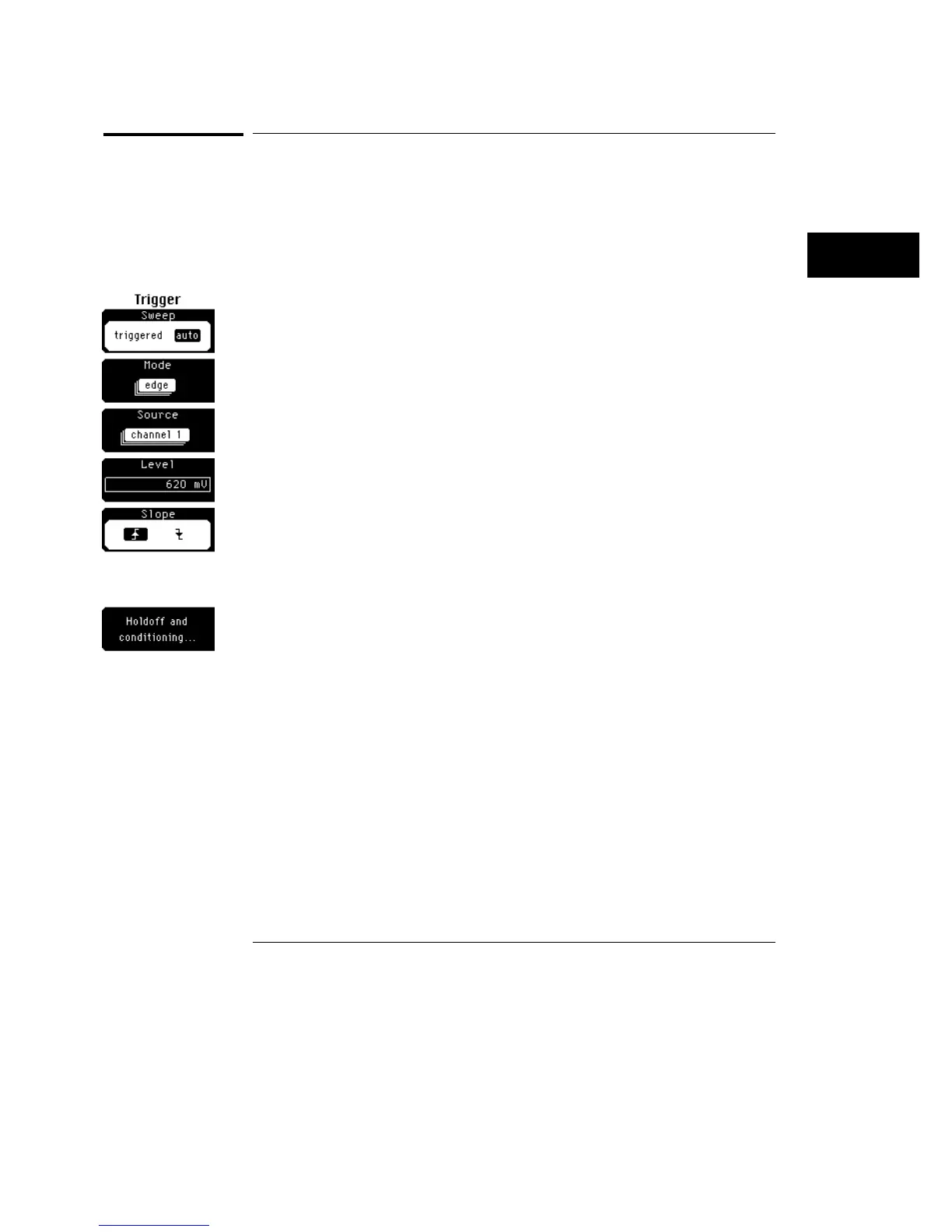
You can use the edge trigger mode to easily detect logic level transitions.
In the menu at the left, a signal on channel 1 with a positive slope that
transitions through the trigger level setting of 620 mV is identified as a trigger
event.
Trigger Menu
Mode
18–7



 To Next Page