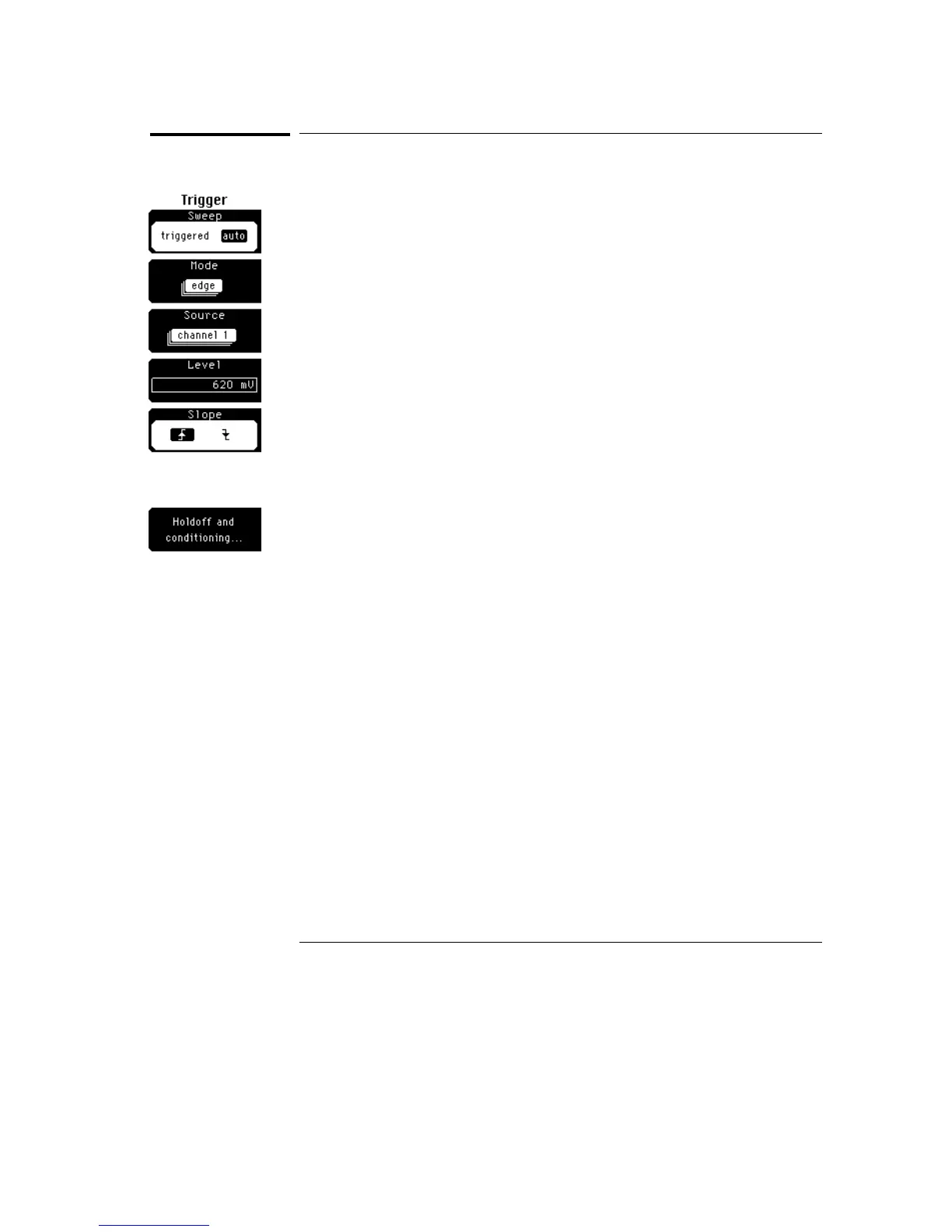
Sweep
Sweep lets you select between the triggered and auto sweep modes.
Triggered
The oscilloscope displays data only after all of the trigger conditions are met.
The triggered mode keeps the oscilloscope from triggering and displaying
data on the screen before a specific trigger event occurs. Each time the
oscilloscope triggers, it lights the Triggered LED. Then, the trigger circuit is
rearmed for the next trigger event.
Auto
After the trigger circuit is armed, the oscilloscope waits for up to 30 ms for a
trigger to occur. If a trigger does not occur within 30 ms, the oscilloscope
triggers itself, and the data that is acquired with the trigger is displayed on
the screen. It also lights the Auto Triggered LED.
Use the Auto sweep mode when you are unsure how to setup the trigger
menu to trigger the oscilloscope. This mode forces the oscilloscope to
trigger, giving you glimpses of the signal, which then allows you to set up the
oscilloscope to display the signal.
Trigger Menu
Sweep
18–6



 To Next Page