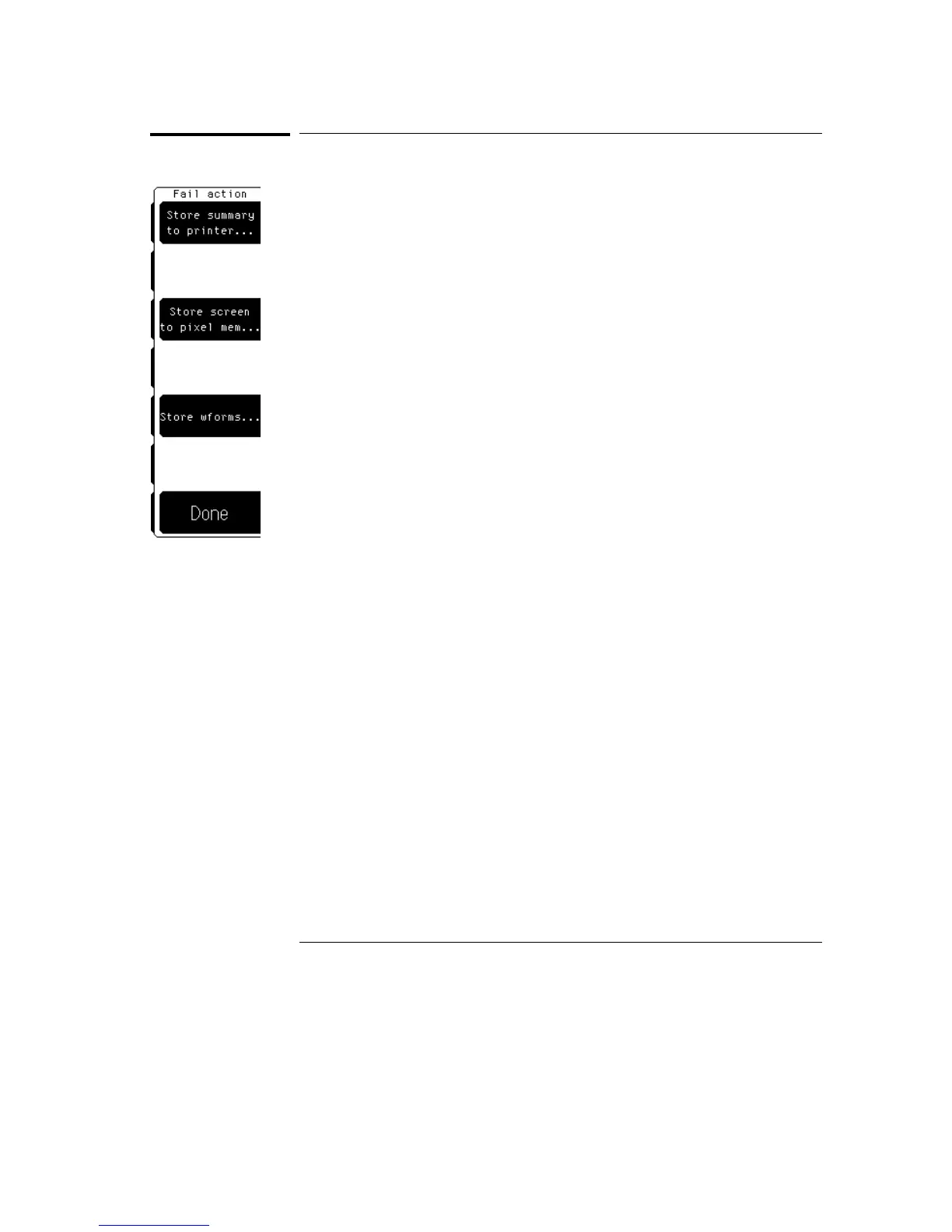
Fail Action
The Fail action softkey brings up a second level softkey menu on the display.
The Fail action menu allows you to specify what the oscilloscope does with
the test data after each failure of the mask test, or after the mask test is
complete.
Store summary
The summary is a log of the mask test data from failed test results. There are
two parts to the summary. The first part is a header that is a running total of
the number of failures. The second part is the log of the results on each
failure.
When a failure does not occur during a set of measurements, the header
information is updated to show that the measurements passed, but the
results are not logged to the summary file unless a failure occurred. When
the screen or a waveform is logged to a disk, a line is added to the summary
file that indicates the filename.
There is usually one summary file for the mask test.
Mask Menu
Fail Action
23–20



 To Next Page