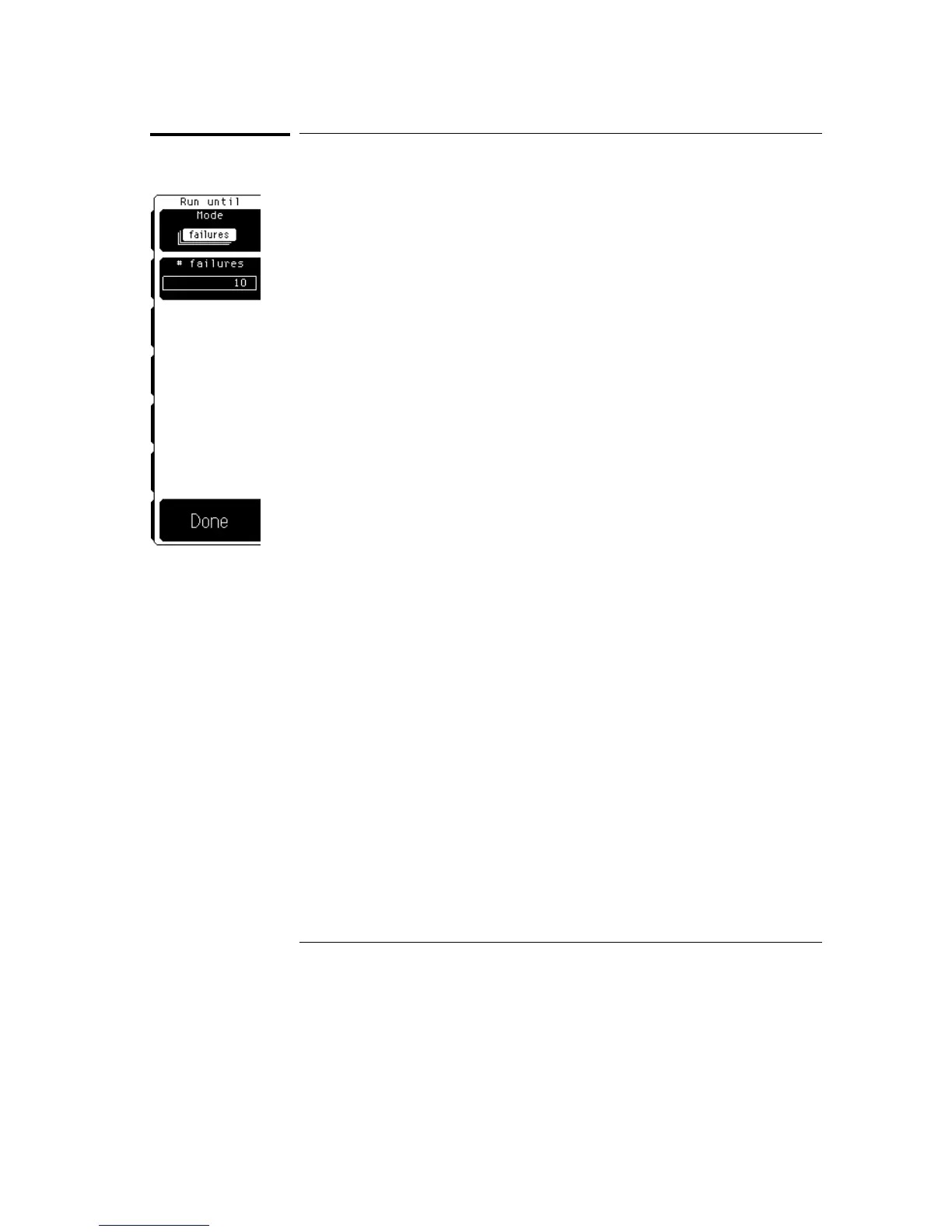
Run Until
The Run until softkey brings up a second-level softkey menu on the display.
The Run until menu allows you to specify when the oscilloscope should stop
running the mask test.
Mode
Mode allows you to configure when the mask test should stop. The five
choices are run the test forever, run until a set number of failed waveforms
occurs, run until a set number of failed samples occurs, run until a set
number of waveforms occurs, or run until a set number of samples occurs.
Forever
Forever runs the mask test until you turn the test off.
Use the forever mode when you want the mask test to run continually and to
not stop after a fixed number of failures or acquisitions. For example, you
may want the mask test to run overnight and not be limited by a number of
failures or acquisitions.
Failed Waveforms
Failed waveforms runs the mask test until a set
number of failed waveforms are acquired. When failed waveforms is
selected, another softkey is displayed that allows you to set the number
of failures.
Failed Samples
Failed samples runs the mask test until a set number
of failed samples are acquired. When failed samples is selected, another
softkey is displayed that allows you to set the number of failed samples.
Waveforms
Waveforms runs the mask test until a set number of
waveforms are acquired. When waveforms is selected, another softkey is
displayed that allows you to set the number of waveforms.
Mask Menu
Run Until
23–18



 To Next Page