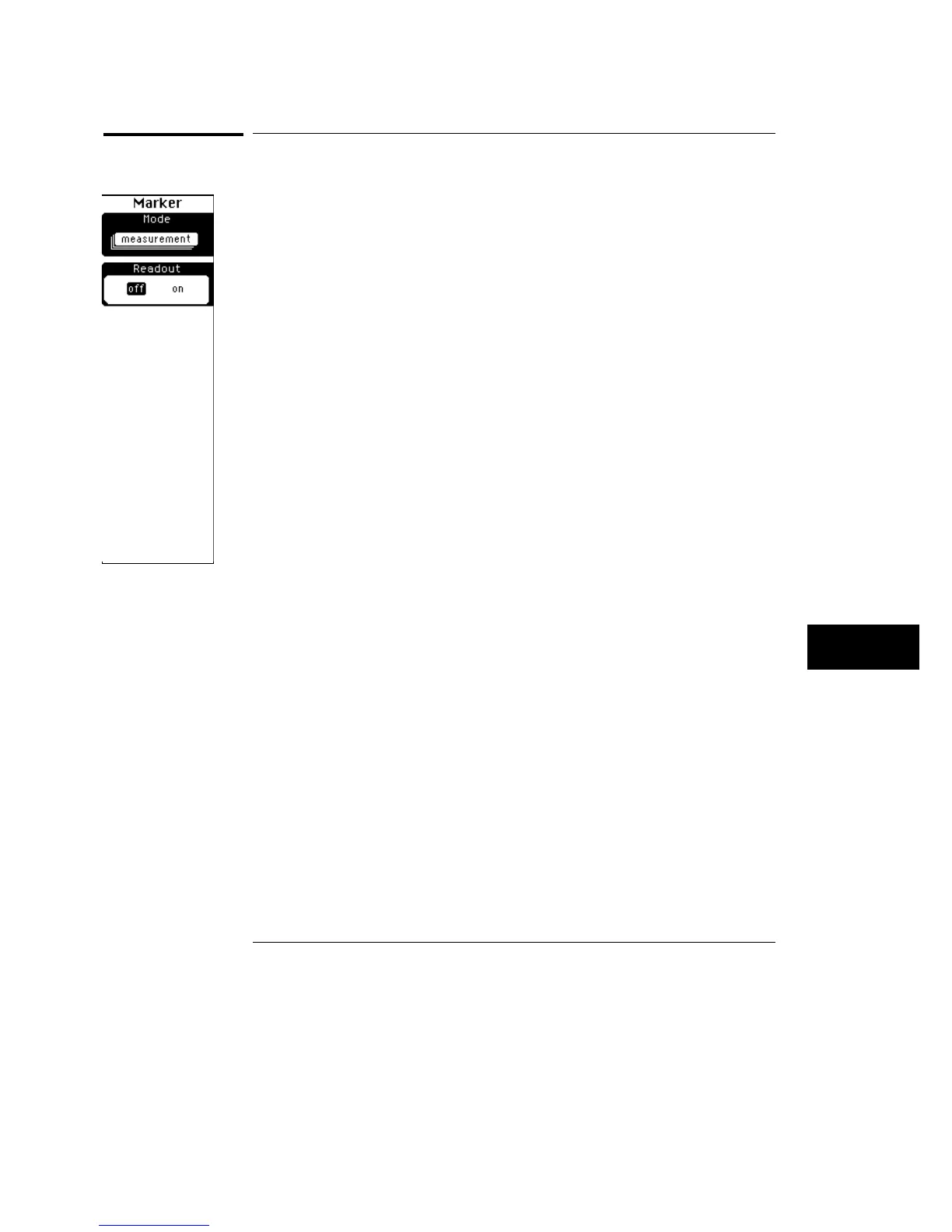
Measurement
The measurement markers show you where on the signal the last automatic
measurement was made. If you make an automatic measurement and the
result is already displayed on the screen, then the oscilloscope automatically
places the markers when you select them. The markers will stay on the
display until you either select a different marker mode, or until you press the
Clr meas (clear measurement) key on the keypad. The measurement
markers are not displayed if you do not make an automatic measurement
sometime prior to selecting the measurement markers. The markers follow
the last measurement, and the last measurement is displayed in the same
color as the markers.
Readout
The Readout softkey determines whether or not the measurement marker
positions are shown at the bottom of the display. In cases where you turn on
statistics, the measurement marker positions hide the statistics measurement
results. To see the statistics results, set the readout softkey to off.
Marker Menu
Measurement
11–7



 To Next Page