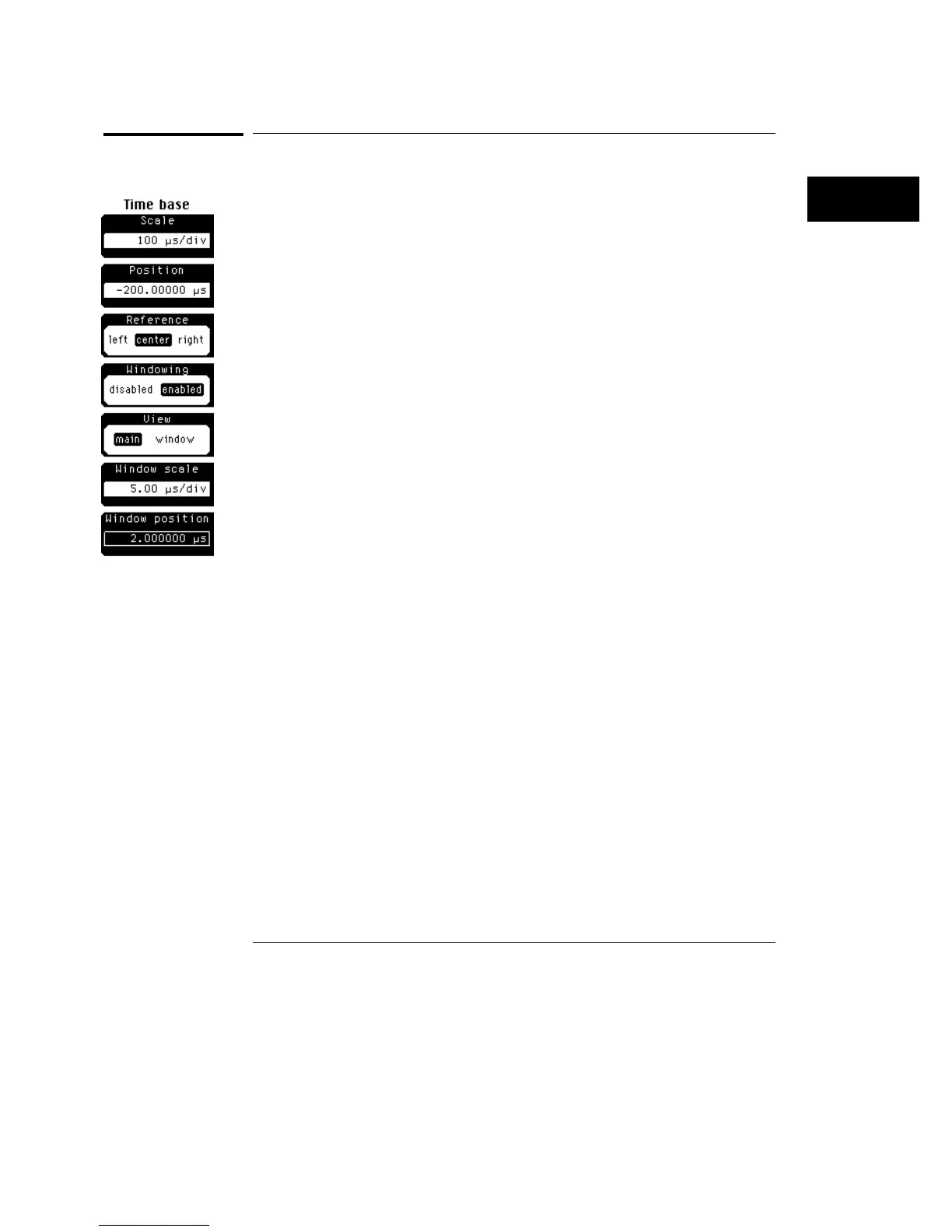
Windowing
When you set the windowing softkey to enabled, the softkey menu at the left
is displayed.
Windowing is similar to the delayed sweep on analog oscilloscopes because it
turns on an expanded time base. This expanded time base allows you to
pinpoint and to horizontally expand a portion of the signal for a more detailed
or high resolution analysis. It can also help you to make custom automatic
measurements. Automatic measurements are made on the first occurrence
of the event on the display. The windowing feature allows you to isolate
individual events on the display for the automatic measurement.
View
View lets you select main or window. When you select window, the softkey
menu at the left is displayed.
Main
Main displays the signal according to the scale and position
settings, and a window marker is placed on the signal. The window
marker defines the portion of the signal you plan to expand. However,
the color highlight is not available when mask testing is turned on. The
default color of the window marker is red, but you can change the
window marker color in the display menu.
Window
Window expands and displays the portion of the signal that is
outlined by the window marker. The amount of expansion depends on
the window scale and window position settings.
Time Base Menu
Windowing
17–5



 To Next Page