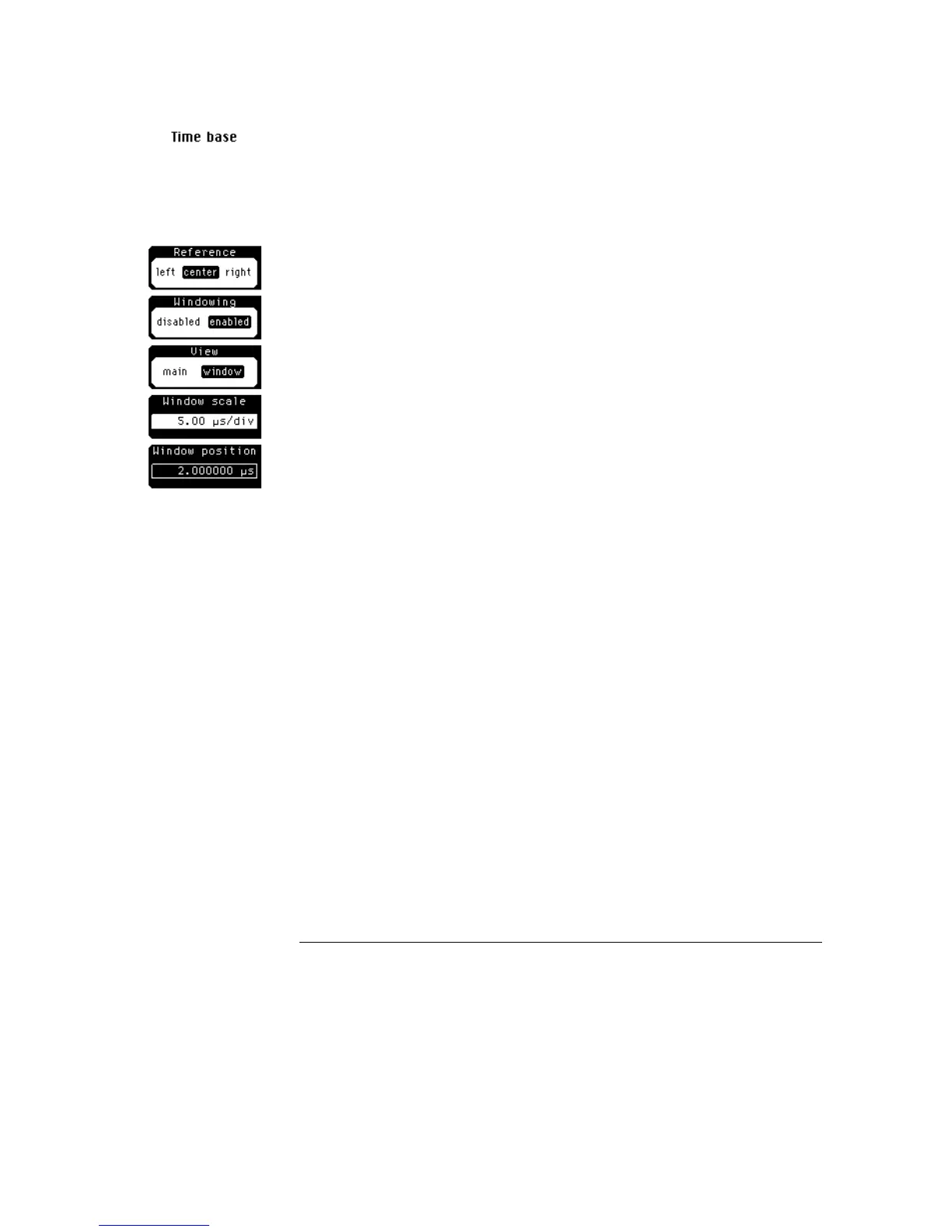
Window scale
Window scale controls the length of the window marker, and the maximum
window scale setting is 100% of full screen. The window marker determines
how much of the signal is expanded in the window mode. Increasing the
window scale decreases the amount of expansion.
Window Position
Window position moves the intensified marker horizontally across the main
sweep. It allows you to precisely pick the segment of the main sweep you
wish to expand for further analysis.
Time Base Menu
Windowing
17–6



 To Next Page