Directory
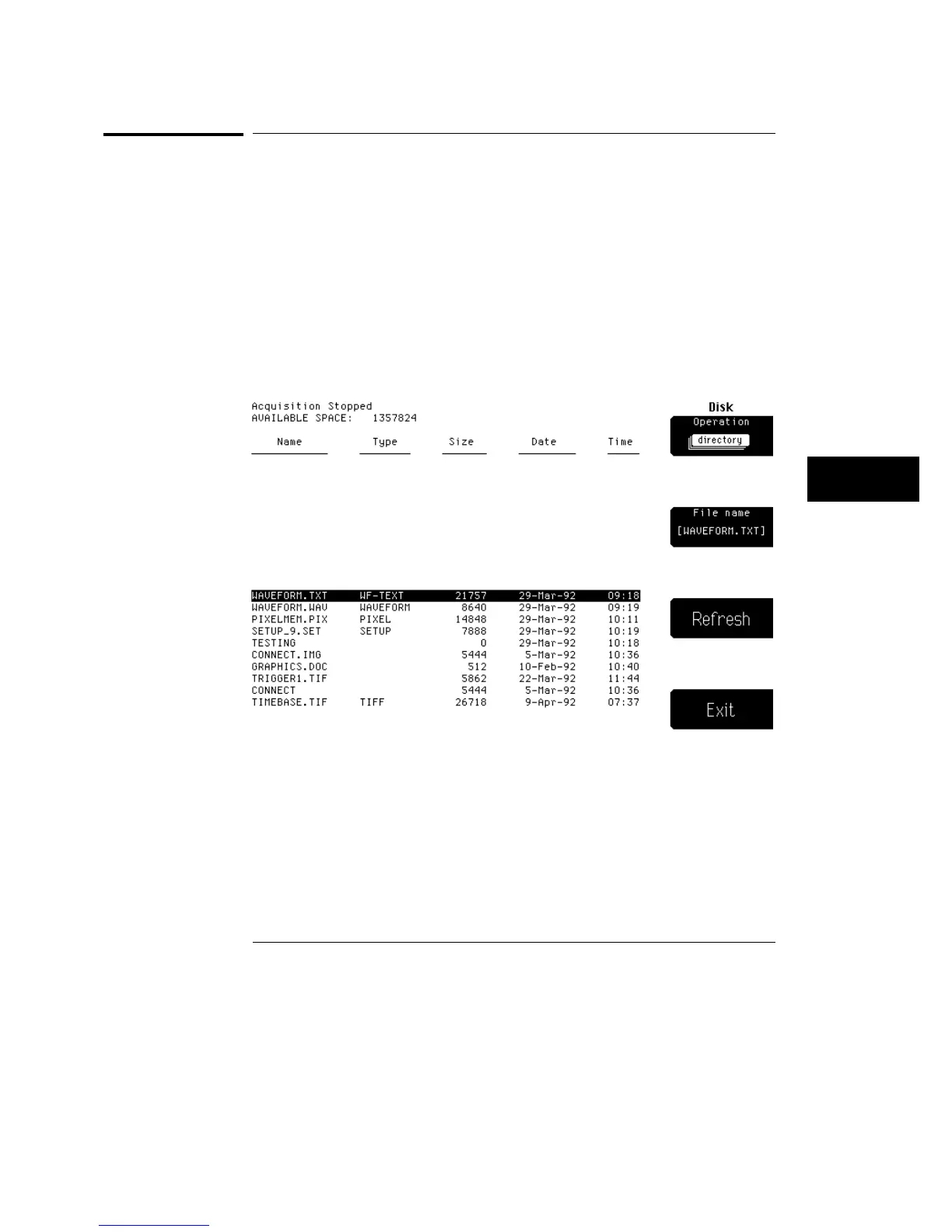
When you select directory from the list of disk operations a screen like
figure 8-2 is displayed.
Directory gives you a listing of the files on a disk, including file name, type,
size, date, time, and the available space left on the disk.
When you press the Disk hardkey to enter the disk menu, the oscilloscope
checks to see if a disk is in the drive. If there is a disk in the drive, you will
see a directory listing of all the files on the disk. If there is no disk in the
drive, the screen displays the message "There is no disk in the drive." Then,
the disk softkey menu is displayed.
Figure 8-2
Disk Menu
Directory
8–3



 To Next Page