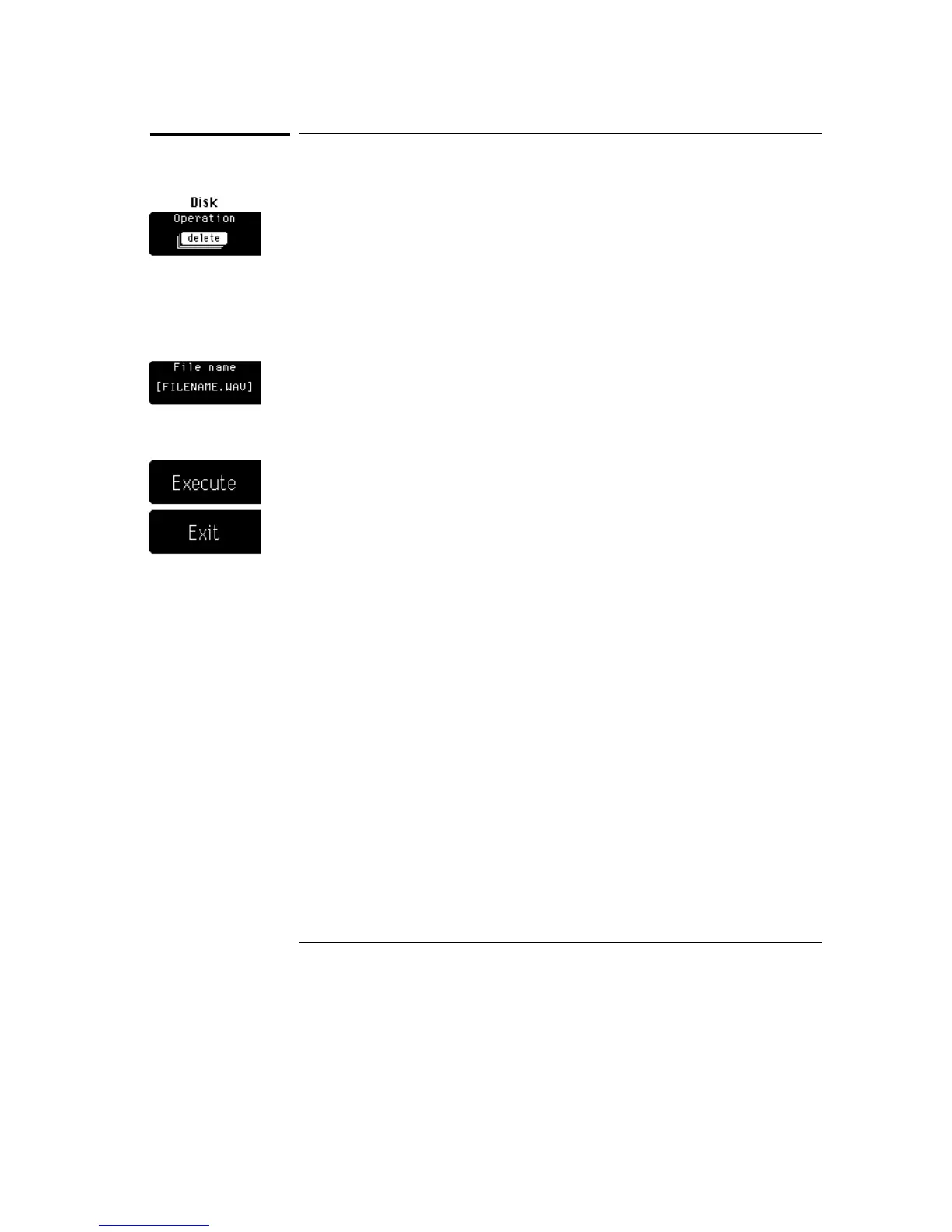
Delete
Delete allows you to delete a selected file from the disk. Simply use the
knob, arrow keys, or keypad to scroll through the directory listing of the disk.
Press the File name softkey to enter a file name. Pressing the File name
softkey displays another softkey menu that allows you to enter a file name.
As a safeguard, the oscilloscope prompts you to press the continue key
before deleting the selected file from the disk. This is to make sure you are
not deleting a file from the disk by accident. If you select continue, then the
selected file is deleted from the disk. After the file is deleted, the directory
listing on the display is updated.
Disk Menu
Delete
8–8



 To Next Page