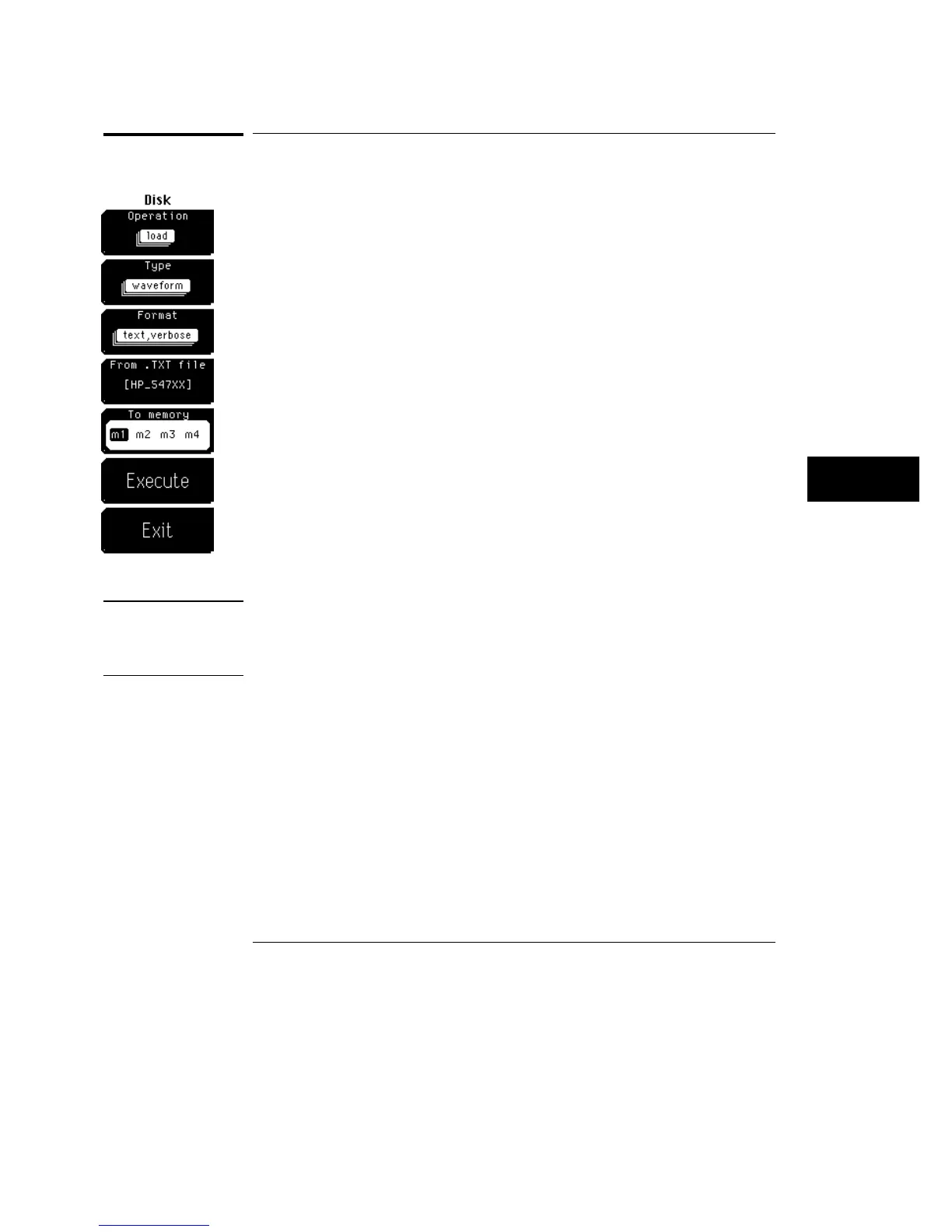
Load
Load allows you to select from five file types: waveform, database, pixel
memory, setup, or mask. You can bring only these five file types back into
the oscilloscope from the disk drive..
When you select a file type, only those files that the oscilloscope recognizes
as that file type are listed on the screen. Files are loaded from the root
directory only.
Simply use the knob, arrow keys, or keypad to scroll through the directory
listing of the disk; or press the From file softkey to enter a file name.
Pressing the From file softkey displays another softkey menu that allows you
to enter a file name. A file extension is not needed because the file extension
is determined by the type of file and format you selected.
Waveform and waveform text files are loaded into one of the four waveform
memories by overwriting any data previously stored in that waveform
memory. Database files are read into directly into the scope by overwriting
the previous database. Pixel files are loaded in the pixel memory by
overwriting any data previously stored in the pixel memory. Setup files are
immediately activated as the new front-panel setup by overwriting the
previous front-panel setup. A Mask file is loaded into the oscilloscope by
overwriting the previous mask.
CAUTION
To avoid overwriting the database you are loading into the oscilloscope from
the disk, make sure that the oscilloscope is in the stopped mode. Otherwise,
the oscilloscope will continue to acquire data and will add information to
your database.
See Also
"Type" later in this chapter for more information on file types.
Chapter 15, "Setup Print," for more information on the TIFF, GIF, and PCX
file formats.
Disk Menu
Load
8–5



 To Next Page