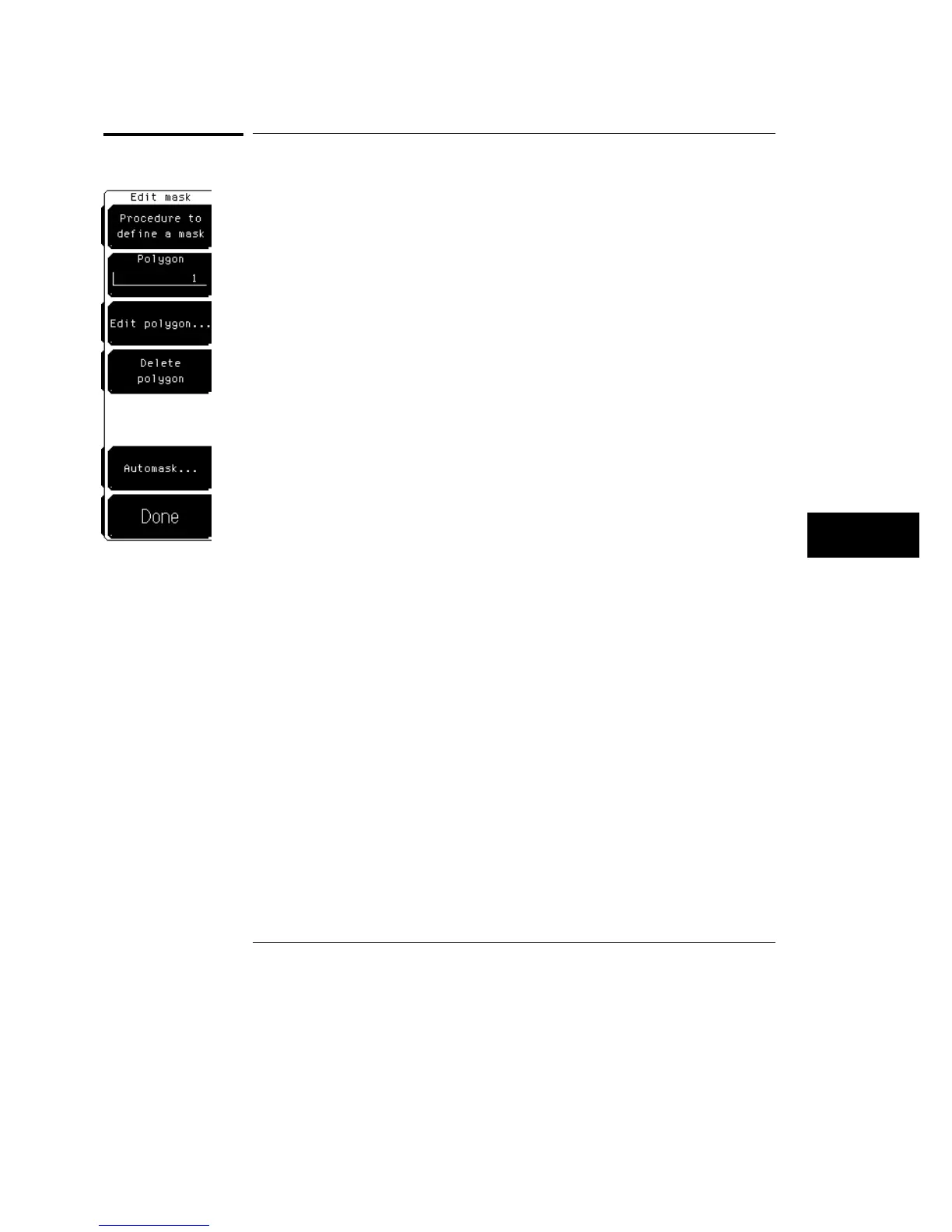
Edit Mask
The
Edit mask
softkey gives you access to a second-level menu that allows
you to construct or edit a mask using the polygon method.
Procedure to Define a Mask
The
Procedure to define a mask
softkey brings up a set of brief
instructions on how to construct a mask.
Polygon
The
Polygon
softkey allows you to select one of the eight polygons that you
want to edit or create. If the mask does not have a polygon with the selected
number, you can create that polygon using the edit polygon menu. If a
polygon is scaled off of the screen, the number of that polygon is still
displayed on the screen. However, it is possible that a polygon number can
obscure another polygon number. Also, if a polygon is scaled completely off
the screen, that polygon is not used in the mask test.
Mask Menu
Edit Mask
23–9



 To Next Page