Upper Limit
The Upper limit softkey sets the upper failure threshold. The units depend
on which measurement is selected with the Measurement softkey.
Lower Limit
The Lower limit softkey sets the lower failure threshold. The units depend
on which measurement is selected with the Measurement softkey.
Run Until
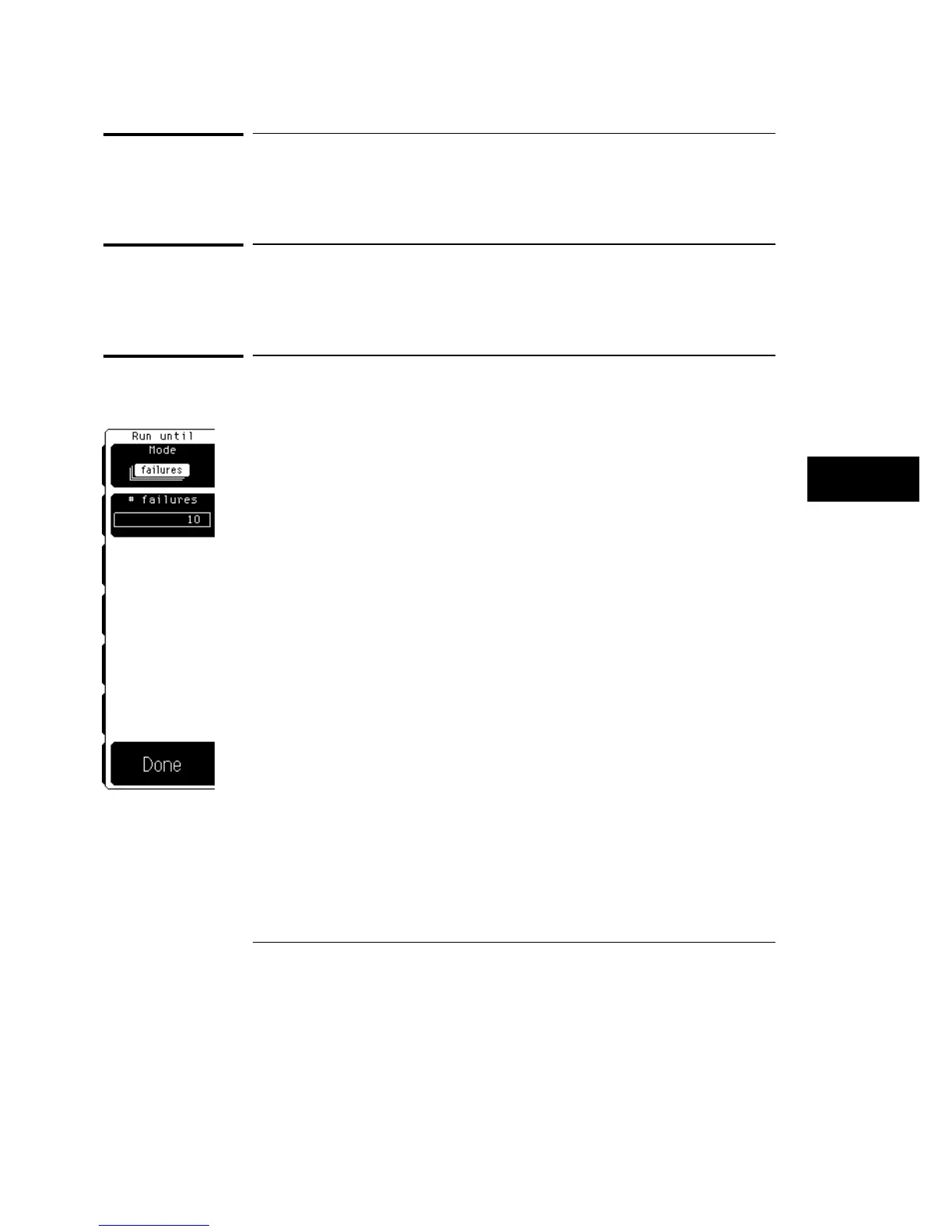
The Run until softkey brings up a second level softkey menu on the display.
The Run until menu allows you to specify when the oscilloscope should stop
running the limit test. The Run until selections are global for all
measurements.
Mode
Mode allows you to configure when the limit test should stop. The three
choices are run the test forever, run until a set number of failures occurs, or
run until a set number of waveforms occurs.
Forever
Forever runs the limit test until you turn the test off.
Use the forever mode when you want a measurement to run continually and
to not stop after a fixed number of failures. For example, you may want the
limit test to run overnight and not be limited by a number of failures.
Limit Test Menu
Upper Limit
22–7



 To Next Page