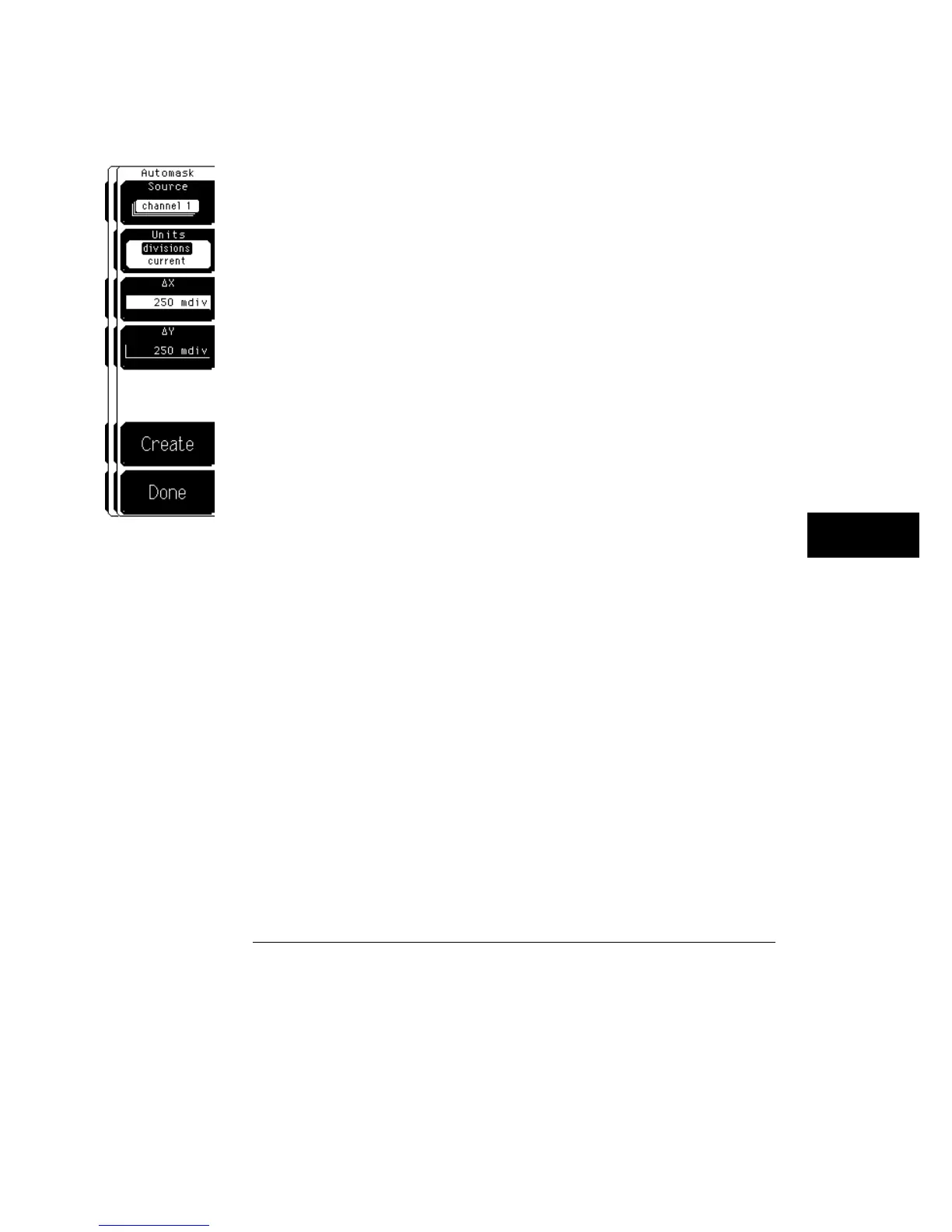
Automask
The automask softkey gives you access to a third level menu that allows you
to construct a mask using the reference waveform method. You can use the
automask menu when you know what a good waveform looks like. Then, you
can define a tolerance around the good waveform, and test other waveforms
to the mask.
Source
The source softkey selects the channel, function, or memory
that the mask is scaled to. For example, if
∆
X is set to 500 ns and
∆
Y is
set to 500 mV, the distance between the mask limits depends on the
vertical scaling of the source. If the source is set to 100 mV/div, the
markers will be two divisions apart. If the source is set to 1 V/div, the
markers will be about a minor division apart. The source selection also
defines the waveform the scope generates the mask from.
Units
Units allows you to define
∆
X and
∆
Y in divisions or current
source settings. Current is typically in volts and seconds or other
appropriate units for the source.
∆
X
The
∆
X
softkey defines the horizontal tolerance around the edges of the
reference waveform. The
∆
X
value defines the tolerance around edges.
∆
Y
The
∆
Y
softkey defines the vertical tolerance above and below the reference
waveform.
Mask Menu
Edit Mask
23–17



 To Next Page