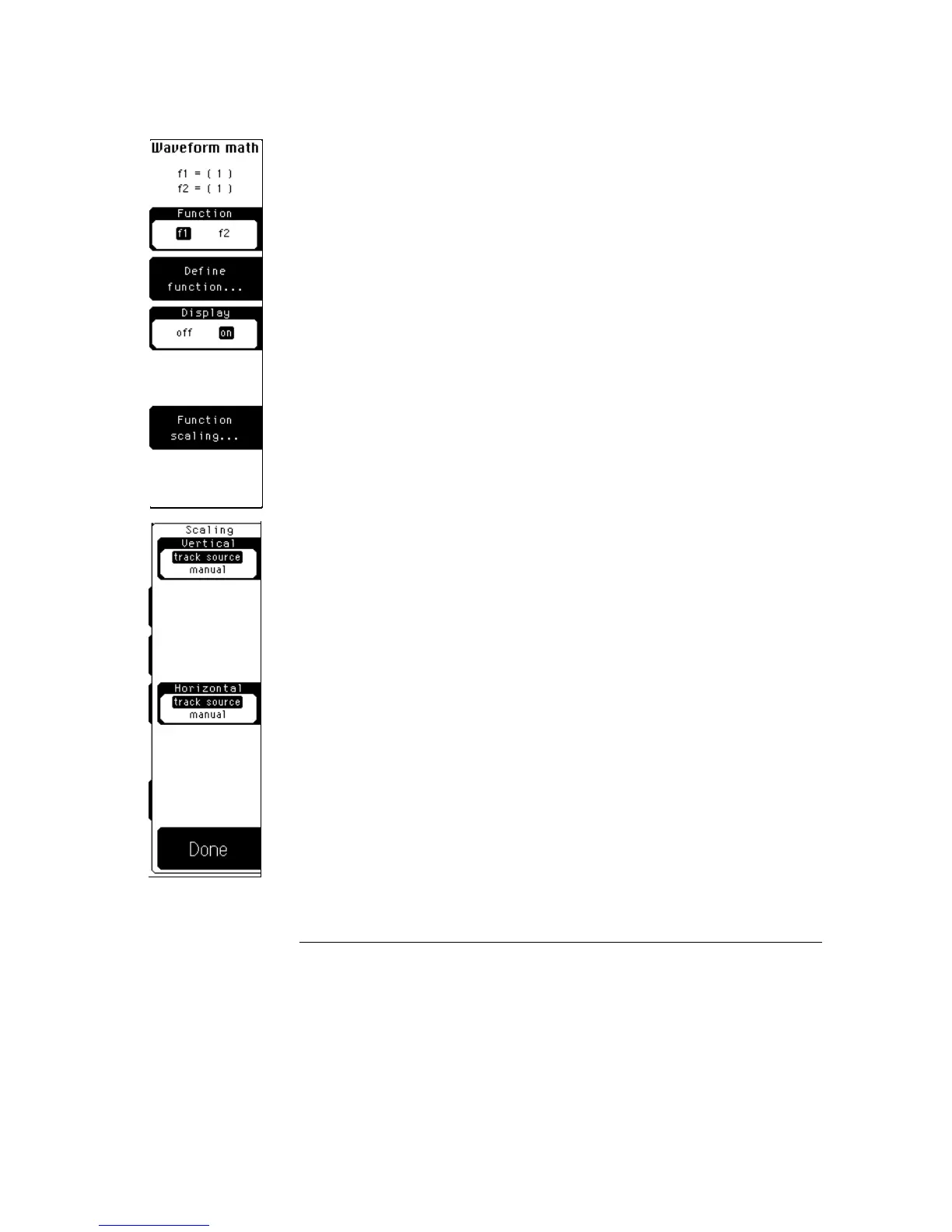
Function scaling
When magnify or versus is the operator, the function scaling softkey replaces
the vertical softkey. When you select function scaling, a second level softkey
menu allows you to change the vertical and horizontal scaling of the function.
Refer to Chapter 21, "FFT Menu," for a description of the FFT scaling
functions.
Vertical
Vertical allows you to select either track source or manual. Track source
makes the function use the same vertical scale and offset of the function’s
waveform source. Manual allows you to set the vertical scale and offset
independently of the waveform source.
Horizontal
Horizontal allows you to select either track source or manual. Track source
allows the function to use the same horizontal scale and position as the
waveform source. Manual allows you to set the horizontal scale and position
of the function independently of the settings for the waveform source.
Math Menu
Display
12–8



 To Next Page