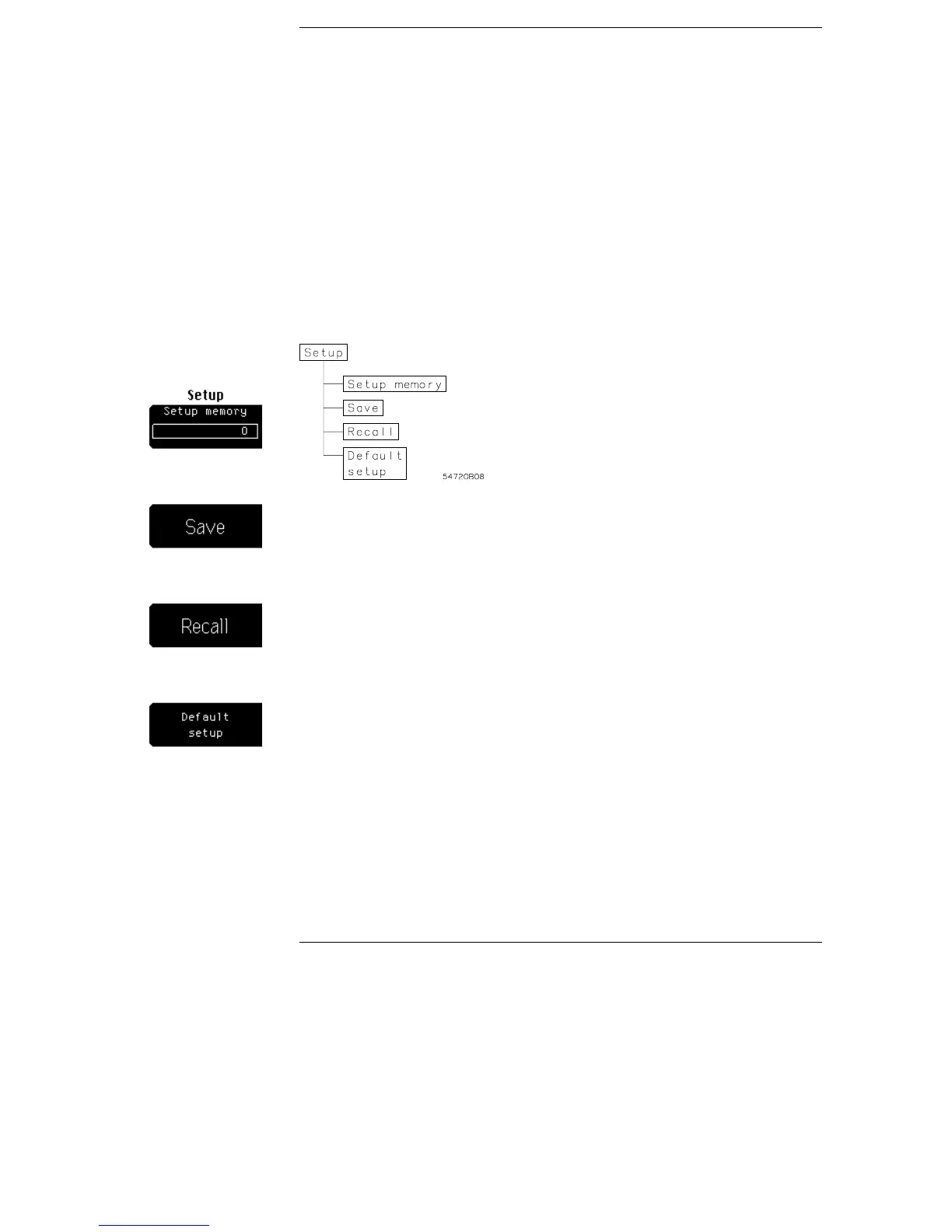
Setup Menu
The setup menu allows you to save and recall up to ten front-panel
setups in nonvolatile memories. You can use the setup memories for
rapidly recalling setups for production test environments, or when
you are comparing waveforms by using more than one setup. You can
also set the oscilloscope to its default settings. These settings set the
oscilloscope to a known operating condition.
Setup menu and menu map.
Figure 14-1
14–2



 To Next Page