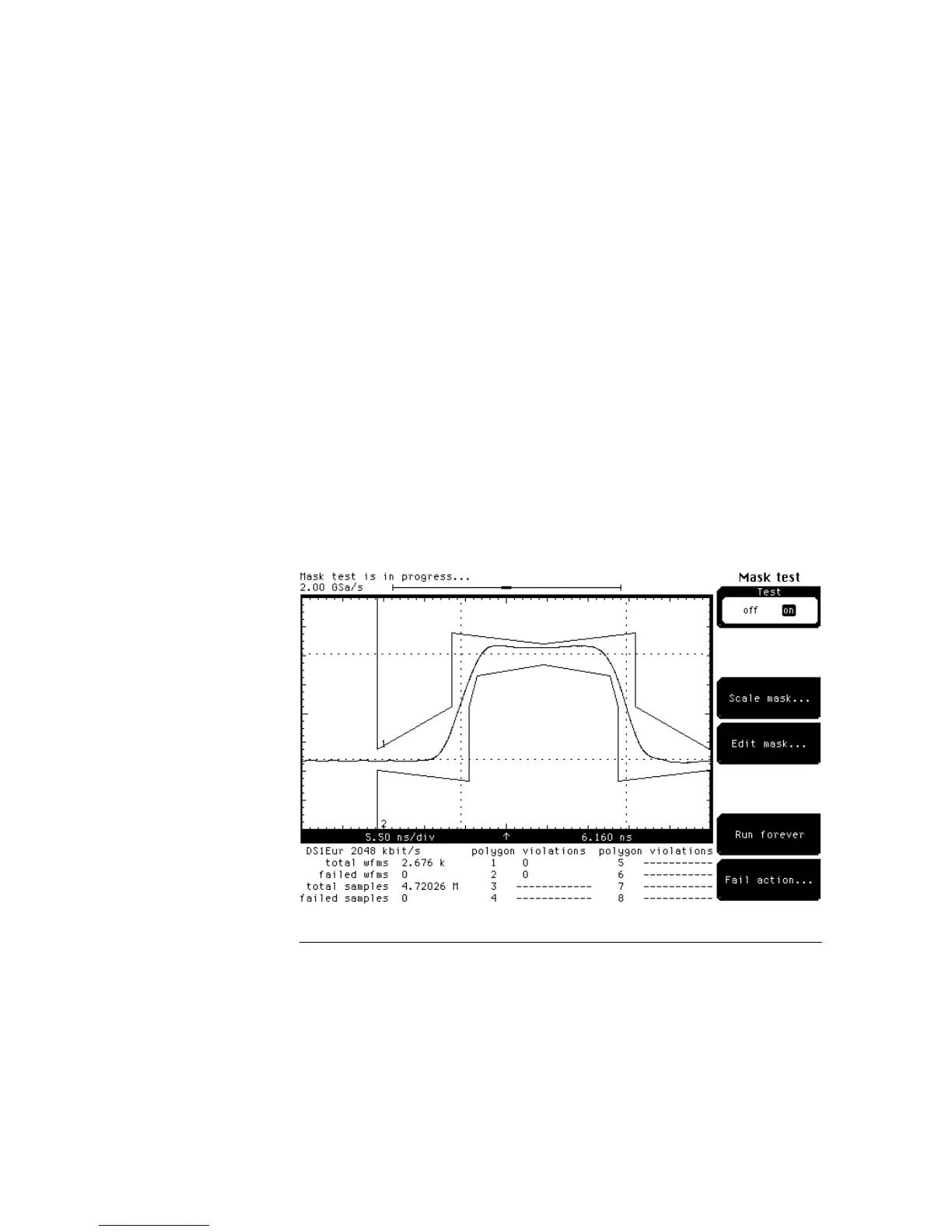
The mask in figure 23-5 is a telecommunications mask from the disk supplied
with this book. You may notice that the test results are listed below the
graticule area. Also, figure 23-6 is a listing of the file for the mask in figure
23-6.
Figure 23-7 shows the format for creating a mask. You can use a text
processor to modify a mask file. If you modify a mask file, make sure you
save it as a new file or to another disk to avoid overwriting the original mask
file.
•
Title — Titles are optional. A title can be up to 20 characters long, and it
must be enclosed in quote marks.
•
Polygon number — A number, 1 through 8.
•
Number of vertices — Number of vertices in the polygon (up to 512).
•
Vertices Pairs — X Y pairs separated by new lines, spaces, tabs, or
commas. Fixed point numbers are allowed plus the special values of min
or max. Min fixes a vertex to either the left edge or bottom edge of the
graticule area, and max fixes a vertex to either the top edge or right edge
of the graticule area. A vertex with a min or max value is not affected by
scaling.
•
Comments — C language style comments are allowed within the file.
Comments start with /* and end with */.
Figure 23–5
Mask Menu
Edit Mask
23–14



 To Next Page