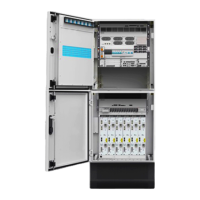
NetCol5000-A(025, 035) In-row Air Cooled Smart
Cooling Product
User Manual (600 mm)
Copyright © Huawei Technologies Co., Ltd.
2. On the main screen, tap Settings > System Settings > T/H Sensor, and change T/H
control type to Return-air or Cold aisle.
3. Shut down the fresh air system. In modular datacenter, open the modular doors and
ceilings, or open some false panel on the IT rack.
----End
Follow-up Procedure
If you need to adjust the air flow direction, adjust the air deflector by performing the
following steps:
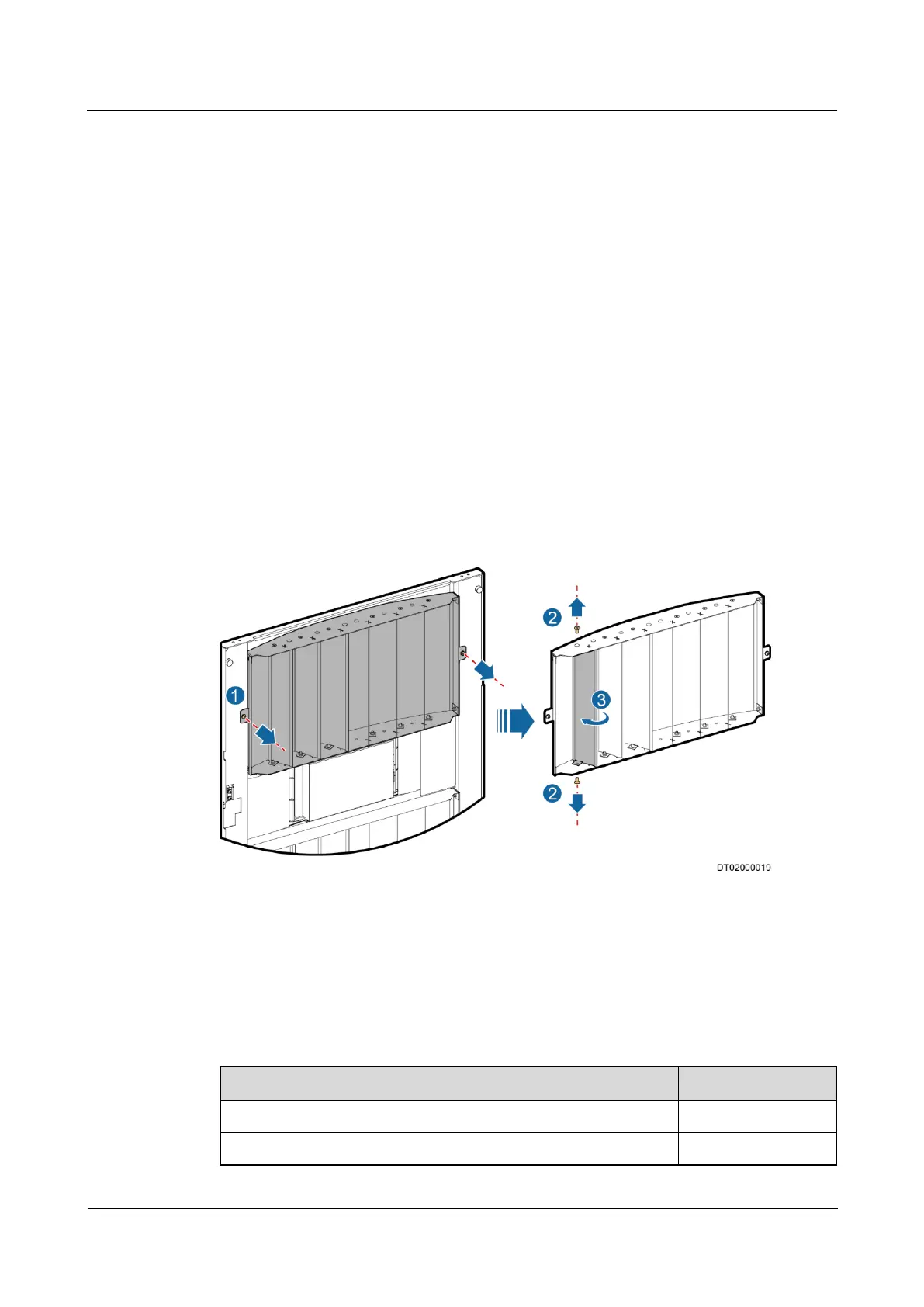
1. Remove screws from both sides of the air deflector to be adjusted using a Phillips
screwdriver and remove the air deflector, as shown by 1 in Figure 5-8.
2. Remove the upper and lower screws from the air deflector using a Phillips screwdriver,
as shown by 2 in Figure 5-8.
3. Put the air deflector upside down and rotate it to the opposite direction of the slot, as
shown by 3 in Figure 5-8.
4. Reinstall the air deflector using a Phillips screwdriver.
Figure 5-8 Adjusting the air deflector
5.6 Checking After Commissioning
Table 5-4 lists the commissioning checklist.
Table 5-4 Commissioning checklist
The controller exits the diagnostic mode.
The temperature and humidity are properly set.



 To Next Page