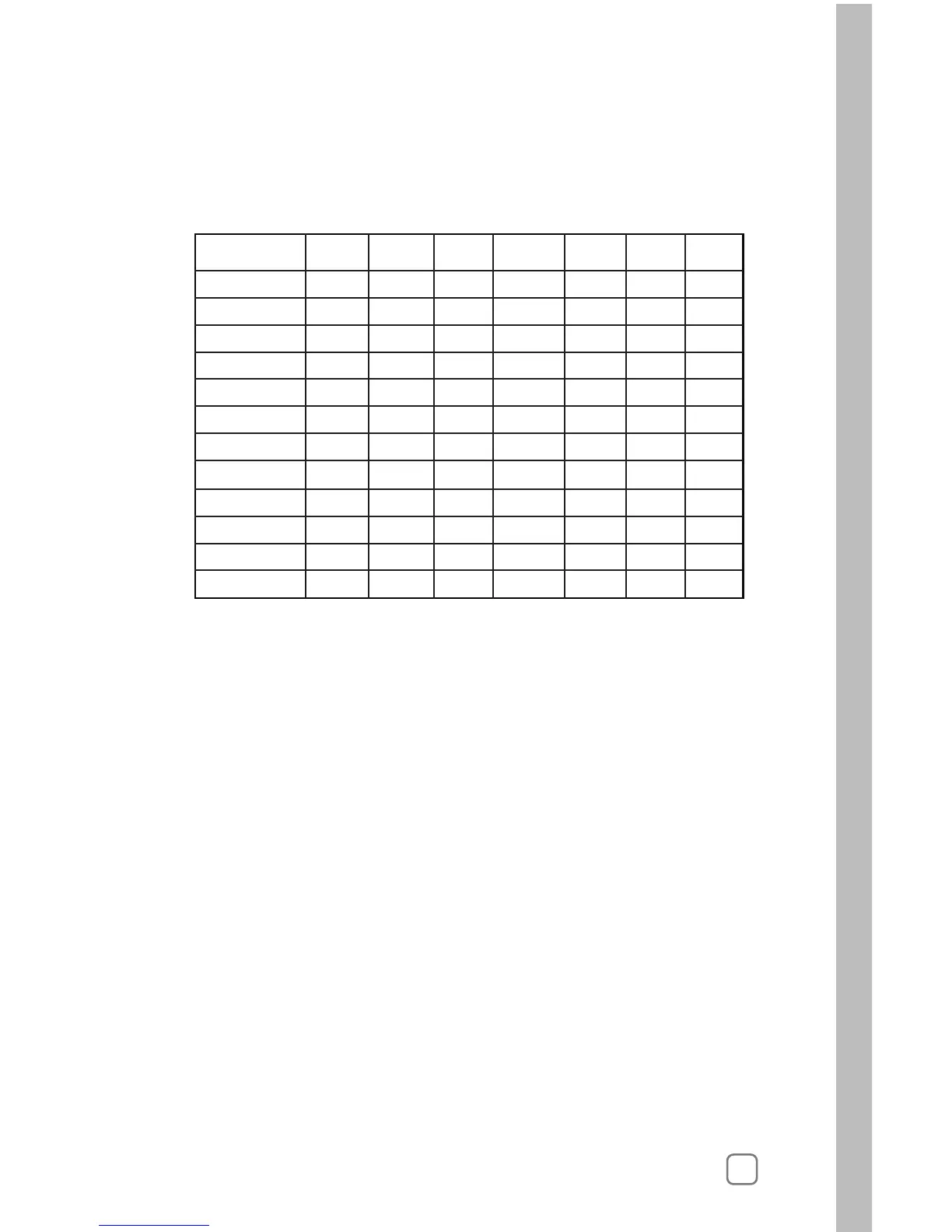
After you set the water days for the year you are finished.
The following worksheet can help you to determine the weekly
schedule for each month of the year. Make a copy of the table shown
below and mark a “Y” in those days that irrigation should occur.
You can now program additional stations.
Turn the Upper Line knob to start the next station program schedule,
or turn the Function Selector knob to RUN or other programming
functions.
Note: To speed up the process of entering this information on other
stations, you can use the COPY feature to copy the data from one
station to either select stations or to all stations. You can then edit to
make changes to the stations as required. Please see “Copying” on
page 49 for more information.



 To Next Page