Getting to Know Your WeatherTRAK ET plus6
Overview of the Controller
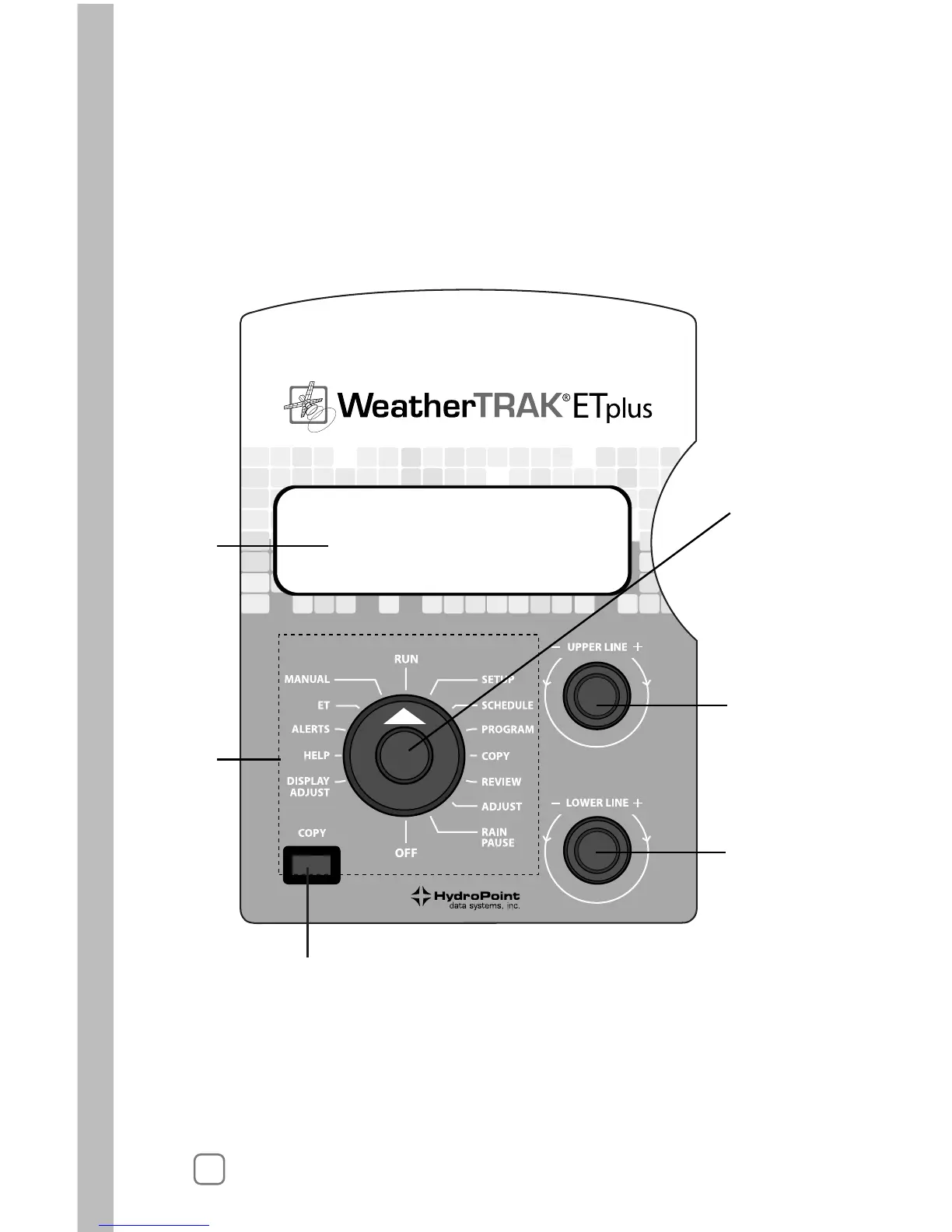
The main controls on WeatherTRAK ET plus are:
• a Function Selector knob (1) for selecting functions (5),
• an Upper Line knob (2) and
• a Lower Line knob (3).
You will also see a Copy button (4) and an information display (6).
1. Function Selector
Turn this knob left or right to select items to view. (For example,
RUN, SETUP and PROGRAM.)



 To Next Page