Reviewing
The Review feature lets you look at each station’s entire irrigation
schedule with a turn of the knob.
The following are examples of REVIEW displays for each program
mode.
1. Turn the Function Selector knob to REVIEW.
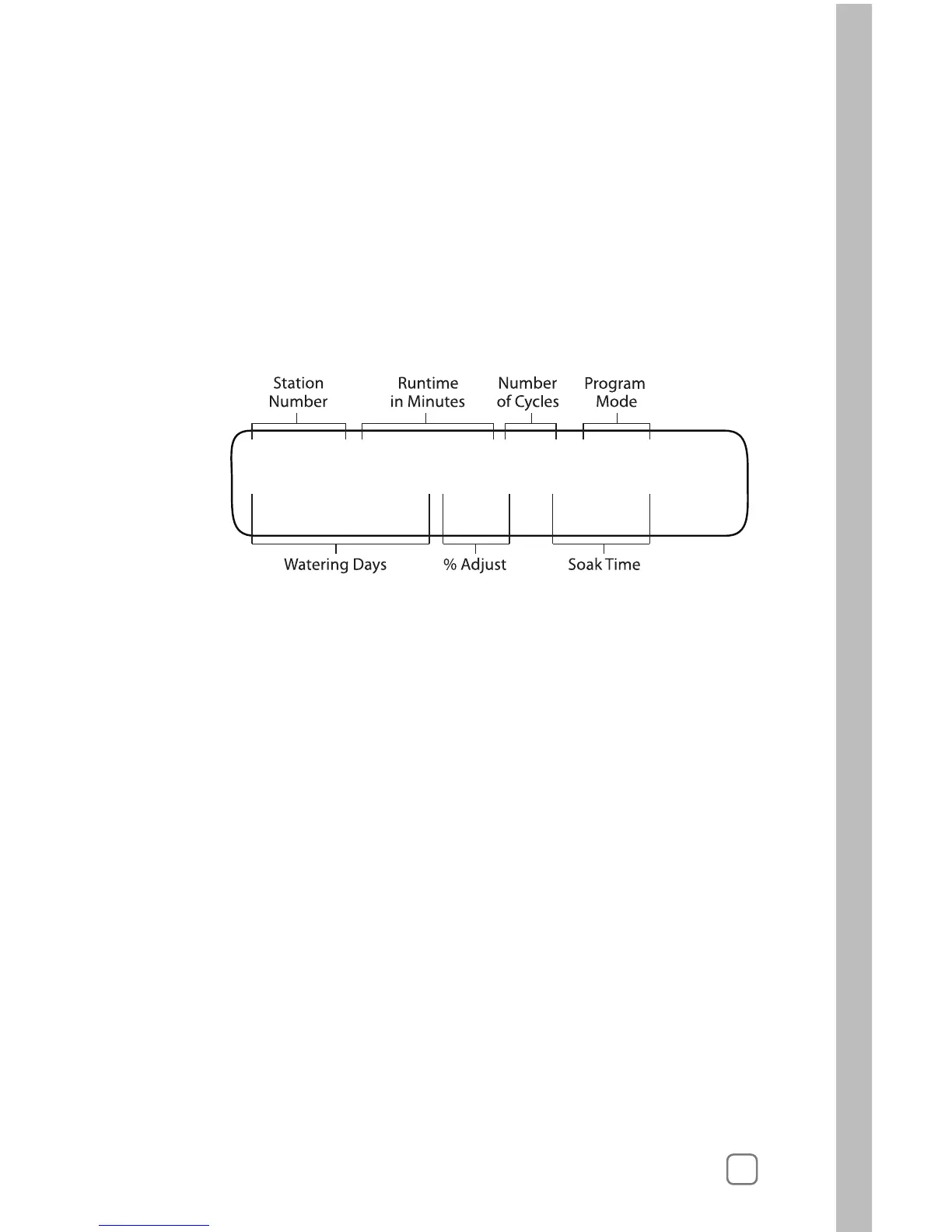
If using the “Fully Automated” mode the display will look
like this:
2. Turn the Lower Line knob to see up to week 8.
Reading from left to right, the upper line of the display shows:
• STA 01 Station Number
• 04.6 MIN Runtime in Minutes
• 03X Number of Cycles
• AUTO Program Mode
• Station 1 will irrigate for 4.6 minutes per cycle, run for 3
cycles and is in the “Fully Automated” mode.
Reading from left to right, the lower line of the display shows:
• Wk1:-M-W-FS Watering Days for Week 1
(current week)
• +10% ADJUST Setting
• Soak 30 Soak Time
In summary, the review shows:
• The watering days are Monday, Wednesday, Friday and
Saturday,
• Station 1 will operate 4.6 minutes three times on each
irrigation day,
• There is an “Increase Irrigation +10%” (see following section
on “Adjusting” on page 57) and
• There is a 30-minute soak period between cycles.



 To Next Page