Note: If the high ET start time is used for a given day, then “Hi
ET” will replace the “+10%” field and the percent adjust will not
be shown. For more information on high ET please see page 15.
3. Turn the Upper Line knob to REVIEW the next station(s).
If you are using “User Programmed--With ET,” the display will
look like this:
Note: The Lower Line knob is not used with “User Program” modes.
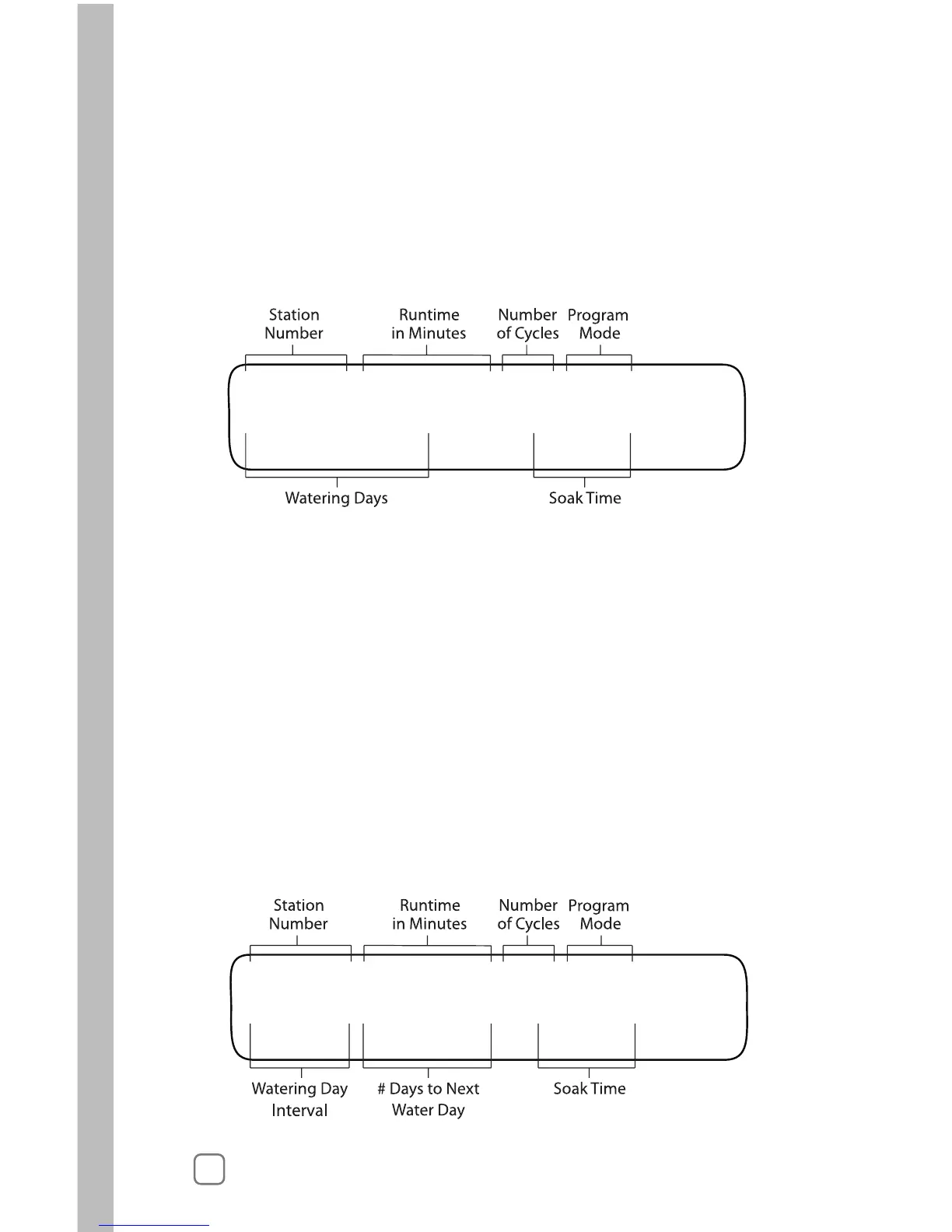
Reading from left to right, the upper line of the display shows:
• STA 02 Station Number
• 15.2 MIN Runtime in Minutes
• 06X Number of Cycles
• U-ET Program Mode
Reading from left to right, the lower line of the display shows:
• Wk1: -M-W—S Watering Days for Week 1 (current week)
• Soak 0 Soak Time
4. Turn the Upper Line knob to REVIEW the next station(s).
If you are using “User Programmed--No ET, “ the display will
look like this:



 To Next Page