Viewing Run
After you have completely programmed your WeatherTRAK ET plus,
you can turn the Function Selector knob to RUN. The controller will
now operate normally. Leaving the controller Function Selector knob
in any setting except OFF will allow automatic operation.
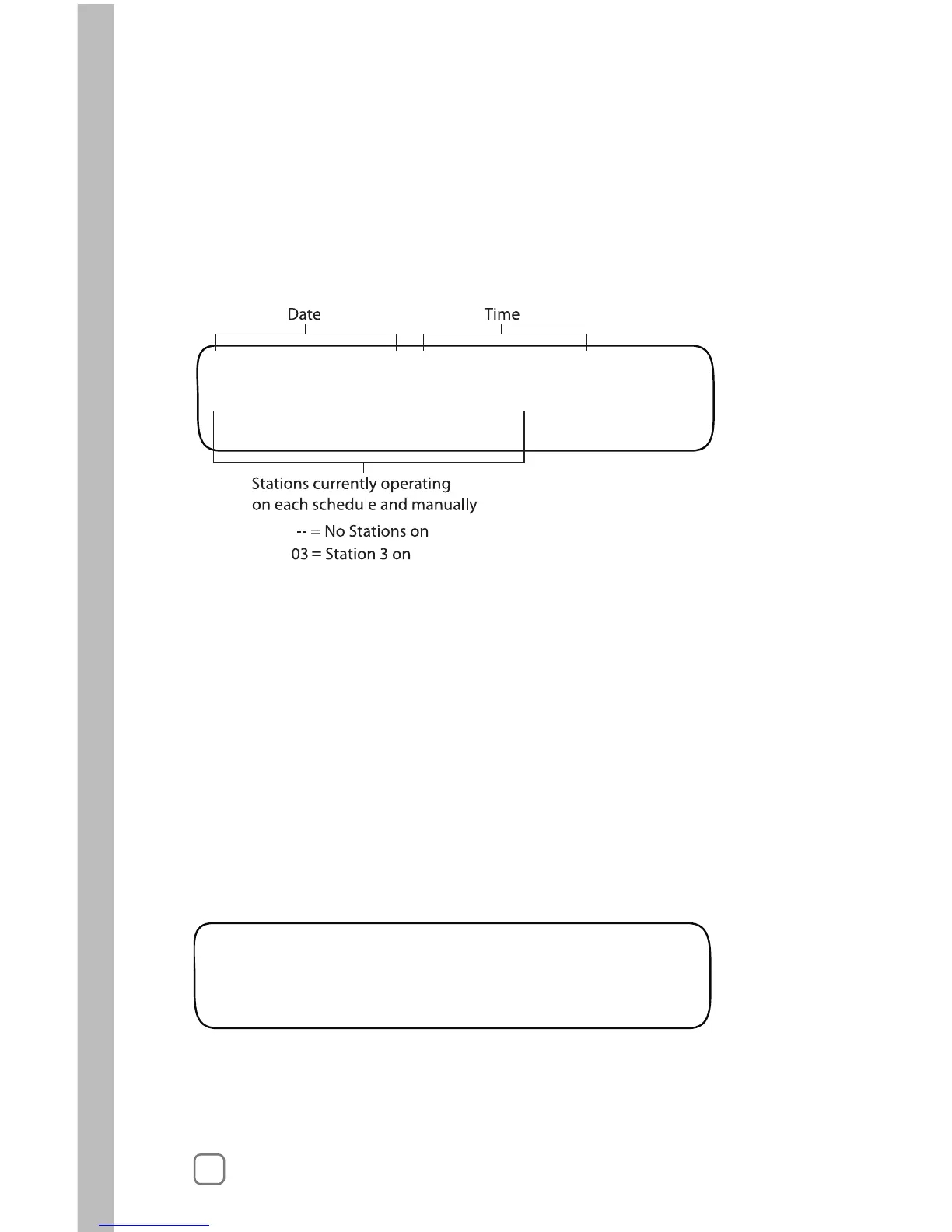
Here are some examples of what the display may look like when on
RUN:
Reading from left to right, the upper line shows:
• Sep 21 2005 Date
• 11:15:06am Time
• The current date and time are shown.
Reading from left to right, the lower line shows:
• STA ON Identifies Stations On
• A:03 Station 3 is Watering for Schedule A
• B:— No Stations Watering for Schedule B
• M:— No Stations Watering that were set by
MANUAL
Note: There is no indication on the screen that the master valve is on.
When the master valve is in use, it will be on when any other valves
are on in either A, B, or M.
Reading from left to right, the upper line shows:
• Sep 21 2005 Date
• 09:11:22pm Time



 To Next Page