A
.
INSTALLATION MANUAL
FOR ELECTRICAL PARTS
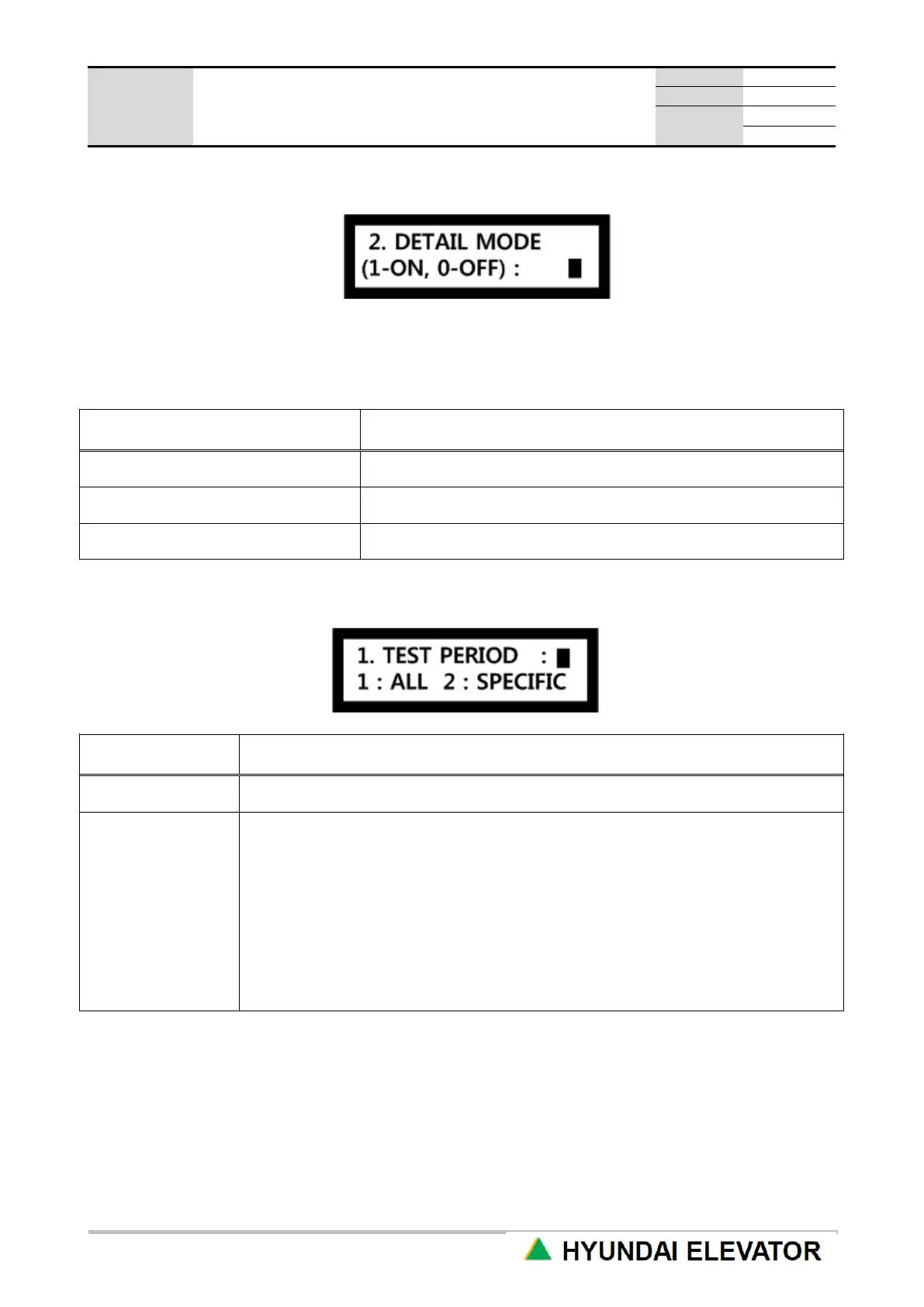
2) Detail Mode
Use UP or DN key to select 1 or 0, and press ENT key.
Setting: 1 → ENT Reset: 0 → ENT
<Detail Mode Detail Setting Category>
TEST operation time setting
Door activation condition setting
TEST operation section (floors) setting
24 hours all day test (Unless test mode is reset, it is maintained)
When it becomes the set time every day, it is converted to the test mode.
Ex) 1. If you have start time (18:00) and end time (20:00)
→ Automatic test operation is carried out for 2 hours every day from 6PM ~ 8PM
2. If you have start time (20:00) and end time (08:00)
→ Automatic test operation is carried out for 12 hours every day from 8PM ~ 8AM
the next day
3. If the start time and the end time are the same
(start time-20:00, end time-20:00)
→ It is converted to the test mode for 24 hours all day long as the same as ALL.



 To Next Page