A
.
INSTALLATION MANUAL
FOR ELECTRICAL PARTS
7.3 How to Test High Speed Drive
• Refer to the inverter manual to check the inverter data again.
• If the initial operation is successfully completed, HHT menu MONITOR → BASIC → INITIAL
becomes "OK", and check if it is a safe operation condition again.
• Set the machine room AUTO/MCS switch at „AUTO‟. (From then on, automatic operation is
possible.)
• Check normal operation by hall call, HIP (HPI), and operation status of the door.
• Get in the CAR and check normal operation of the door, and check the operation status of call
input/output and indicator operations.
• When you carry out the test mode operation, follow the below HHT setting method.
In [2] SYSTEM MENU → [1] SYSTEM TEST menu, select “test mode”.
Automatic operation test
(Activated by the machine room manual call, and the door maintains the closed
state.)
Automatic operation test (Operation time, operation floors, and individual door
status setting)
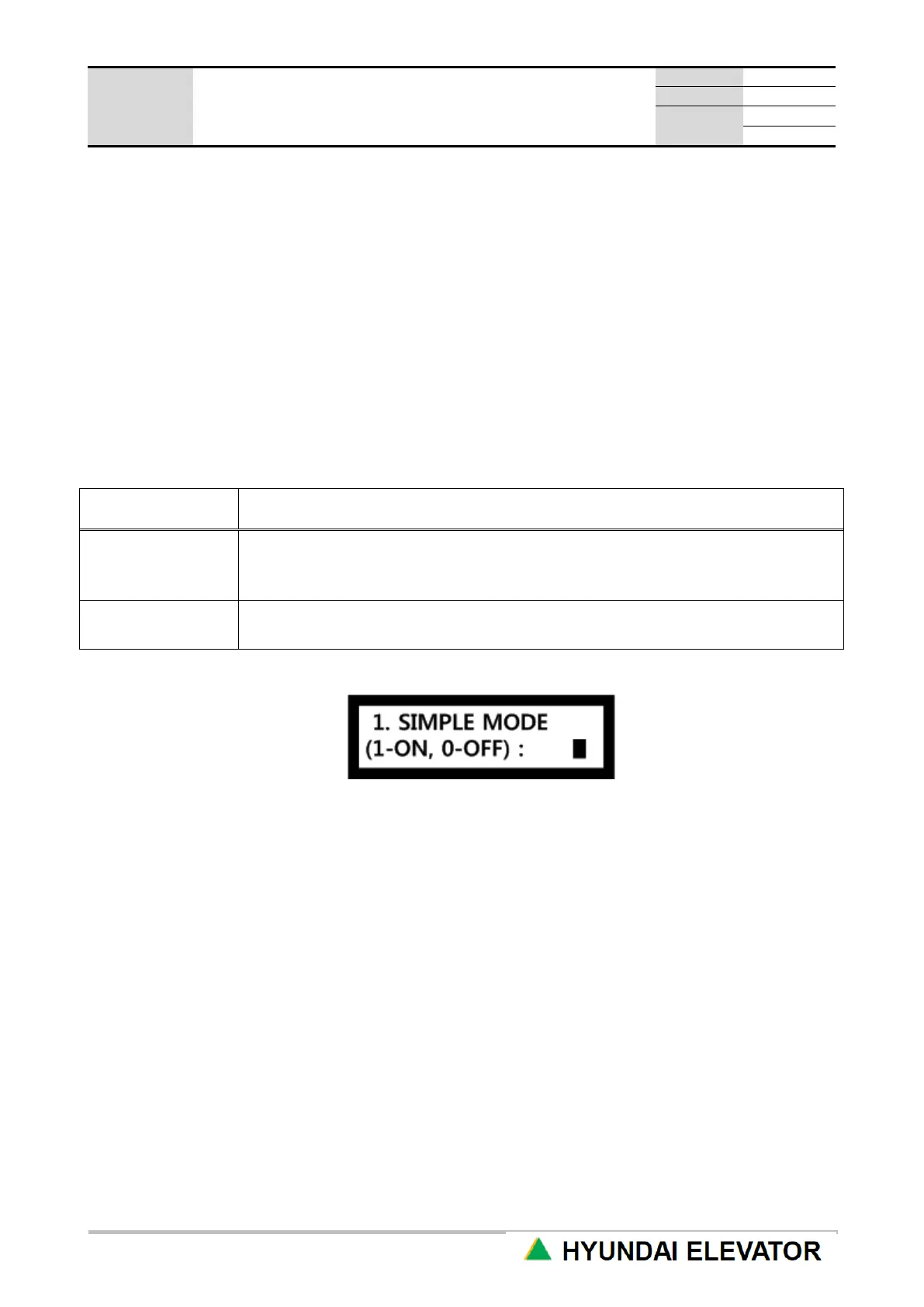
1) Simple Mode
Use UP or DN key to select 1 or 0, and press ENT key.
Setting: 1 → ENT Reset: 0 → ENT
<Simple Mode Operation>
• Operation mode : automatic operation
(Reset when it is converted to manual operation, and when it changes from manual → automatic, it
returns to the test mode.)
• DOOR status : maintains CLOSED
(If SIMPLE MODE is set when the door is open, it automatically CLOSES.)
• Call recognition : Only CAR calls are recognized. (Hall calls are ignored.) → Manual CAR call
registration using HHT is possible.
• DISPLAY : “Under Inspection” is displayed on the CAR and hall side display device (HIP/HPI).



 To Next Page