A
.
INSTALLATION MANUAL
FOR ELECTRICAL PARTS
⑤ Select 02 PROGRAM → 01 CONTROL → 34 INIT START menu, input "1" input, and when you
press ENT key, HHT operation mode is changed to “Initial_Drve".
⑥ When you operate the control panel ONU switch (manual operation UP switch), initial operation
starts.
When the initial operation starts, even if ONU switch is reset, the operation continues.
• When the initial operation starts, the floor number information and the landing sensor
input status of each floor are displayed on the main board 7-segment.
• If the highest floor checking signal (PLUL) is inputted, after the deceleration and correct
landing in the highest floor landing zone, it completes the initial operation. If the highest
floor checking signal (PLUL) is not inputted, deceleration is not done, and it causes
elevator accident. Therefore, for the initial operation, make sure to check the highest floor
checking signal (PLUL) location and the existence of the input.
• After completing the initial operation, if there is an error in the highest floor information,
the number of the landing VANEs, etc., the initial operation error “ER_INITIAL" occurs.
7.2.1 How to Set the Initial Operation for EN81-20 Project
• The example of the description is based on the total 32 floors.
• Insert HHT to the main board “CN16" connector.
① Set the NOR/INSP. switches at On Car(Car Junction Box) ,In Car ,Pit Reset Box and Pit Inspection
Box to “NOR” position. But set NOR/EEO switch at Control Panel to “EEO” position. The HHT will
show “ER_SAFETY” operate RUN switch the safety line will be connected. Before operating the UP
/DOWN switch press RUN switch first, after finishing UP/DOWN operation release UP/DOWN switch
first release RUN switch till the traction machine stopped.
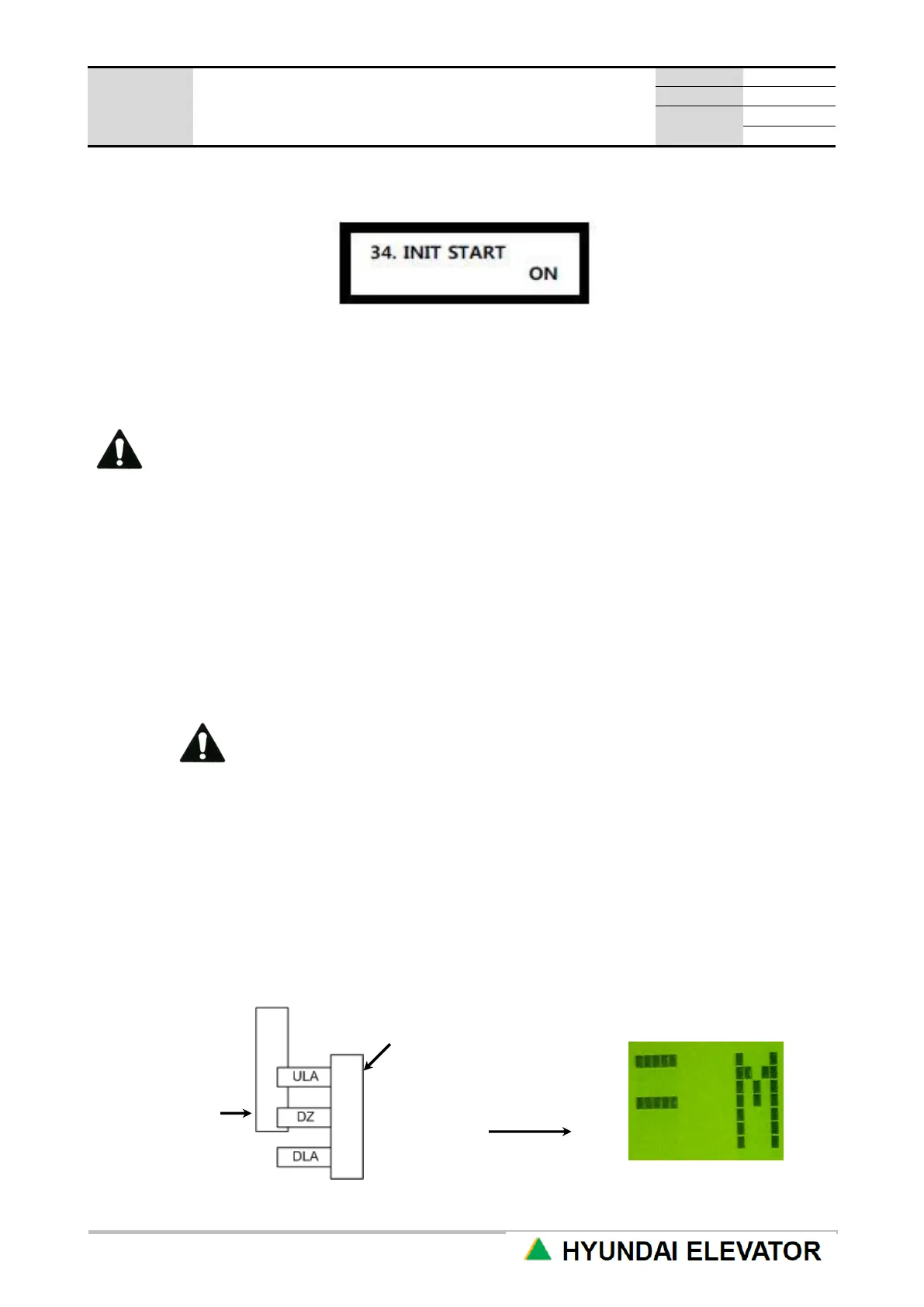
② Using the machine room manual RUN, UP and DOWN switches, stop the CAR at the location when
DLA signal is turned OFF starting from the lowest floor.
HHT display



 To Next Page