A
.
INSTALLATION MANUAL
FOR ELECTRICAL PARTS
7.3.2 How to Set Display Code for Each Floor using HHT
[2]SYSTEM MENU → [3] DATA SET UP → 4. FLOOR DATA → 2. FLOOR DISPLAY
<Display Data>
WBVF model does not use a separate DISPLAY CODE, and direct input is used for DISPLAY DATA to
be displayed at each floor, and you can input up to 3 characters.
Ex) If underground floor 1 is to be displayed as "B1"
<Floor Display Detail Setting Category>
Each FLOOR CODE setting check and change
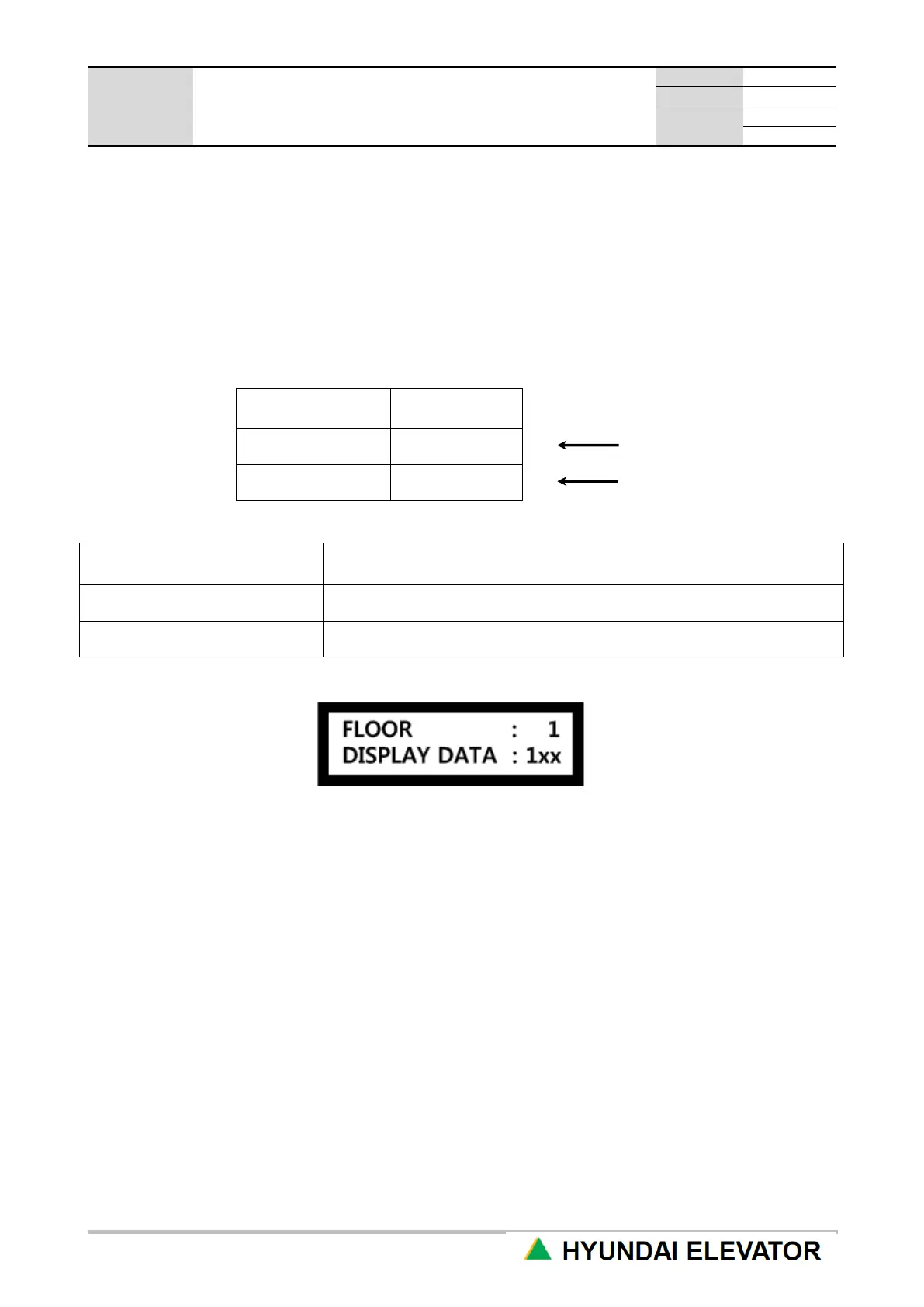
1) How to Use VIEW & CHANGE Menu
Alphabet lowercase letter x means no display.
1xx : among the 3 positions that can be displayed, only “1” at the first position is displayed. That is, it
means floor “1”.
2) How to Input DISPLAY DATA
① Select floor to register (Using UP/DN key) → ENT
② Use UP/DN key to select numbers (0~9), alphabet (A~Z) and special characters (+, -, *) → ENT
③ You select space “ ”, it does not display anything.
3) How to Use INIT FLOOR CODE Menu
If you select INIT FLOOR CODE menu, it is automatically initialized based on the MAX FLOOR
information and the underground floor information currently set in the system.
Ex) Max Floor : 32nd floor, Basement Floor : 5th floor
1st ~ 5th floor: B5 ~ B1,
6th ~ 32nd floors: automatically set to display as 1st ~ 27th floor.
Contents of floor
display



 To Next Page