Basic Operations
Press TXT key to display the Teletext information
Teletext
To change channels, you can:
Use the numeric keys (0-9) on the remote to enter the channel number directly.
If the channel number is invalid, the "Invalid number” message with be displayed. Press OK key to
close this message.
Press keys, or the PR+, PR- keys to change the channel up or down.
Changing channels
Press keys or VOL+,VOL- keys to change the volume (level 0 to 30).
Press key to mute the volume. You can press key again to restore the volume, or
any of the volume control keys to restore the volume.
Mute
Press SUB key to display the subtitle menu.
Subtitles
Volume control
Press PR key to return to the last watched channel.
Last channel memory
Video Resolution
Press V-FORMAT to change video resolution.
Audio Description
Press the AD key to toggle the Audio Description ON and OFF.
Aspect Ratio
Press WIDE to change the aspect ratio.
Press key to turn your receiver ON or Stand-by.
Stand-By
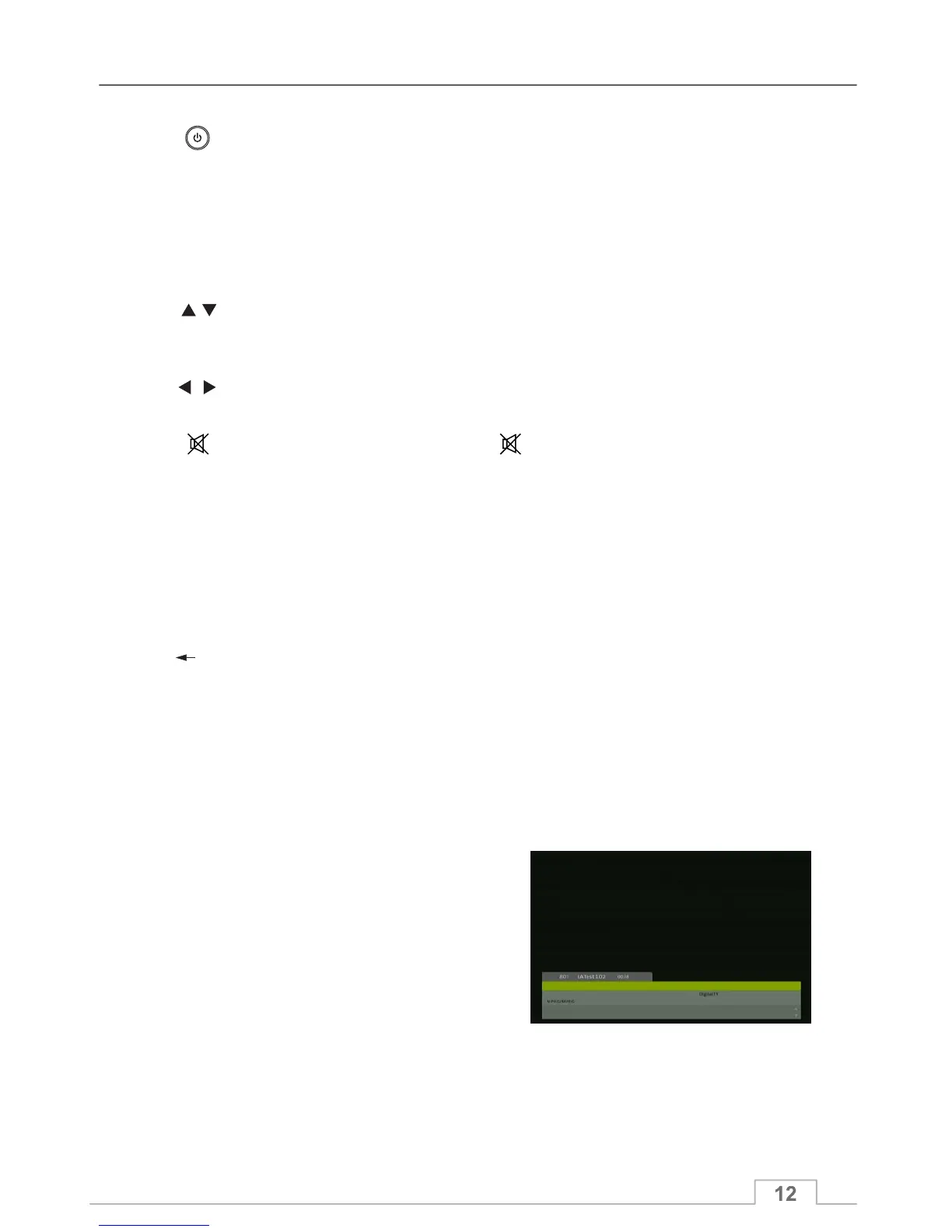
This information banner is displayed after each channel
change to display information of that channel for
several seconds.
To view the channel information at any time, press
INFO key to enter into the information window.
Channel Information Banner
Press TV/RADIO key to toggle between TV and Radio mode.
Listen to Radio Stations



 To Next Page