Google Maps is a free web mapping service application provided by Google. It offers detailed street
maps, navigation route planner tools for traveling on foot, car or by public transport for numerous
countries around the world and interesting tools like “Street Views” from around the world.
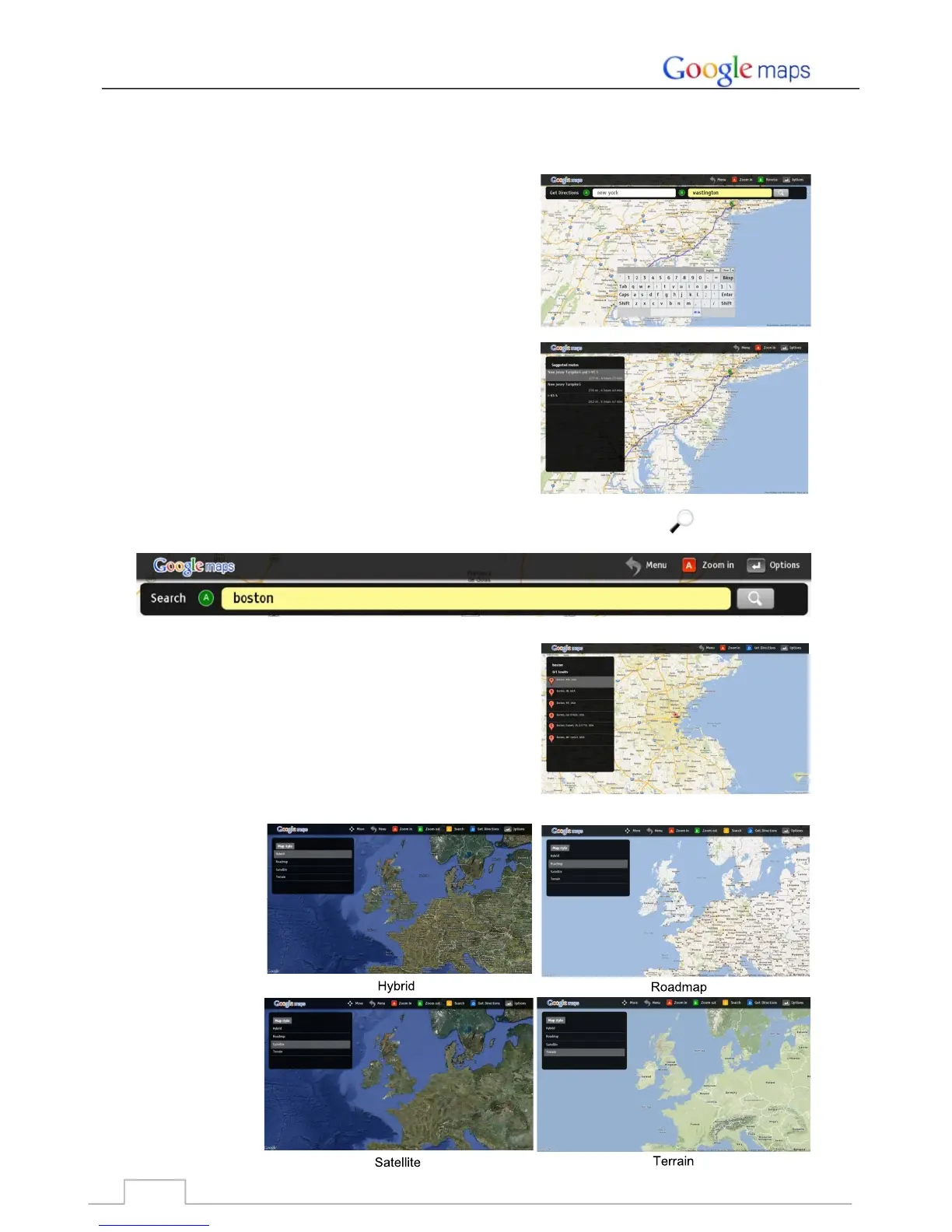
Start by entering the starting point A and end point B.
Then Google map will display the suggested routes on screen.
Click the RED ZOOM IN key to enlarge the map.
Click the GREEN ZOOM OUT key to reduce the map.
To find a location, enter the location in the “Search box” and click the “Search” key .
The result will show on the left side of screen.
Change the Map style in Options.
1. Get directions:
3. Search:
2. Zoom IN/OUT:
4. Options:
Google Maps
47



 To Next Page