Multimedia Player
Your ICECRYPT receiver’s built-in Multimedia player allows you to enjoy movies, music and photos on
your TV. To access your multimedia, please refer to the information below:
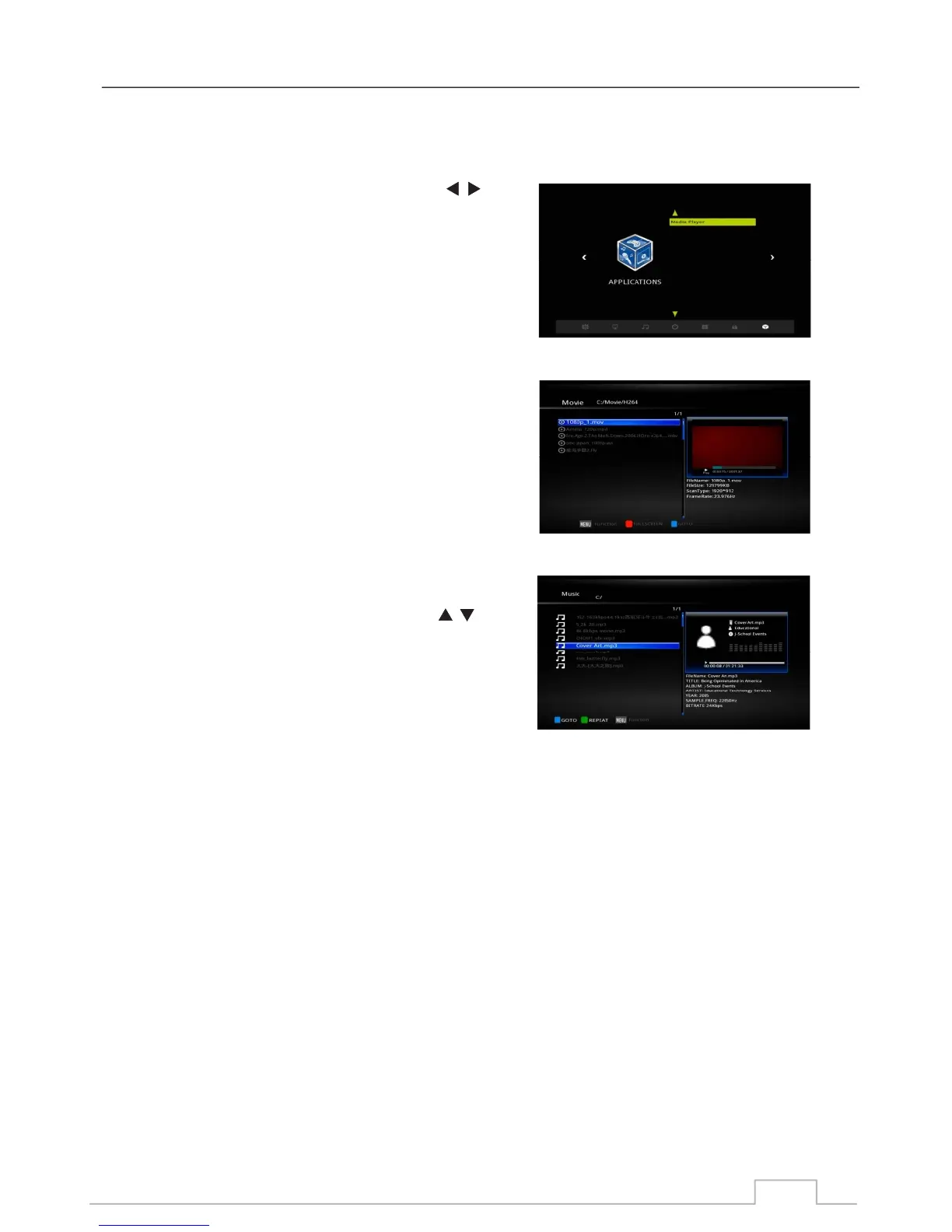
To locate your media, press Menu and use the keys
and select APPLICATION.
Select “Media Player Item”
Highlight the movie you would like to watch, and press OK to
confirm. If you are in preview mode (see p.28), you can
press the RED key to go FULL SCREEN.
On the lower part of your remote you will find all the common
media control keys readily available to control your media
such as PLAY, PAUSE, STOP etc.
You can also Fast Forward as well as ZOOM IN and OUT.
Similar to watching a movie, this time use the keys
to highlight your music files and press OK to PLAY the track.
On the lower part of your remote you will find all the common
media control keys readily available to control your media
such as PLAY, PAUSE, STOP etc.
Music
Movies
Your Media
26



 To Next Page