Multimedia Player
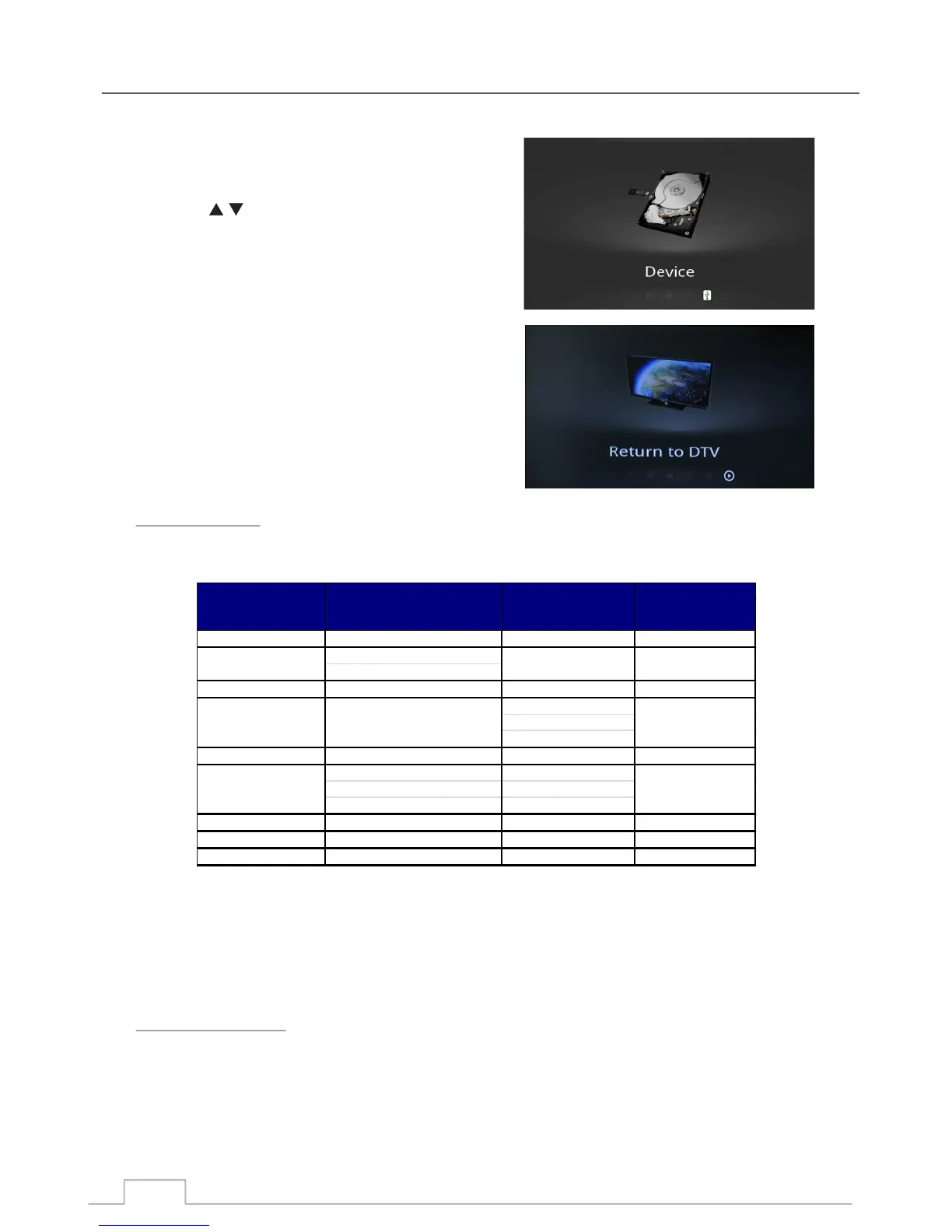
The DEVICE menu allows you to select which USB
devices to play from.
Press the key to highlight USB device.
Press OK key to select the device.
You will then see a V tag next to the selected device.
Select this option and press OK to EXIT the Multimedia
mode and return to DTV (Digital Television Mode).
VIDEO FORMATS:
SUBTITLE FORMATS:
Internal Subtitle Formats:
Text Based: SRT, UTF8, ASS, SSA, 3GPP, USF.
Image Based: VOBSUB, OGS.
External Subtitle Formats:
Text Based: SRT, ASS, SSA, SMI, SUB, SUBVIEWER, MICRODVD)
Image Based: SUB/IDX
Please note: Although listed above some licensed Video formats may not be supported.
Supported Media Formats
Return to DTV
Device
dat, mpg, mpeg MPG, MPEG MPEG2 1920x1080@30P
MPEG2-TS
H264-TS
vob MPEG2-PS MPEG2 1920x1080@30P
MPEG4, H264
Xvi d 1.01/1.02/1.03
Xvi d 1.10-beta 1/2
mkv MKV H.264, MPEG2,4 1920x1080@30P
AVI(1.0, 2.0), MPEG2,MPEG4, H264
DMF0,1,2 Xvi d 1.01/1.02/1.03
Xvi d 1.10-beta 1/2
Moti on JPEG AVI, MOV JPEG 640x480@30P
as f, wmv ASF (Rev. 01.20.03) VC1 1920x1080@30P
fl v/swf fl as h formats H.264 1920x1080@30P
1920x1080@30P
Resolution
/Frame Rate
File Extension Container Video Codec
ts, trp, tp, m2ts MPEG2, H264
mp4 AVI, MP4 1920x1080@30P
divx, avi 1920x1080@30P



 To Next Page