Multimedia Player
Your ICECRYPT receiver’s built-in Multimedia player allows you to enjoy movies, music and photos on
your TV. To access your multimedia, please refer to the information below:
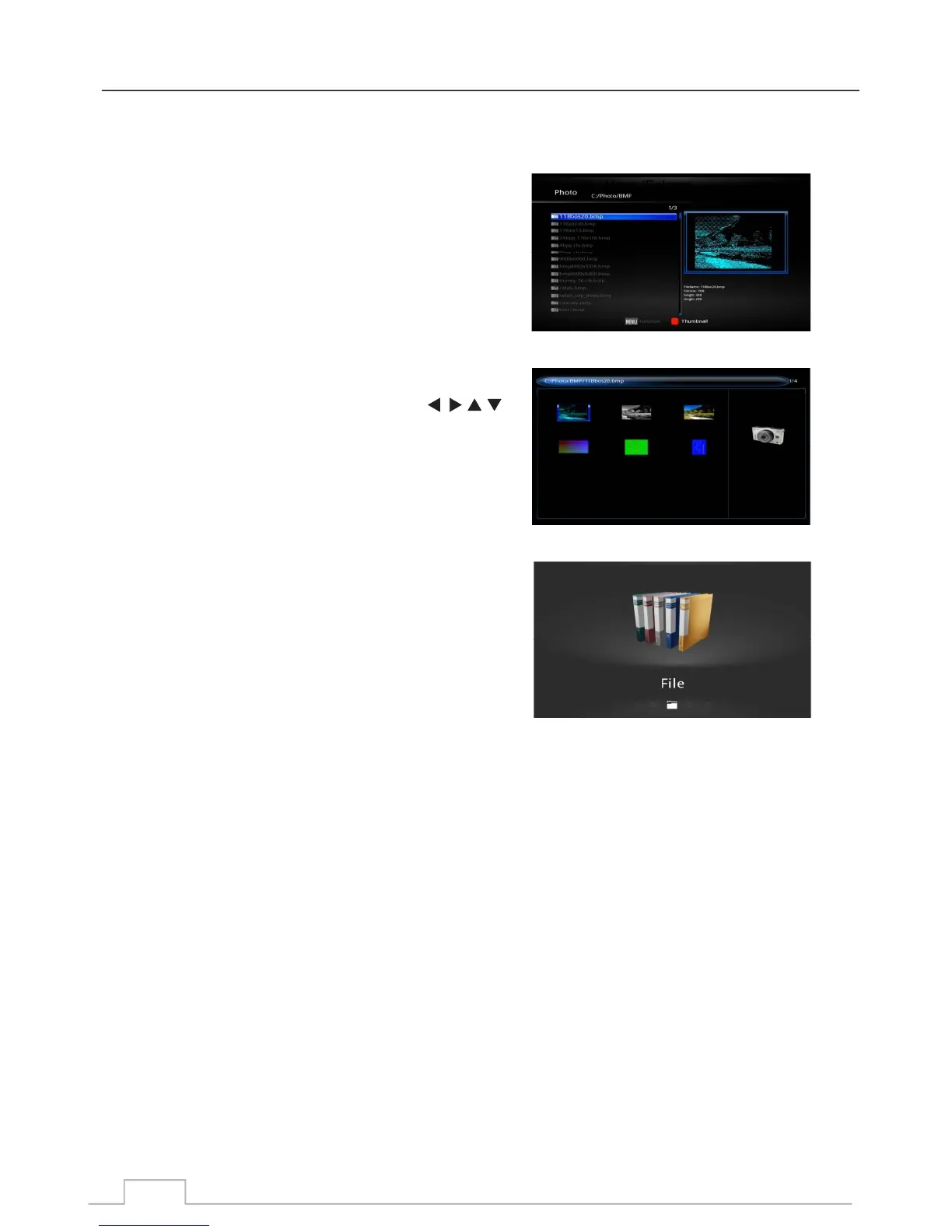
Highlight the photos you would like to view, and press OK to
view in FULL SCREEN.
Press the MENU key to access controls of your slide show,
such as viewing direction, sequence, random, zoom and
shrink.
Also you can press the RED key to go to THUMBNAIL mode.
Press the RED key to access the THUMBNAIL mode.
You can navigate within this list by using the
keys.
Press the RED key to display the photo slide show in
full screen.
You can view all your file types in this mode.
Press the MENU key to access the FUNCTION MENU,
where you can manage your files such as copying and
deleting files.
File
Thumbnail
Photos
27



 To Next Page