If you suspect there is a fault with your unit, please check the following trouble shooting guide before
calling an authorised service agent.
Warning! Under no circumstances attempt to repair the receiver yourself. Tampering with the unit may
result in electric shock and will invalidate your warranty.
No user serviceable parts inside: Refer all servicing to an authorised repair centre.
Note : If you have tried all of the above suggested actions and the problem persists,
please contact your dealer or authorised service centre.
Trouble shooting:
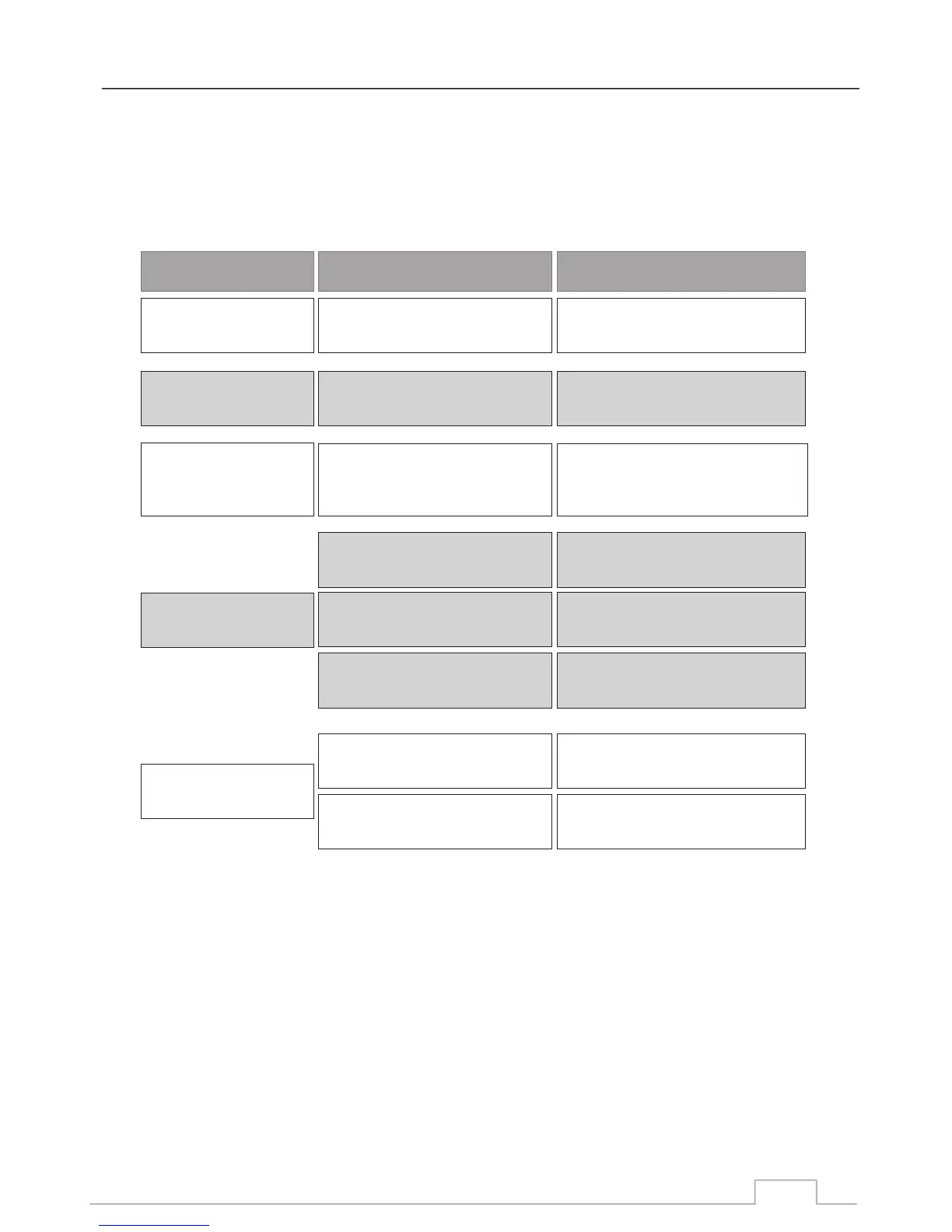
Problem Possible causes What to do
The display on the front
panel does not light up.
No sound or picture,
but the front panel shows
red light.
Main cable is not connected.
The is in standby mode.receiver
Check that the main cable is
plugged into the power socket.
Press the standby button.
No sound or picture.
No signal or weak signal.
Check the cable connections,
antenna and other equipment
connected between the antenna
and the receiver.
Bad picture / blocking
error.
Signal is too strong.
Connect a signal attenuator to
the antenna input.
Antenna noise factor too high.
Change to an antenna with lower
noise factor.
The antenna is faulty. Change the antenna.
The RCU is not working.
Battery exhausted.
Change the batteries.
RCU is incorrectly aimed.
Aim RCU at the , or check
that nothing blocks the front panel.
receiver
50



 To Next Page