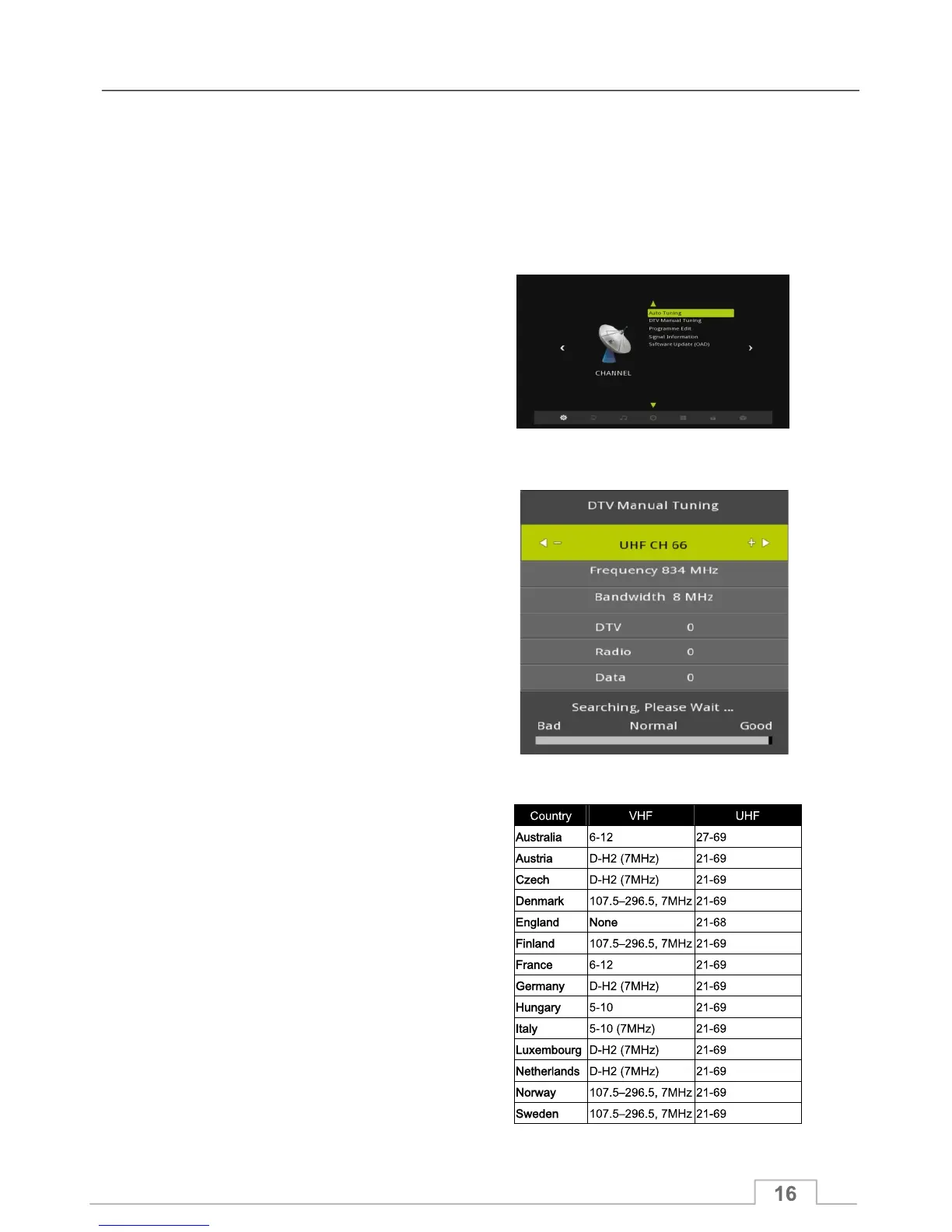
You can also use Manual Tuning to search for available channels per frequency. Unlike
analogue TV, where each channel occupies a frequency, in Digital Television each channel
frequency may contains a number of TV and Radio channels.
To use Manual Tuning, please proceed with the following steps:
1. Press the MENU key to display the
Channel Menu.
2. Highlight DTV Manual Tuning and press OK.
3. Use the Left/Right keys to select the channel
frequency that you would like to search for channels
on and press OK.
4. After Manual Tuning has finished the number
of TV, Radio and Data channels found will be
displayed.
5. When Manual Tuning has finished, you can
press OK key to display the TV Channel List
and select a channel to watch.
Channel Frequency range by country:
Manual Tuning
Channel Menu



 To Next Page