Network Based Applications
Click the RED key when the menu bar is displayed at the
bottom of the screen will show available functions.
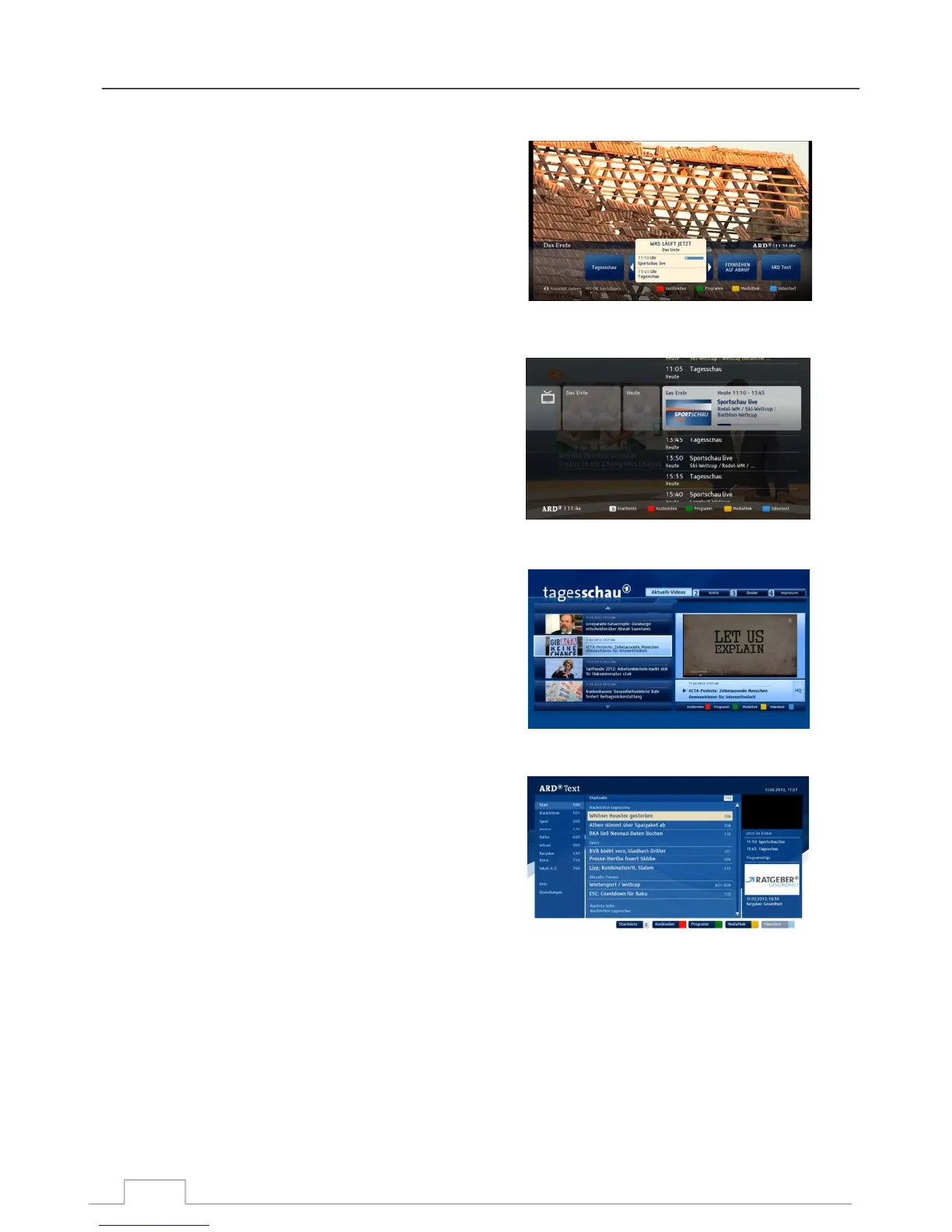
Informative EPG with programme information shown.
At the bottom of the screen you will find colour-coded
multi-function keys:
BLUE/ YELLOW key to scroll UP and DOWN the page.
GREEN key: Reminder.
RED key: Schedule.
Choose the videos that you would like to watch
Teletext service from the Teletext key on your remote.
For more information, visit: http://www.hbbtv.org
Main Menu:
Video on demand:
EPG:
Teletext:
39



 To Next Page