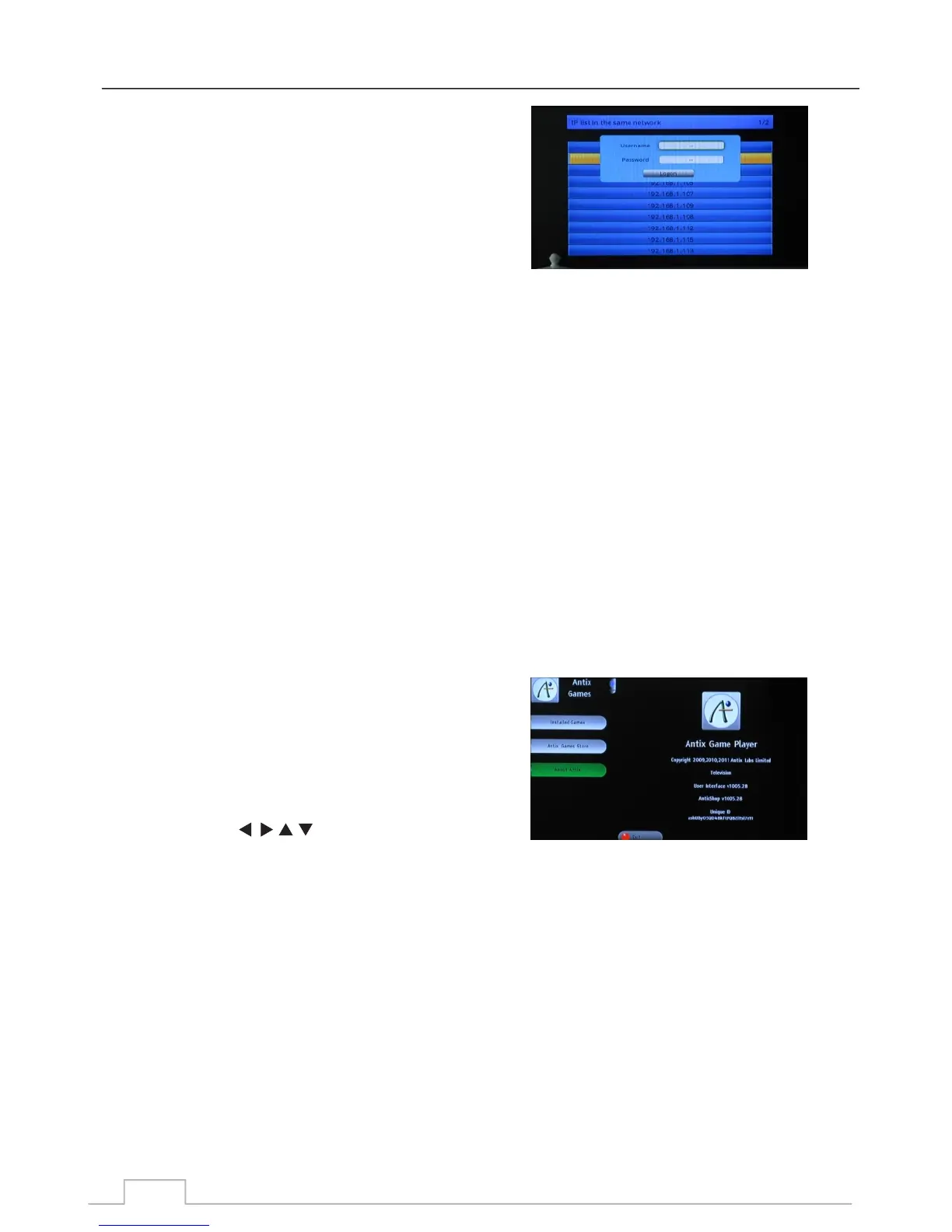
Press MEDIA button to enter to media player menu.
Enter to Device sub-menu. Then you can find a Net
Device item listed in the end of device list. Press
OK/LIST to enter, the screen as right screen shot will
be displayed. And you can find all the local terminals
which is accessible.
1. Select one of terminal IP address that you want to
login.
2. Input correct user name and password.
3. Select Login button and press OK/LIST key to enter.
Access your files on your Android device via LNA with
Samba File Sharing!
Samba provides a simple way to access files on your
Android smart phone over a local network. To use this
option you will need to first install the Samba app on your
smart phone.
Provided that you have correctly setup Samba on your smart
phone, you will be able to browse your SD card contents via
your local network.
For more information, please visit: https://play.google.com
and search for “Samba File Sharing”
Depending on your location, various games are available for
your entertainment.
Note: In order to use your game applications, you will first
need to plug a USB memory stick into your receiver.
Then using the , OK, and colour keys, you can
navigate and select the games of your choice, or browse
through available games for download.
Note : If you have tried all of the above suggested actions and the problem persists,
please contact your dealer or authorised service centre.
Please note: Some games may need an extra controller to
operate, please contact your dealer (Only available for
certain models and markets)
Samba File Sharing
Games:
49



 To Next Page