Multimedia Player
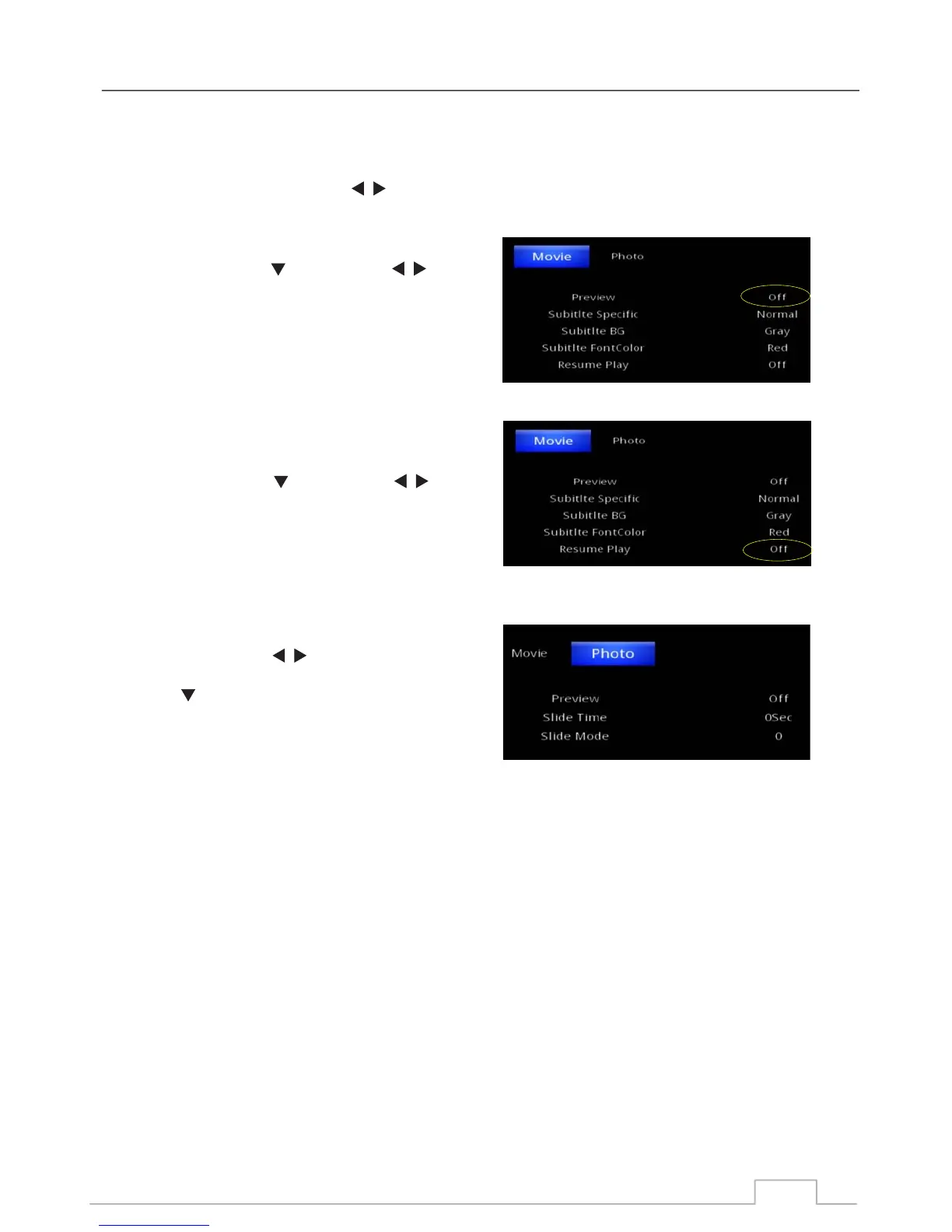
Open the Setup page and press key to mark the highlight on the “Movie”.
From “Movie” Press key and press key
to set the preview window setting.
Preview = ON, user can preview the movie and picture
in the preview window.
Preview = Off, only full screen is available.
From “Movie” Press key and press key
to set the Resume Play setting.
Resume Play = ON
Resume Play = Off
From “Movie” Press key to display “Photo”.
Press key to mark the highlight the following:
Set the photo “Slide time” 0~30 sec.
Set the photo “Slide mode” 0~59”.
Up to 60 different slide modes are available when viewing
slides in full screen.
Where Slide time is the time between each slide change.
Setting Resume Play:
Setting the preview window for movie files. (On/OFF)
Slide Show settings:
28



 To Next Page