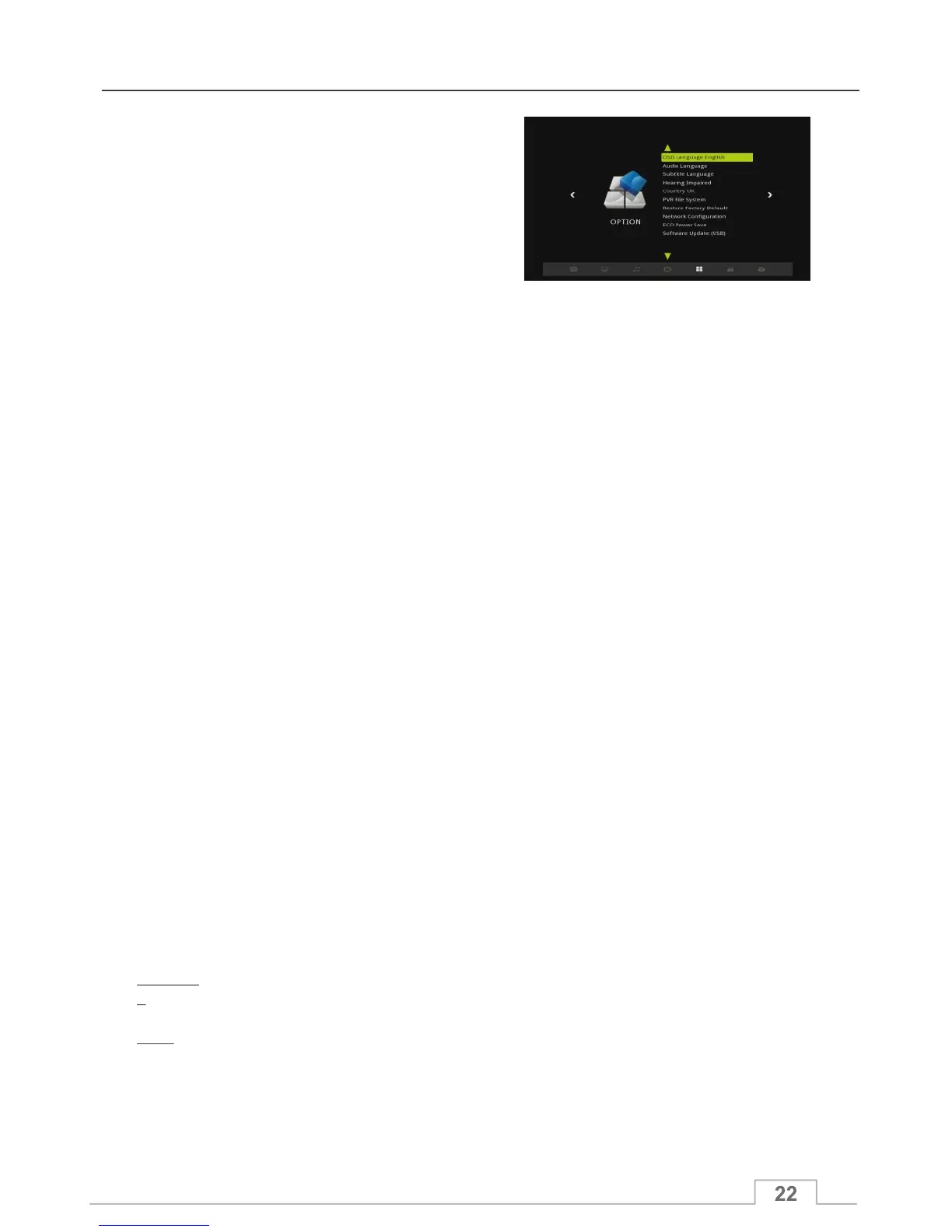
The following options are available within this MENU:
Sets the On-Screen Menu language.
Sets the default audio language for all channels (whenever
multiple audio languages become available). The user can
also change it by using the AUDIO button on the remote
control when watching TV or listening to Radio channels.
Sets the default subtitle language for all the channels
(whenever multiple subtitle languages become available).
The user can also change the language by using the SUB
button on the remote control when watching TV or listening
to Radio channels.
Enables or disables the subtitles for hearing impaired.
If set to ON, the receiver will display subtitles specifically
designed for the hearing impaired.
Sets the various parameters and functions for PVR mode:
Select Disk: Sets the default USB port and logic disk index
for PVR. Shows the basic information and format of the
selected USB (There are 3 USB ports available in receiver).
Time Shift Size: Sets the max file size for time shift function.
Speed Check: To check the current USB transport speed.
Banner Show Time: Sets the PVR banner timeout time.
USB Remove Start: Remove current USB form port.
Always Time shift: When set to on, the time shift function
will always be on when the PAUSE key is pressed.
1- Highlight this option and press OK if you wish to reset
your unit to Factory Default.
2- You will see menu requestion for your PASSWORD.
3- Enter your PASSWORD to proceed with resetting your
unit to Factory Default.
Warning:
This will delete all your channels and personal settings.
Note:
The default password is 0000
Option Menu
Restore Factory Default
PVR File System
Hearing Impaired
Subtitle Language
Audio Language
OSD Language



 To Next Page