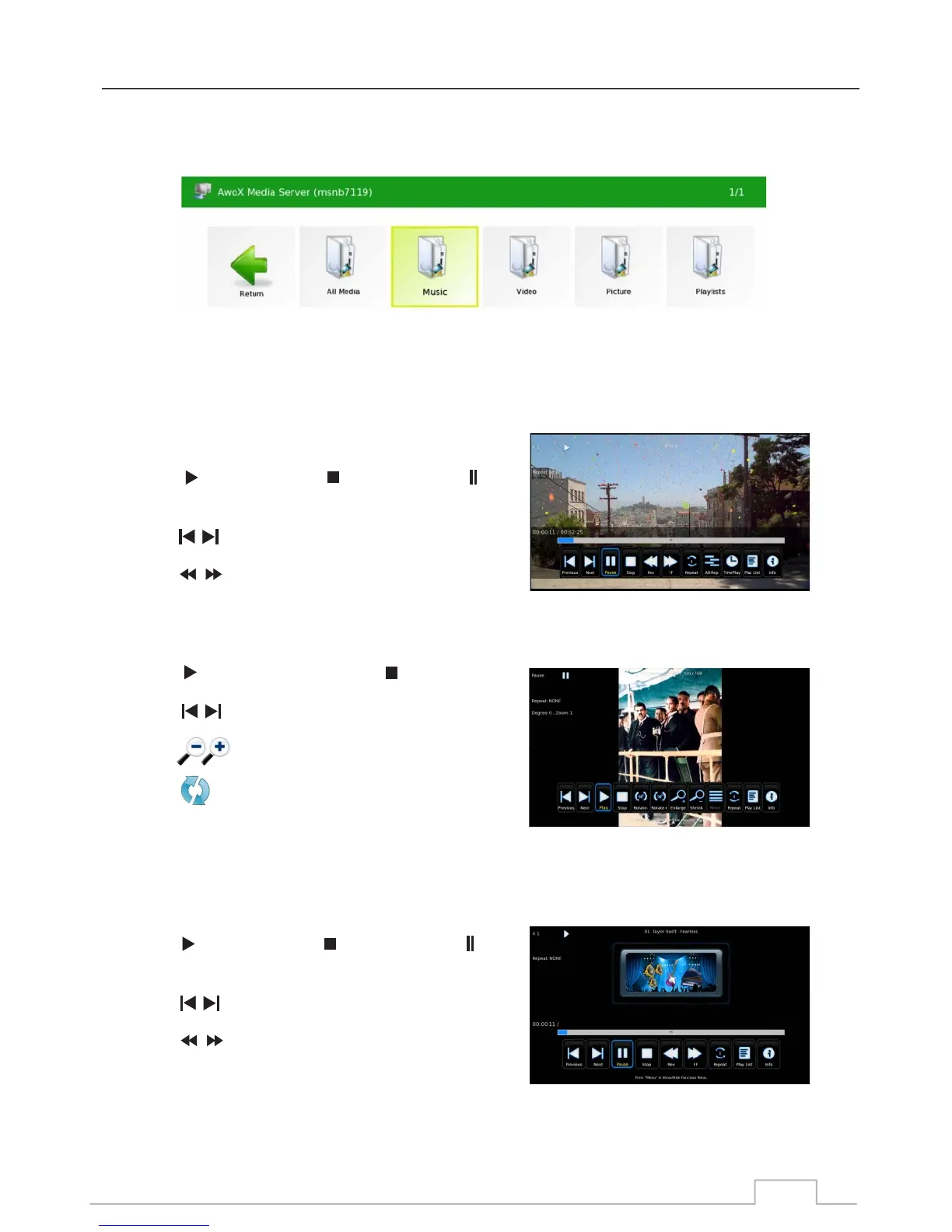
Select the desired Digital Media Server and it will display the media type available on that server.
You can watch movies, listen to music and display your
photos stored on your server on the Icecrypt digital receiver.
Press key to play, press key to stop, press
key to pause.
Press key to jump to the previous or next movie.
Press key to play fast forward and slow forward.
Press key to display photo, press key to stop
Press key to jump to previous and next picture.
Press keys to enlarge and shrink picture.
Press key to rotate picture.
Press key to play, press key to stop, press
key to pause.
Press key to jump to previous and next track.
Press key to play fast forward and slow forward.
2. Select media Type:
Movies:
3. Play media files:
Photos:
Music:
Home Networking
36



 To Next Page