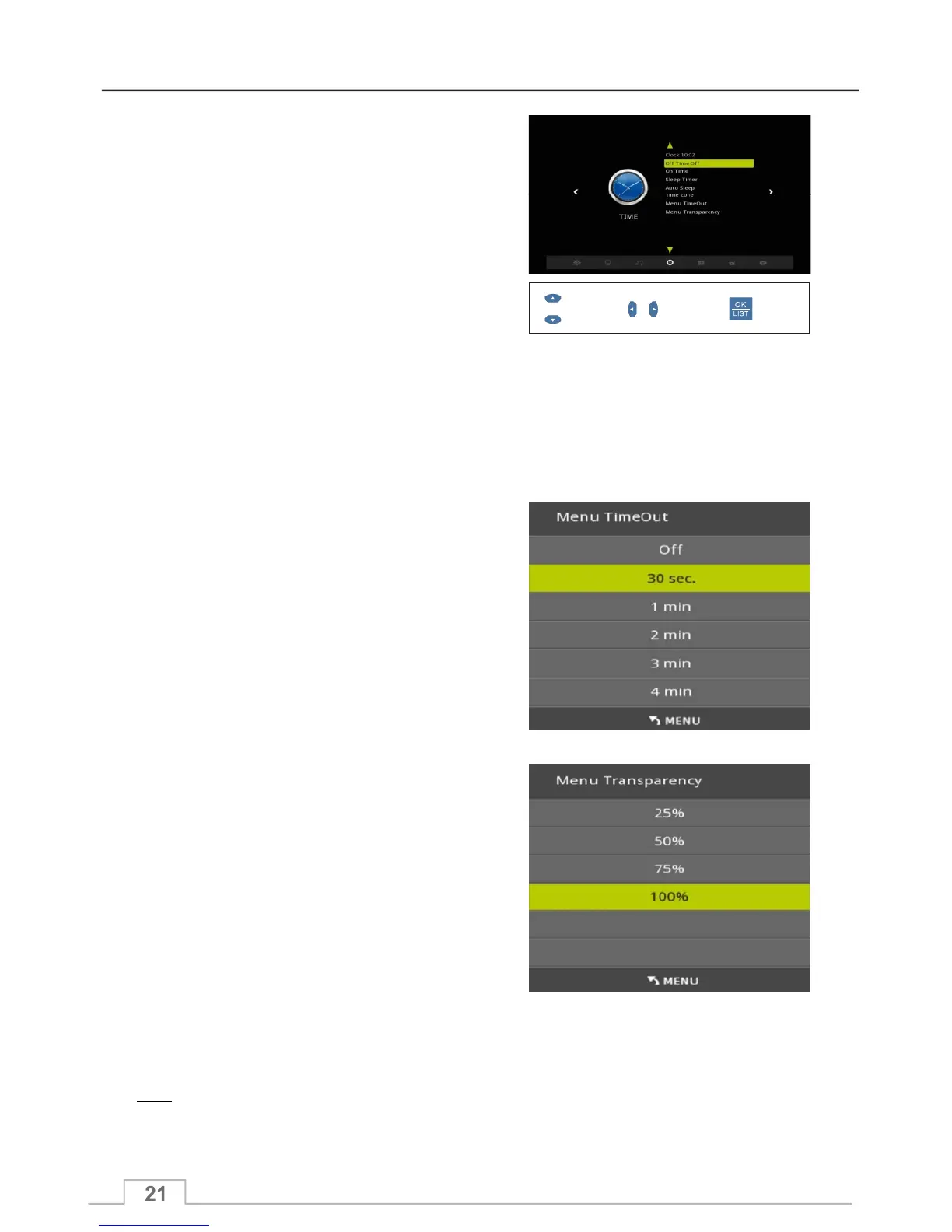
Time Menu
Select Confirm
Display
Time Zone
You can set the various time related functions on your unit:
Time as defined by the broadcaster.
Sets the time for the receiver to enter standby automatically.
Sets the time for the receiver to switch on automatically.
Automatic count-down timer to standby mode. Selectable between 10mins to 240mins.
You should set this to your local Time Zone.
Time period before Menus auto closes.
Set from OFF to up to 4 mins.
Sets the transparency of the Menu system from:
25% to 100%, where 25% is most transparent, and 100%
indicates solid colours.
Note:
In order for all timer related functions to operate correctly, you need to keep the unit connected to your
mains power outlet. This also includes any scheduled recording settings.
When activated unit will turn to standby if no commands are received for the time set.
Auto Sleep
Sleep Timer
On Time
Off Time
Clock
Menu Time Out
Menu Transparancy



 To Next Page