ı TRANSMITTING
Before transmitting, monitor your selected operating
frequency to make sure transmitting won’t cause inter-
ference to other stations on the same frequency.
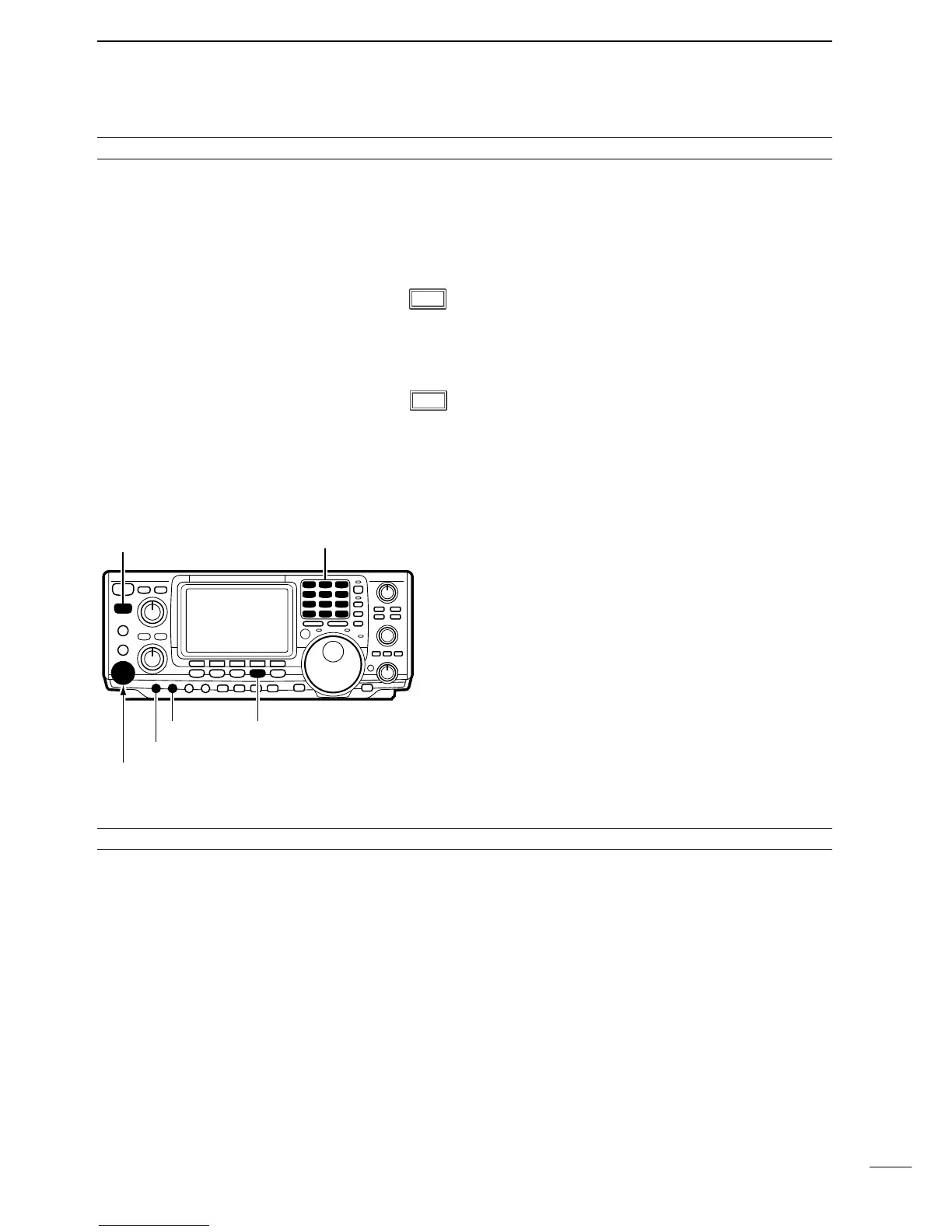
➀ Connect a microphone to the [MIC] connector.
➁ Push a band key to select the desired band.
➂ Push [AM/FM] to select FM.
• Pushing [AM/FM] toggles between AM and FM.
➃ Rotate [AF] to set audio to a comfortable listening
level.
➄ Push [TRANSMIT] or push and hold [PTT] to trans-
mit, then speak into the microphone to transmit.
➅ Push [TRANSMIT] or release [PTT] to return to re-
ceive.
✔Convenient functions for receive
q Preamplifier and attenuator (p. 38) The preamp amplifies received signals in the front end
circuit to improve the S/N ration and sensitivity.The at-
tenuator prevents a desired signal from distorting
when very strong signals are near the desired fre-
quency or when very strong electric fields, such as
from a broadcasting station, are near you.
w Noise reduction (p. 39) The noise reduction function reduces noise compo-
nents and picks out desired signals which are buried
in noise.The received AF signals are converted to dig-
ital signals and then the desired signals are separated
from the noise.
e Auto notch filter (p. 40) The auto notch function automatically attenuates more
than 3 beat tones, tuning signals, etc., even if they are
moving.
✔Convenient functions for transmit
q VOX (voice activated transmit) (p. 43) The VOX function starts transmission without pushing
the transmit switch or PTT switch when you speak into
the microphone; then, automatically returns to receive
when you stop speaking.
w Transmit quality monitor (p. 45) This function allows you to monitor the quality of your
transmitted signal.



 To Next Page