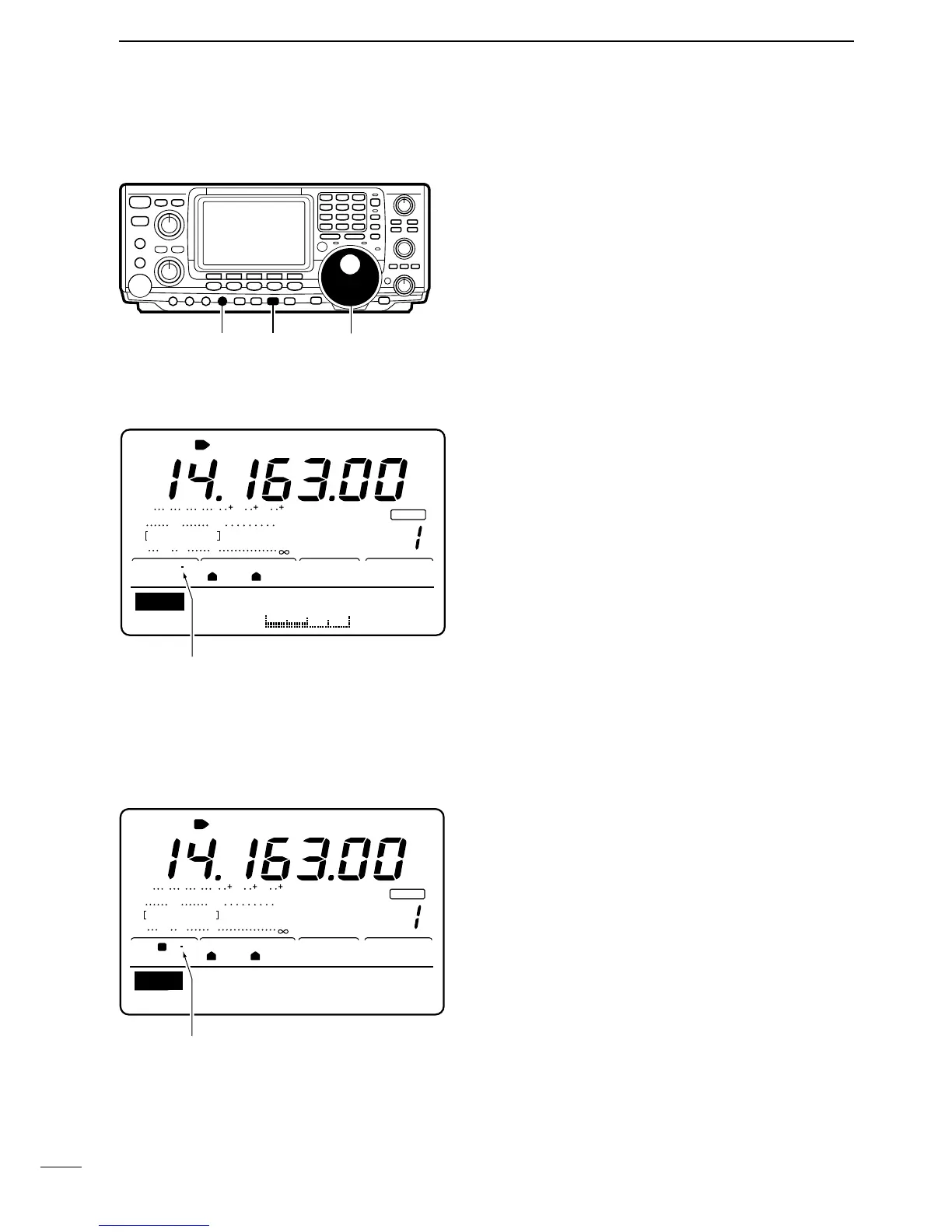
The break-in function is used in CW mode to automat-
ically toggle the transceiver between transmit and re-
ceive when keying. The IC-746 is capable for full
break-in or semi break-in.
Å SEMI BREAK-IN OPERATION
During semi break-in operation, the transceiver selects
transceive when keying, then automatically returns to
receive after a pre-set time from when you stop key-
ing.
➀ Push [CW/RTTY] to select CW or CW-R mode.
➁ Push [VOX/BK-IN] one or more times to select semi
break-in operation.
•“BK-IN” appears when semi break-in is selected.
➂ Set the break-in delay time (the delay from transmit
to receive).
➥ Push [VOX/BK-IN] for 2 sec. to select break-in
program mode.
➥ Rotate the tuning dial to select the desired delay.
➥ Push [MENU] or [VOX/BK-IN] to return to menu
set 1.
☞ NOTE: When using a paddle, rotate [KEY SPEED]
to adjust the keying speed.
ı FULL BREAK-IN OPERATION
During full break-in operation, the transceiver automat-
ically selects receive if a signal is detected while key-
ing.
➀ Push [CW/RTTY] to select CW or CW-R mode.
➁ Push [VOX/BK-IN] one or more times to select full
break-in operation.
•“OBK-IN” appears when full break-in is selected.
☞ NOTE: When using a paddle, rotate [KEY SPEED]
to adjust the keying speed.



 To Next Page