50
7
MEMORY CHANNELS
7-3 Transferring a memory to VFO
The contents of a memory channel (frequency, mode,
etc.) can be transferred to VFO mode.
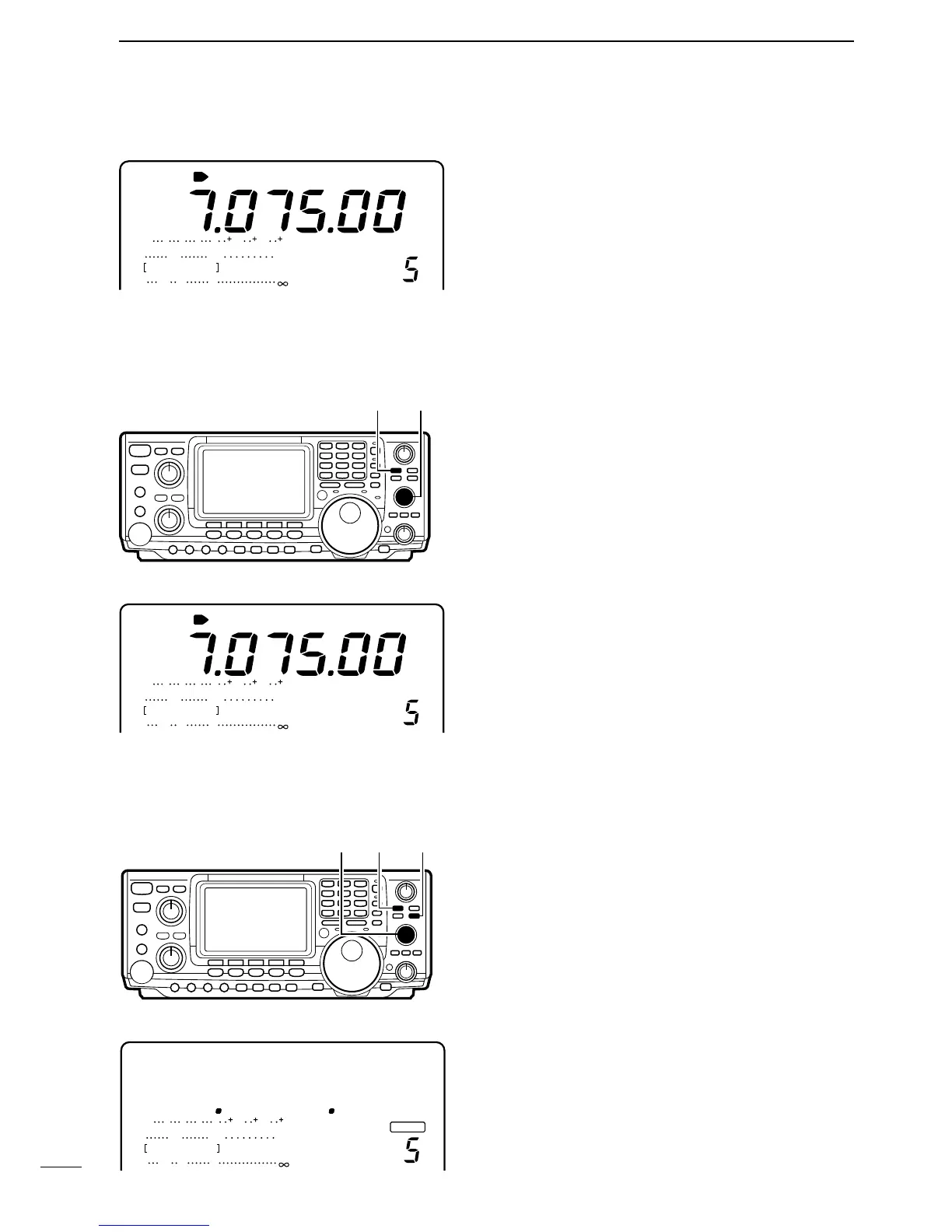
➀ Push [V/M] to select VFO mode, if necessary.
➁ Rotate [M-CH] to select the memory channel num-
ber to be transferred.
➂ Push [V/M] for 2 sec. to transfer the contents of the
selected memory channel to VFO mode.
CH
SWR
ALC
Po
S
1
20 50
3
3211.5
579 20 40 60
100%
VFOA
[V/M] [M-CH]
LSB
ANT
1
• After transferring contents of M-CH 5 to VFO
7-4
Clearing a memory
Any unnecessary memory channels can be cleared.
The cleared memory channels become blank chan-
nels. The scan edge channels P1 and P2 and the call
channel cannot be cleared.
➀ Push [V/M] to select memory mode, if necessary.
➁ Rotate [M-CH] to select the memory channel to be
cleared.
➂ Push [M-CL] for 2 sec. to clear the contents of the
selected memory channel.
• The contents of the memory are cleared and “BLANK”
appears.
CH
SWR
ALC
Po
S
1
20 50
3
3211.5
579 20 40 60
100%
BLANK
MEMO
[V/M][M-CH]
[M-CL]
• After clearing the contents of M-CH 5
CH
SWR
ALC
Po
S
1
20 50
3
3211.5
579 20 40 60
100%
LSB
ANT
1
MEMO
ı IN MEMORY MODE
➀
Push [V/M] to select memory mode.
➁ Rotate [M-CH] to select a memory channel.
• All memory channels including blank channels can be
selected.
• Memory channels can also be selected using the micro-
phones [UP]/[DN] keys.



 To Next Page