36
8
DSC OPERATION
ew
1
2
3
4
5
6
7
8
9
10
11
12
13
14
15
16
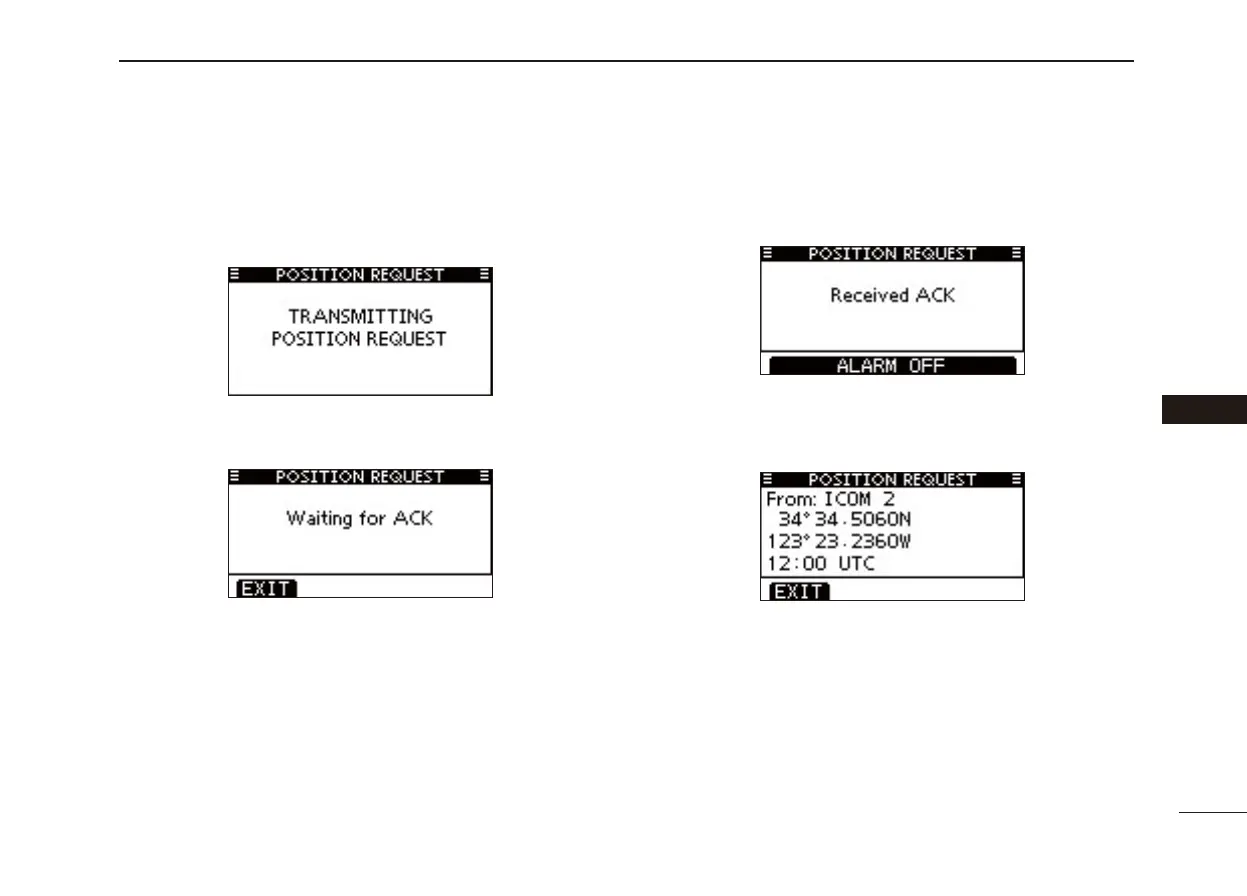
Push [CALL] to transmit the Position Request Call. r
• If Channel 70 is busy, the transceiver stands by until the channel
becomes clear.
After the Position Request Call has been transmitted, the t
following screen is displayed.
• The transceiver waits for an acknowledgment call on channel 70
for 10 secconds, then waits for a call by alternately monitoring
channel 70 and the operating channel.
When the acknowledgement call is received, beeps sound y
and the following screen is displayed.
Push [ALARM OFF] to stop the beeps, and then the screen u
as shown below is displayed.
Push [EXIT] to return to the normal operating mode. i



 To Next Page