Part 2 - Conguration
24
• Clear All Data: Erases all recording data. Selecting
Clear All Data displays a conrmation window. Select
Clear to proceed.
• Before you perform Clear All Data, make sure you
are not accidentally deleting important data. Erased
data cannot be recovered.
• Clear All Data does not aect the system log.
Instead, the Clear All Data event will be added to
the log.
• Troubleshooting Reporting: Generates a report to
troubleshoot any issues, and exports the report.
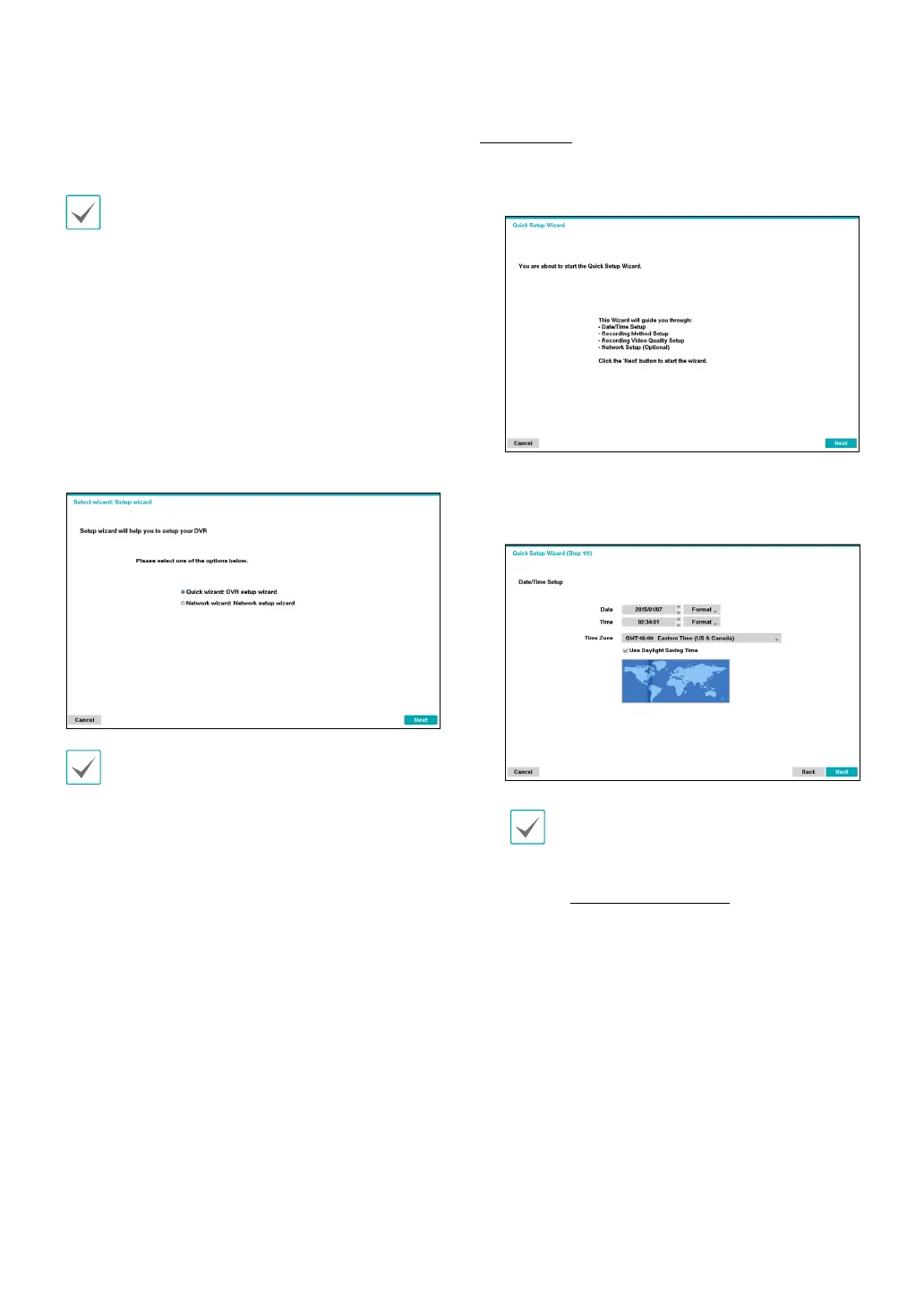
• Wizard: Lets you congure basic settings required for
operating the system.
1
Select the desired Setup Wizard option and click
Next.
Select Cancel from any of the Wizard screen to cancel
the setup process and return to the main setup menu.
Quick Wizard
1
Select Quick Wizard.
2
Specify the current date and time and then click
Next.
• The new date and time settings will only be
applied after clicking Next.
• For more information on date and time
settings, refer to the Date/Time section under
System Setup on page 22.



 To Next Page