Part 2 - Conguration
25
3
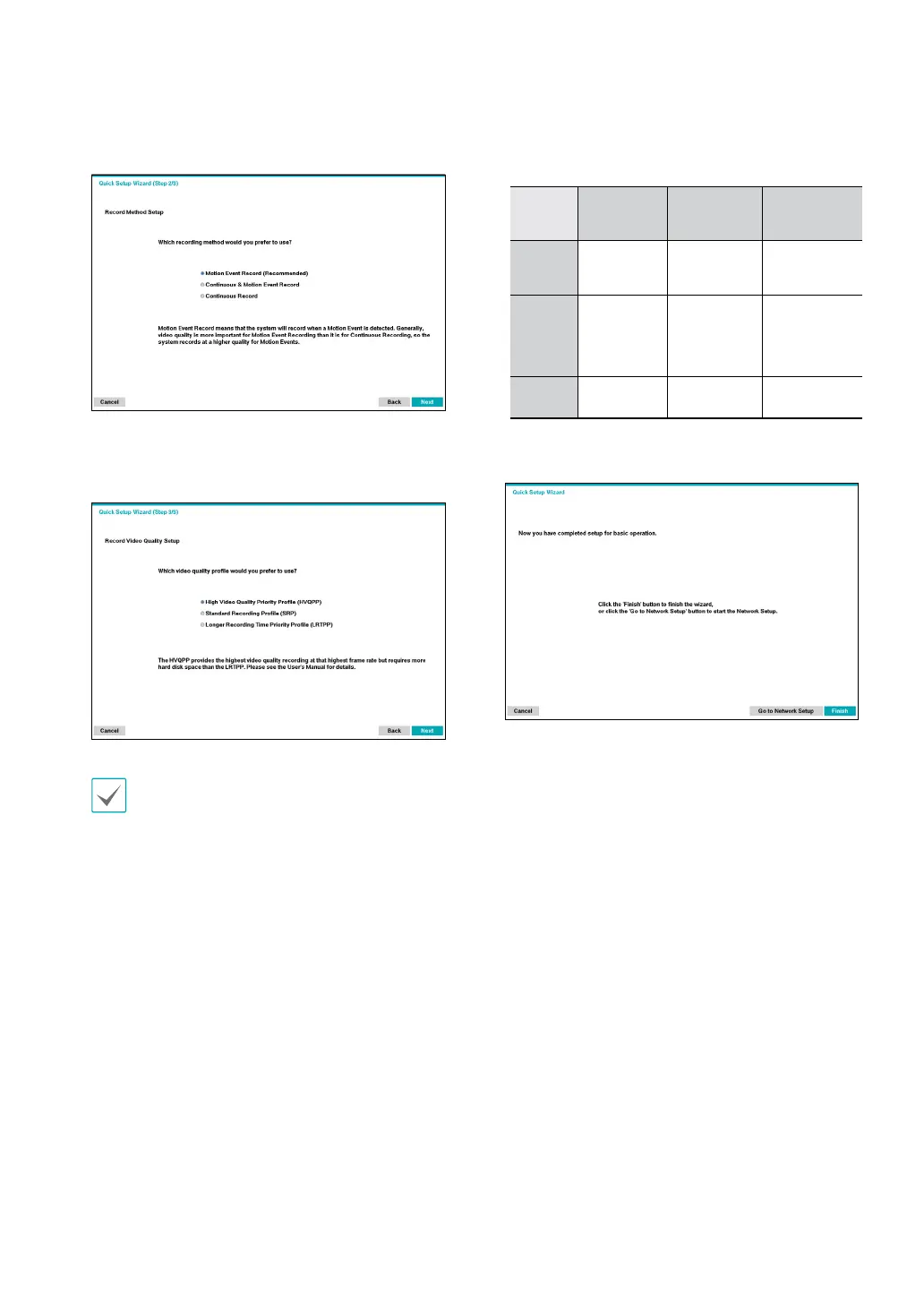
Choose the desired Recording Method and click
Next.
4
Choose the desired Recording Quality and click
Next.
Higher recording quality uses up more disk space.
– Recording ips, quality, resolutions used under each
recording method and record video quality setting are as
follows:
High Video
Quality Priority
Prole
Standard
Recording Prole
Longer Recording
Time Priority
Prole
Motion
Event
Record
30 ips, Very high,
Very high
15 ips, High, Very
High
5 ips, Standard,
High
Continuous
& Motion
Event
Record
Time, Event: 30
ips / Very High /
Very High
Time: 15 ips / High
/ High
Event: 30 ips /
Very High / Very
High
Time: 5 ips /
Standard / High
Event: 15 ips / High
/ High
Continuous
30 ips, Very high,
Very high
15 ips, High, Very
High
5 ips, Standard,
High
5
Click Finish to exit Quick Wizard.



 To Next Page