Part 2 - Conguration
26
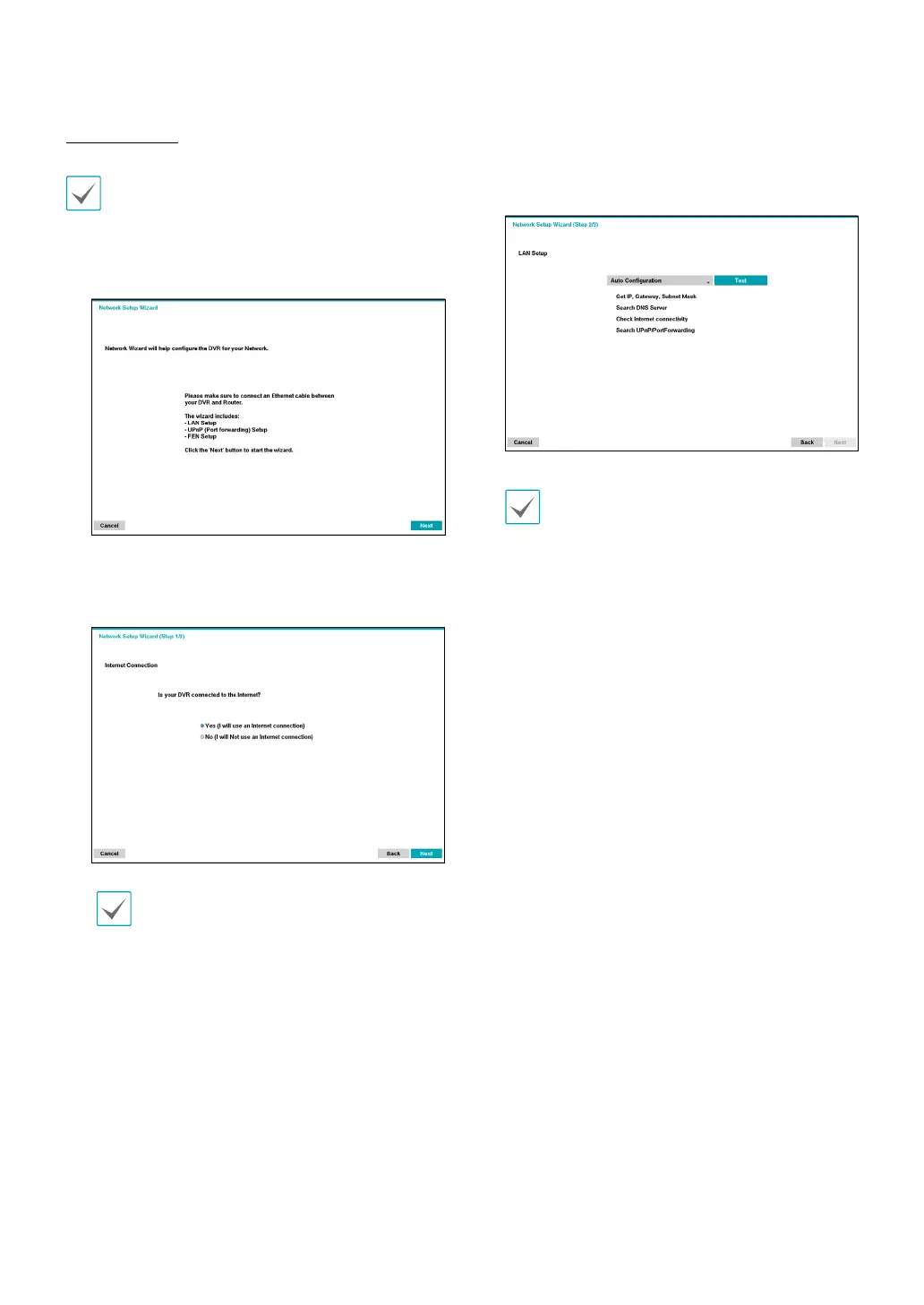
Network Wizard
After exiting from Quick Wizard, you can click Go to
Network Setup and set up the network with Network
Wizard.
1
Select Network Wizard.
2
Specify whether the system is connected to the
Internet and click Next.
If you have chosen No, wait for the test to nish
and then click Finish to exit Network Wizard.
3
Select Network Conguration and then click
Next. Select either Auto Conguration or Manual
Conguration and then click Test to test the system’s
current network conguration.
• This test must be performed before proceeding
to the next step.
• If the DVR is on a network connected to a
network that has a DHCP server, selecting Auto
Conguration retrieves LAN settings such as
IP and DNS addresses automatically. Selecting
Manual Conguration, on the other hand, lets
you specify the settings manually.
• UPnP support device not found. If this error
message is displayed, check to see if the IP
router (or NAT) supports UPnP and if UPnP has
been enabled. For more information about the
router's UPnP function, refer to the router's
operation manual.



 To Next Page