Chapter 3 Welder Operation Description 55
Ehave Series Full Digital IGBT CO
2
/MAG/MMA Multifunctional Inverter Welder User Manual
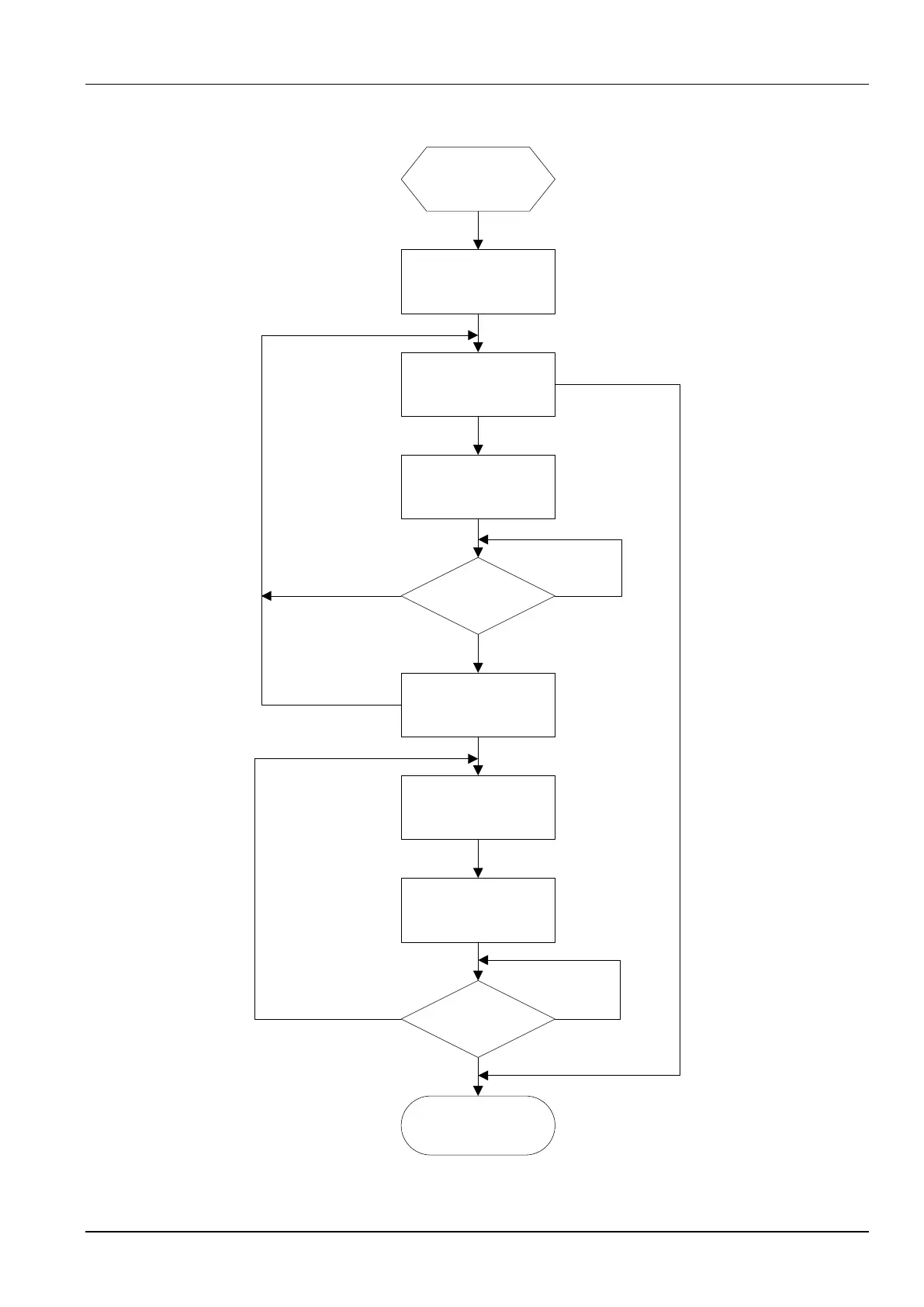
Figure 3-39 shows the procedure for locking the welding parameter adjustment ranges.
Select welding
parameters.
Press and hold the ENTER
button for 3 seconds.
(The common locking function
is enabled.)
Common lock mode
(Welding can be performed.)
Press and hold the LOAD
button for 3 seconds.
(The password lock is
enabled.)
State where the welding
parameter adjustment ranges are
unlocked (The password lock is
disabled.)
Correct
Incorrect
Enter the lock password.
Press and hold the
ENTER button for 3
seconds.
Press and hold the
ENTER button for 3
seconds.
Press and hold the
ENTER button for 3
seconds.
Set the current and voltage
adjustment ranges.
(The welding parameter
adjustment ranges are
locked.)
Password lock mode
(Welding can be performed.)
Enter the lock password.
Press and hold the LOAD
button for 3 seconds.
(The password lock is
disabled.)
Press and hold the
ENTER button for 3
seconds.
Incorrect
Correct
Figure 3-39 Procedure for locking the welding parameter adjustment ranges



 To Next Page