Chapter 3 Welder Operation Description 45
Ehave Series Full Digital IGBT CO
2
/MAG/MMA Multifunctional Inverter Welder User Manual
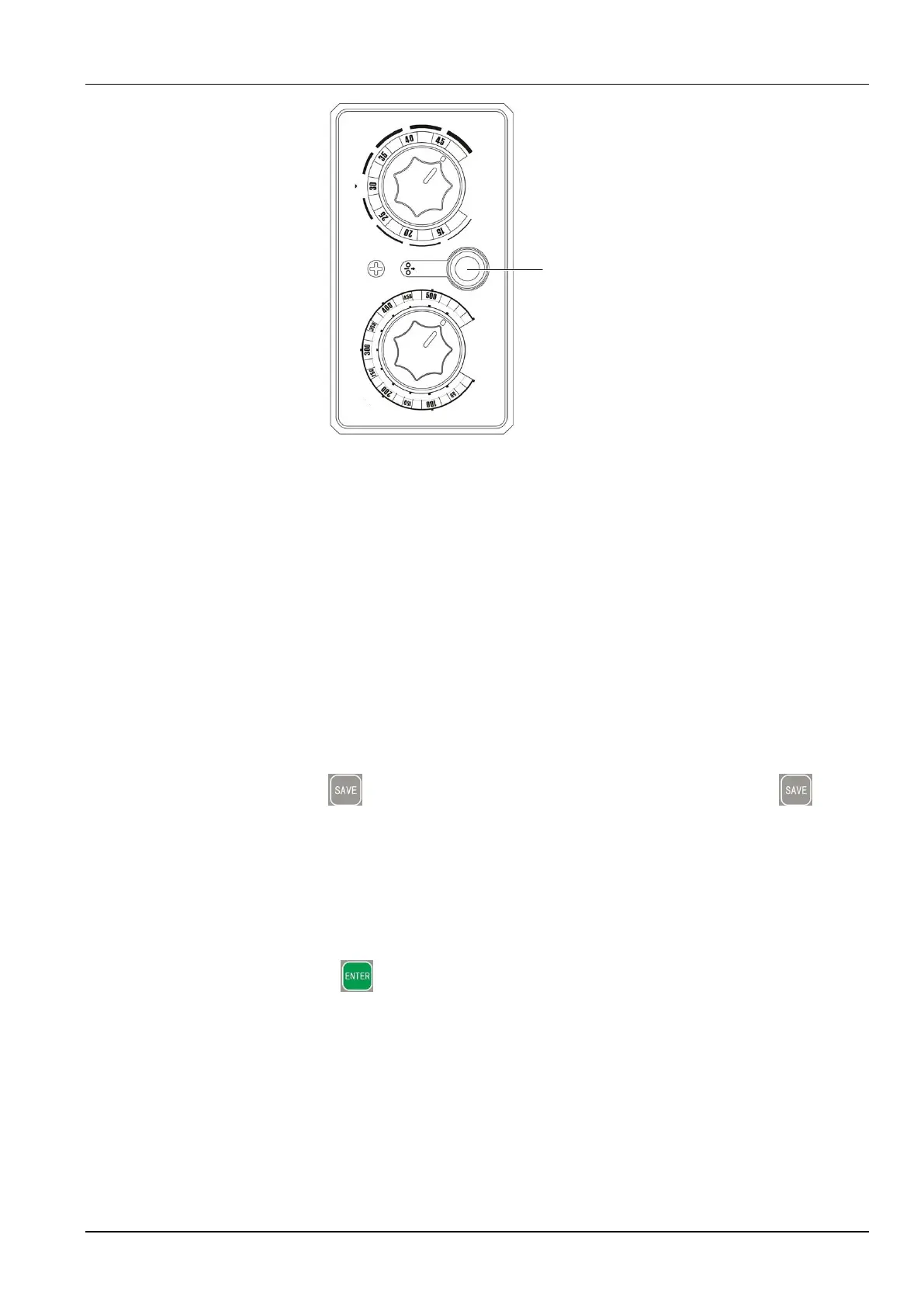
Voltage
(
V
)
Standard
Manual/Syn
ergic tuning
Inch wire
Wire inching
button
Current
(A
)
Adjust
current
Figure 3-20 Remote control box of the wire feeder
Note:
The wire inching speed depends on the preset current. A higher preset current results in a
higher wire inching speed, while a lower preset current results in a lower wire inching speed.
3.4.10 SAVE and LOAD
SAVE
It is used to save parameter settings. The following provides two methods of saving
parameter settings.
The procedure for method 1 is as follows:
1. Press the SAVE button. The Job No. indicator turns on and the SAVE
indicator flashes.
2. Use the knob to select a channel number (0 - 9).
3. Select the welding parameter settings to be saved. Figure 3-18 shows the control panel
where the parameter settings are saved.
4. Press the ENTER button to save the parameter settings. After the parameter
settings are saved, the indicators turn off.



 To Next Page