Chapter 3 Welder Operation Description 35
Ehave Series Full Digital IGBT CO
2
/MAG/MMA Multifunctional Inverter Welder User Manual
on, it displays a spot welding time. In locking mode or when a fault occurs, it displays a
corresponding code.
The right screen displays a voltage, an arc dynamic value, or a code. When the voltage
indicator V turns on, it displays a voltage value. When the arc dynamic is adjusted, it displays
an arc dynamic value (adjustable within the range of -9 to +9.)In locking mode or when a fault
occurs, it displays a corresponding code.
3.4 Control Panel Functions
Note
The control panel of Ehave CM500 is used as an example to describe the functions. Usage of the
functions is the same as that for Ehave CM250/350/350AR/500H/500AR.
3.4.1 Gas Shielded Arc Welding
Set Gas type, Wire type, and Wire diameter according to the welding process requirements.
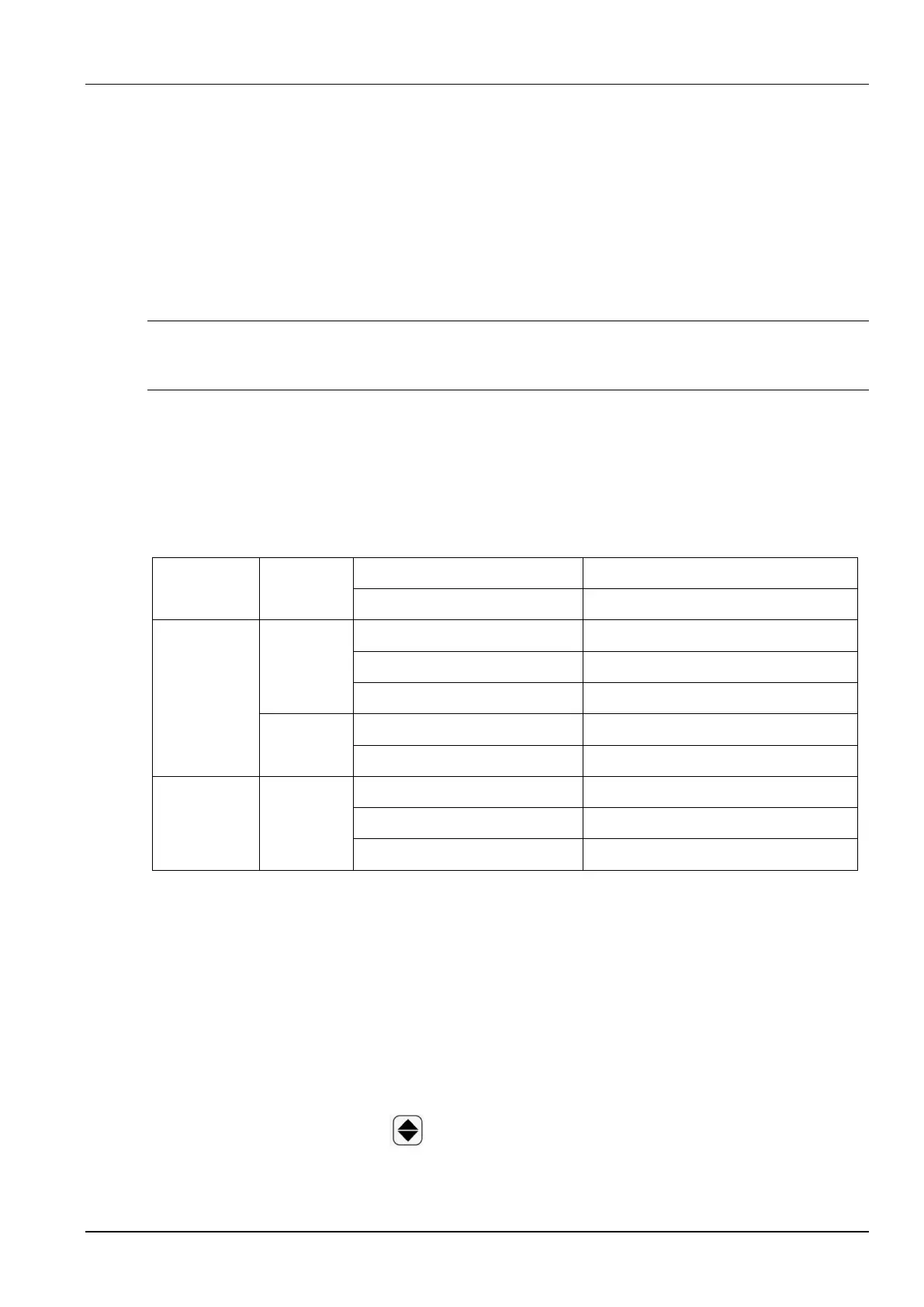
Table 3-1 lists the allowed settings of this welder.
Table 3-1 Parameter settings for gas shielded arc welding
3.4.2 Spot Welding
Spot welding is mainly used for tack welding, short-time welding, and thin-plate welding. Two
steps must be performed, including turning on and turning off the welding torch.
The procedure is as follows:
1. Use the current and voltage adjusting knobs on the wire feeder to set the welding current
and voltage.
2. Press the Welding control button and switch to the spot welding mode.



 To Next Page